Verge3D
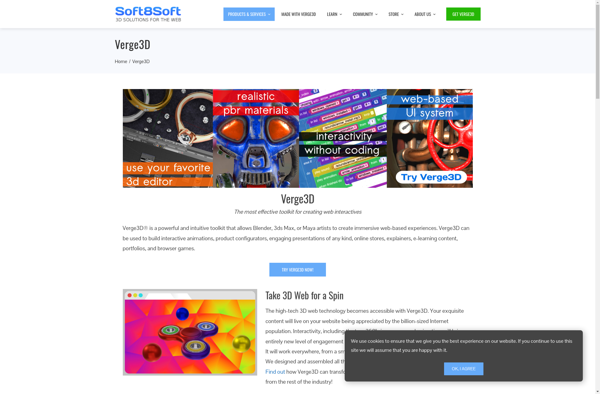
Verge3D: 3D Modeling & Animation Toolkit for Web
Create interactive 3D web applications with Verge3D, a powerful toolkit powered by WebGL, converting 3D models from Blender into immersive web-based experiences.
What is Verge3D?
Verge3D is a software development kit and toolkit that allows creators and developers to build high-quality interactive 3D applications that run directly in modern web browsers, without the need for plugins or downloads. Developed by Soft8Soft and first released in 2015, Verge3D provides a bridge between the 3D modeling world and the web development world.
At its core, Verge3D provides the ability to take 3D models created in Blender, a popular open-source 3D modeling and animation program, and convert them into web-based 3D scenes with full WebGL rendering and support. This allows artists and developers to skip over traditional 3D pipeline complexities and quickly deliver their 3D projects to the web.
Verge3D extends basic 3D web visualization with a robust JavaScript API, allowing for creation of sophisticated interactions, animations, physics simulations, character control, sounds, particle systems, and more. Developers can tap into these capabilities through Verge3D's documentation and examples gallery covering topics like manipulation, navigation, VR integration, Puzzles, configurators, CAD visualization, e-commerce, 3D UI, and augmented reality.
Applications built with Verge3D target all modern web browsers with WebGL support, requiring no downloads, plugins, or installation for the end user. Some key target areas and verticals include web-based product configurators, interactive 3D product presentations, architectural visualization, interactive training, 3D CAD & CAM data visualization, medical visualization, and online simulations. Several high-profile brands have used Verge3D for interactive web projects.
Verge3D represents an easy entry point into web-based 3D for creatives already comfortable with Blender. It allows artists to transform their 3D art into dynamic web experiences using the Verge3D toolkit and JavaScript coding. The result is highly interactive and realistic 3D applications that run smoothly via WebGL across desktop and mobile web browsers.
Verge3D Features
Features
- Converts 3D models from Blender to interactive 3D web applications
- Supports PBR materials and real-time global illumination
- Has physics engine for realistic object behavior
- Allows creating animations and interactivity with JavaScript
- Works across desktop and mobile platforms
Pricing
- Freemium
- Subscription-Based
Pros
Cons
Official Links
Reviews & Ratings
Login to ReviewThe Best Verge3D Alternatives
View all Verge3D alternatives with detailed comparison →
Top Development and 3D Modeling & Animation and other similar apps like Verge3D
Here are some alternatives to Verge3D:
Suggest an alternative ❐
Unity

Unreal Engine

CRYENGINE

Adobe Animate

Adobe Dreamweaver


Sketchfab

Spline

GDevelop


Roblox Studio

Rogue Engine

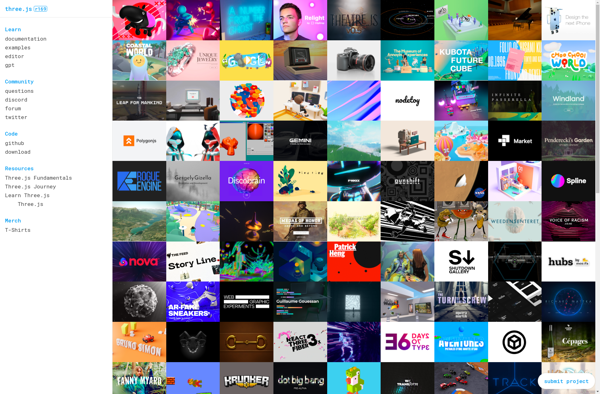
Three.js

Blender Game Engine

Zdog

CrossBrowdy

P5.js


Wick Editor

Blend4Web


Playir

Limon Engine


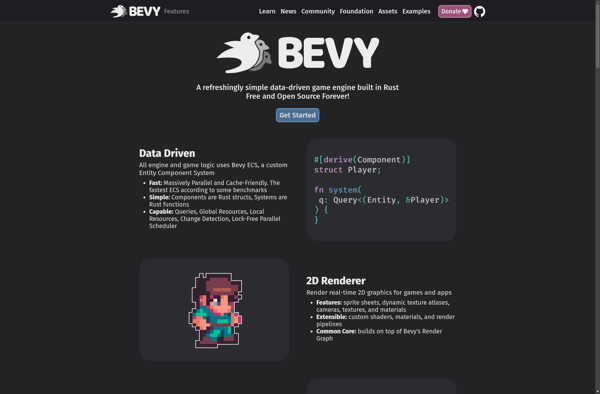
Bevy Game Engine

Upbge


UniPlayer

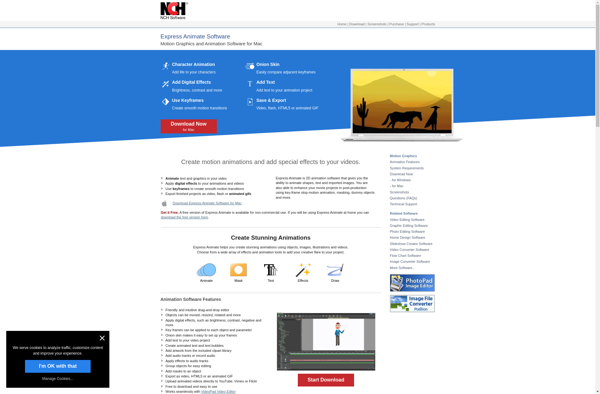
Express Animate

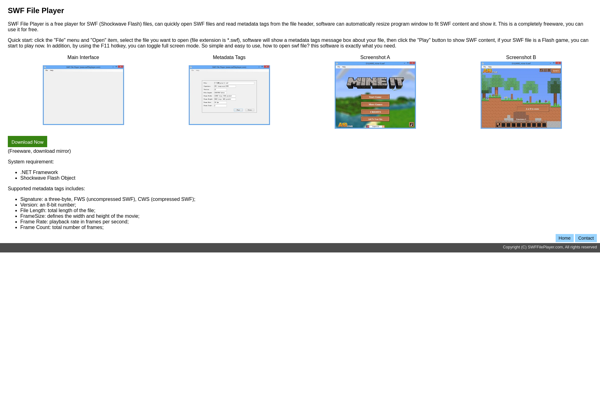
SWF File Player

Armory 3D

Vectary


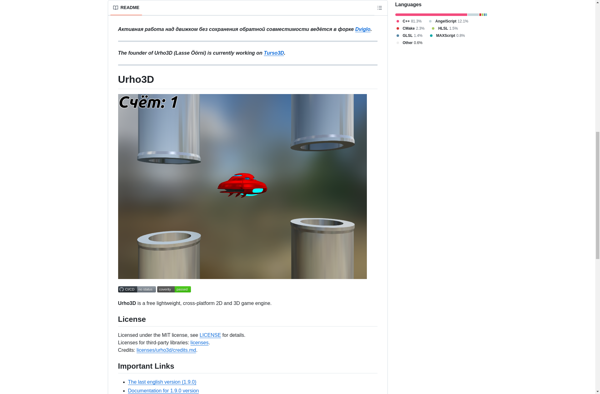
Urho3D

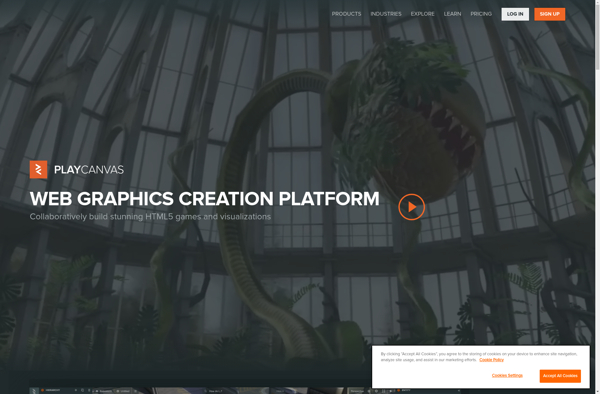
PlayCanvas

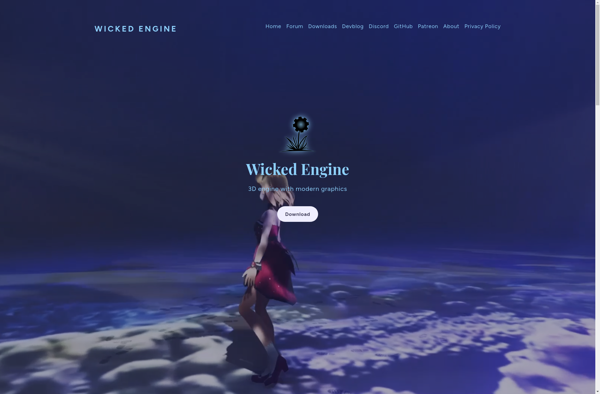
Wicked Engine

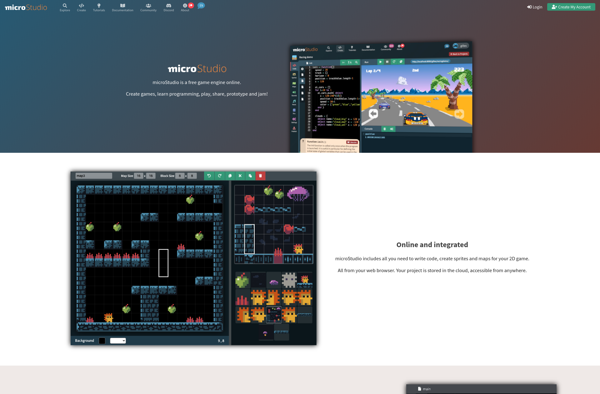
MicroStudio

Panda3D

Babylon.js

Coppercube

Shubus Viewer

Unity Web Player

Torque 3D

Whitestorm.js