
Vivilio
Vivilio: Free Video Editing Software
Free, open-source video editing software for Windows, Mac and Linux, offering basic non-linear editing tools for trimming, splicing, rotating, audio editing and adding effects.
What is Vivilio?
Vivilio is a free and open-source video editing software suitable for beginners and professionals alike. It works on Windows, Mac and Linux operating systems.
With its easy-to-use interface, Vivilio allows you to import various video, audio and image formats including MP4, MOV, AVI and more. You can then trim, splice, rotate, crop, add transitions, titles, effects, change speed and much more to produce professional-looking videos.
Key features include:
- Multiple video, audio, image format support
- Intuitive drag and drop timeline editing
- Hundreds of visual effects, transitions, texts, stickers and more
- Multi-track timeline for advanced editing
- Chroma key tool for green screen editing
- Detailled audio editing features
- Supports 360° VR video editing
- Proxies for smooth editing of high res footage
- Custom output settings
- Completely free and open-source
With its balance of power and simplicity, Vivilio is a great choice for creative video projects, whether you're a hobbyist, student, educator or professional video creator.
Vivilio Features
Features
- Basic video editing tools
- Trimming, splicing, rotating videos
- Editing audio
- Adding effects
- Producing high-quality videos
Pricing
- Free
- Open Source
Pros
Cons
Official Links
Reviews & Ratings
Login to ReviewThe Best Vivilio Alternatives
View all Vivilio alternatives with detailed comparison →
Top Video & Movies and Video Editing and other similar apps like Vivilio
Here are some alternatives to Vivilio:
Suggest an alternative ❐
Amazon Kindle


Scribd

Project Gutenberg

Calibre

Apple Books


Google Play Books

Aldiko

EPUBReader


Kobo Books


Freebook Sifter

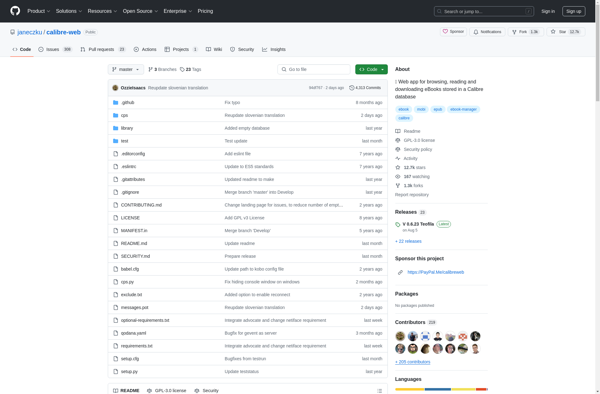
Calibre Web

ManyBooks.net