
WhatColor
WhatColor: Free Color Picker Tool
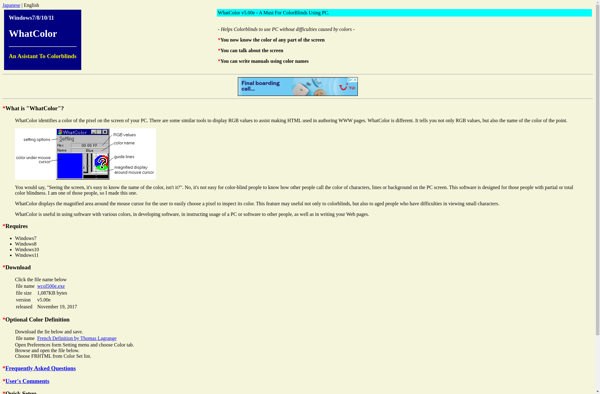
WhatColor is a free color picker tool that allows users to easily identify any color simply by hovering their mouse cursor over it on their screen. It displays the hex code and RGB values of any color detected.
What is WhatColor?
WhatColor is a handy free color identification tool for Windows. It runs minimized in the system tray and can identify the hex code and RGB values of any color on your screen just by hovering your mouse cursor over it. This makes it easy to find the exact colors used on web pages, graphic designs, photos, and anywhere else on your computer.
Some key features of WhatColor include:
- Real-time color detection - simply hover over any color to instantly see its details
- Supports hex codes, RGB values, HSL, and CMYK formats
- Color magnifier tool zooms in on an area for precision picking
- Color history panel shows recently detected colors
- Configurable hotkeys for quickly activating features
- tiny footprint - uses minimal system resources
WhatColor is useful for graphic designers, web developers, artists, photographers, or anyone who works with color selection and needs to accurately capture colors from their screen. Its easy-to-use interface requires no technical skill. With its tiny size and system tray operation, WhatColor stays out of the way until you need it.
WhatColor Features
Features
- Identifies colors on screen
- Displays hex code of detected colors
- Displays RGB values of detected colors
Pricing
- Free
Pros
Cons
Official Links
Reviews & Ratings
Login to ReviewThe Best WhatColor Alternatives
View all WhatColor alternatives with detailed comparison →
Top Photos & Graphics and Color Tools and other similar apps like WhatColor

Color Binoculars









