Active Pixels is a digital advertising tool that helps manage and optimize online ad campaigns. It provides features like campaign creation, placement targeting, budgeting, performance tracking, and optimization using AI and machine learning.
Active Pixels: Digital Ad Campaign Management Tools
Active Pixels is a digital advertising tool that helps manage and optimize online ad campaigns. It provides features like campaign creation, placement targeting, budgeting, performance tracking, and optimization using AI and machine learning.
What is Active Pixels?
Active Pixels is an advertising intelligence platform designed to optimize digital ad campaigns and empower performance marketers. It provides robust capabilities to manage the entire lifecycle of paid campaigns across different channels like search, social, display, video, native, and more.
Key features of Active Pixels include:
Intelligent campaign creation workflows with best practice templates and easy duplication of high performing campaigns
Granular targeting options across different parameters like geography, demographics, interests, behaviors, placement, etc.
Flexible budget allocation, pacing, and bid strategies to control campaign spend
Automated rules for pausing poor performing targeting segments
Extensive tracking and reporting on all campaign performance metrics
Powerful AI and machine learning algorithms to continually optimize targeting, bids, budgets to improve campaign performance
Unified platform to manage campaigns across Google, Facebook, LinkedIn, Twitter, etc.
Robust attribution modeling for accurate view of conversion performance
Overall, Active Pixels provides a smart advertising hub to efficiently manage and optimize digital campaigns at scale.
Active Pixels Features
Features
Campaign creation
Placement targeting
Budgeting
Performance tracking
AI and machine learning optimization
Pricing
Subscription-Based
Pros
Helps manage and optimize online ad campaigns
Provides automation and optimization using AI
Tracks campaign performance and ROI
Target ads to relevant audiences and placements
Cons
Can be complex for new users
Requires time and expertise to set up and manage campaigns
Adobe Photoshop stands as the unrivaled powerhouse in the realm of image editing and manipulation. Widely recognized as the industry standard, Photoshop provides a comprehensive suite of tools and features that cater to the diverse needs of graphic designers, photographers, and digital artists. At its core, Photoshop offers a robust...
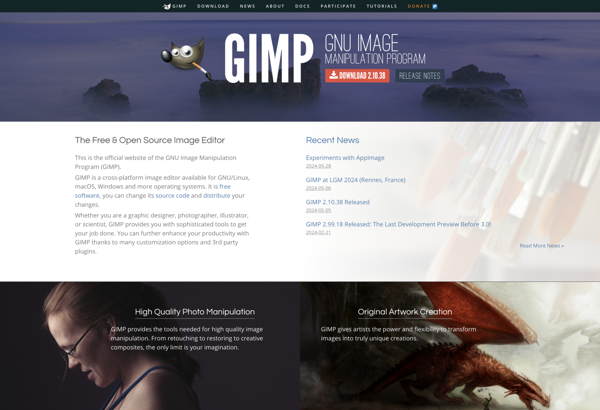
GIMP, or the GNU Image Manipulation Program, stands as a robust and freely available open-source image editing software. Serving as a compelling alternative to commercial counterparts, GIMP provides a rich set of features for photo retouching, graphic design, and digital art creation, making it accessible to users of all levels...
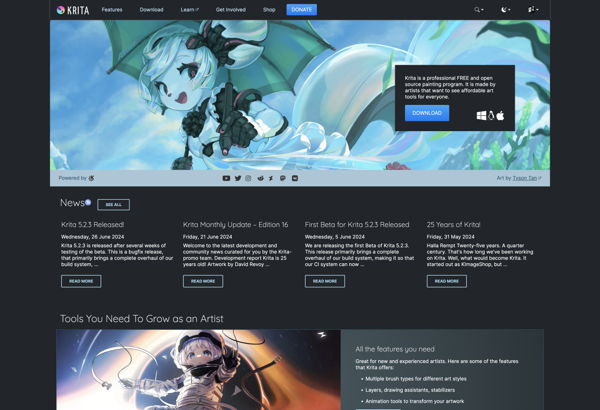
Krita stands as a standout in the realm of digital painting software, providing a free and open-source platform tailored for artists and illustrators. With its focus on delivering a robust set of tools for digital art creation, Krita has gained popularity for its versatility and accessibility. At the heart of...
Paint.NET is a popular free, open source raster graphics editor for Windows. Originally released in 2004, Paint.NET has grown into a mature, feature-rich alternative to paid image editing software like Adobe Photoshop or Corel Painter.Some key features of Paint.NET include:Intuitive and innovative user interface, using a toolbar ribbon design similar...
Microsoft Paint (formerly Paintbrush) is a basic raster graphics editor that has been included with almost all versions of Microsoft Windows since the first version was released in 1985. It allows users to create simple images and edit existing images in various ways.Some key features and capabilities of Paint include:Drawing...
Adobe Fireworks was a graphics editing software that allowed designers and developers to rapidly prototype and mock up website, app, and multimedia project designs and interfaces. It was first launched in 1998 by Macromedia before being acquired by Adobe Systems in 2005.Fireworks provided both vector and bitmap editing tools to...
Corel PaintShop Pro is a feature-packed, yet affordable photo editing and graphic design application that caters to both amateur photographers and seasoned professionals. It comes packed with an intuitive interface, customizable workspaces, and a wide array of professional image editing tools.Some of the standout features include layers support, a large...
Photoscape is a free image editing application for Windows. It provides a range of features that allow users to view, edit, enhance, organize, print, share and even create animated gif images and slideshows.Some of the key features of Photoscape include:Image Viewer - View photos in full screen, thumbnail view, adjust...
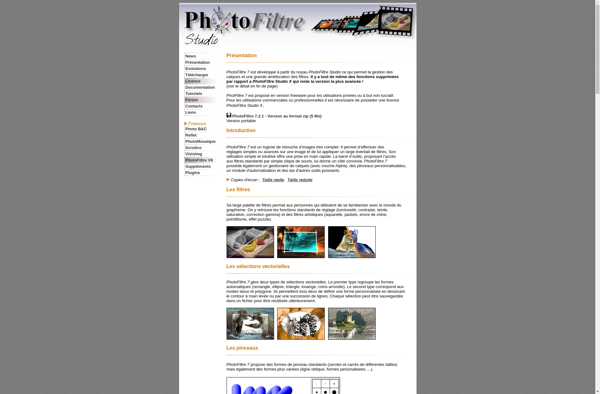
PhotoFiltre is a basic yet full-featured image editing program for Windows. It was first released in 2001 and has been updated over the years with new features and improvements.Some key features of PhotoFiltre include:Resizing, cropping, rotating, and flipping imagesDrawing tools like paintbrush, text, shapes, cloning stampFilters like blur, sharpen, edge...
Sumo Paint is a full-featured, free online graphic design and photo editing application aimed at casual and professional artists, designers, and photo editors. As an online web app, Sumo Paint runs in any modern web browser like Chrome, Firefox, Edge, and Safari, making it a completely cross-platform tool.Some of the...
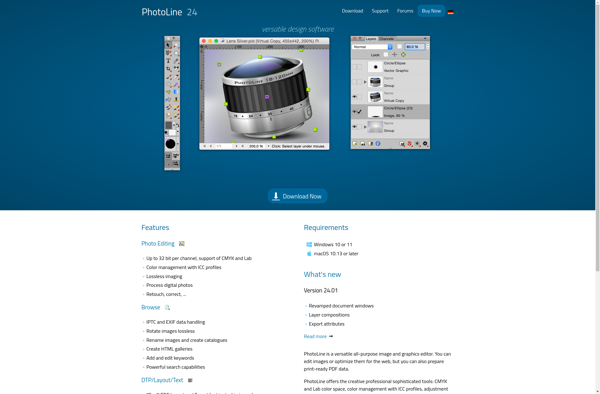
Photoline is a versatile raster graphics editor for Windows, macOS and Linux operating systems. Originally released in 2000, it is developed as a hobby project by Thomas Kuehnel.Photoline includes a wide range of features for photo retouching, image composition, matte painting, textures, graphical user interface design and more. It has...
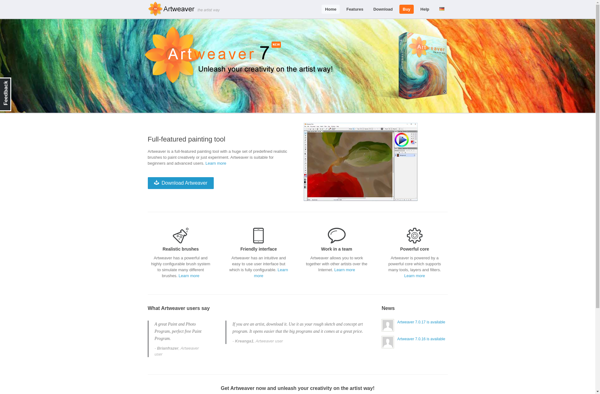
Artweaver is a full-featured digital art and painting software for Windows. Developed by Boris Eyrich, Artweaver aims to provide a natural and intuitive drawing and painting experience.Some key features of Artweaver include:Realistic brushes with control over aspects like opacity, flow, wetness, and textureLayers with blend modes for advanced editing and...