Boards

Boards: Project Management and Collaboration Tool
Boards is a project management and collaboration tool that allows teams to organize work into boards with cards representing tasks. It features kanban-style boards, task assignments, due dates, attachments, comments, workflows, and integrations with other apps.
What is Boards?
Boards is a flexible project management software that uses the kanban-style system to organize tasks and workflows for teams. It provides real-time collaboration allowing team members to work together effectively on projects.
With Boards, teams can create customizable boards to map out the project lifecycle by adding, editing, and moving cards across lists which represent the different stages of work. Rich features include:
- Task cards with descriptions, assignees, tags, attachments, comments and activity logging
- Customizable workflows with automations and rules
- Robust search and filtering to easily find tasks
- Read-only guest access and permissions to manage teams
- Easy reporting of card, list and board analytics
- Calendar view and timeline view to plan projects and track progress
- Native mobile apps allow users to access Boards on the go
- Secure encryption of company data
- Hundreds of integrations with tools like Salesforce, Dropbox, Gmail and more
With boards intuitively laid out and key information visible at a glance, Boards empowers teams to get organized, collaborate effectively and deliver projects successfully.
Boards Features
Features
- Kanban-style boards
- Task assignments
- Due dates
- Attachments
- Comments
- Workflows
- Integrations with other apps
Pricing
- Free
- Freemium
- Subscription-Based
Pros
Cons
Official Links
Reviews & Ratings
Login to ReviewThe Best Boards Alternatives
View all Boards alternatives with detailed comparison →
Top Business & Commerce and Project Management and other similar apps like Boards

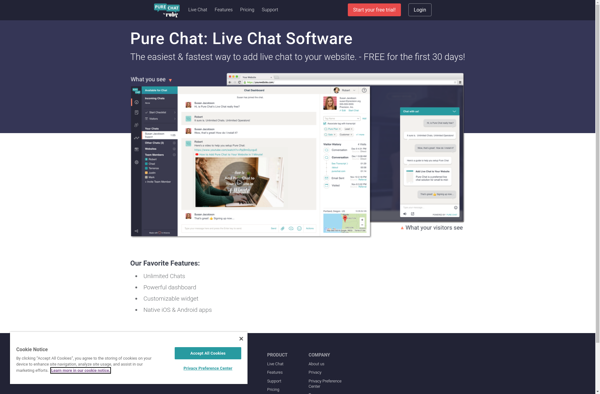
Pure Chat

Smartsupp

Nice.Chat