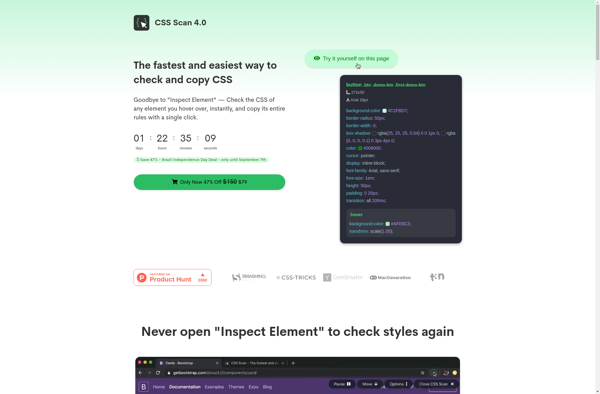
CSS Scan is a browser extension and web app that analyzes the CSS on any webpage to identify unused CSS selectors. It scans the HTML and CSS to detect unused rules, helping optimize page load speed.
Browser extension and web app to identify unused CSS selectors, optimizing page load speed
What is CSS Scan?
CSS Scan is a useful tool for web developers and designers to optimize the CSS on their webpages. It is available as both a browser extension and a web app that analyzes the CSS on any given webpage to identify unused CSS selectors.
When the CSS Scan extension or web app is run on a page, it scans the page's HTML structure as well as its CSS files. It detects any CSS selectors that are not actually being used to style elements on that page. These unused CSS rules unnecessarily increase the page size and load time.
By cleaning up CSS and removing these unused styles, pages can have faster load times and deliver better performance. CSS Scan generates detailed reports highlighting the unused CSS selectors, allowing developers to easily remove these rules from their stylesheets and streamline their CSS.
As websites grow larger in size, containing more pages and more complex CSS, unused CSS rules accumulate easily. CSS Scan empowers developers to analyze their sites and maintain optimized CSS for every page. With faster page speeds, sites enjoy improved user experience and search engine visibility.
CSS Scan Features
Features
Identifies unused CSS selectors
Analyzes HTML and CSS to detect unused rules
Helps optimize page load speed
Available as a browser extension and web app
Pricing
Free
Pros
Provides detailed analysis of CSS usage
Helps improve website performance by removing unused CSS
Easy to use and integrate into development workflow
Supports multiple browsers and platforms
Cons
Limited to analyzing CSS usage, may not cover other performance optimization aspects
Requires manual review and action to remove unused CSS
May not work well with complex or dynamically generated websites
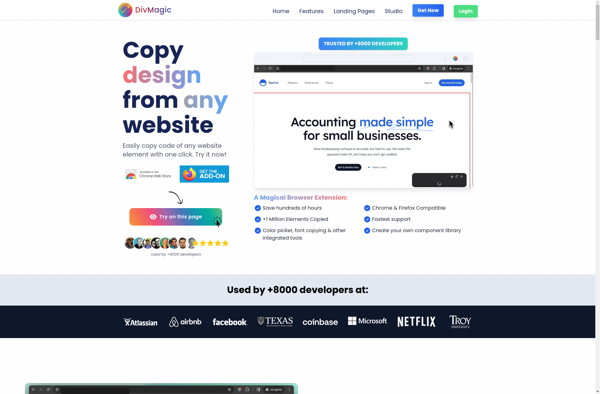
DivMagic is a user-friendly web design tool used to create responsive website prototypes and mockups. Its key features include:Intuitive drag-and-drop interface for quickly building page layoutsLarge library of pre-designed website elements and componentsSupports animations and interactions to demonstrate functionalityResponsive mode to preview designs on various device sizesExport clean, valid HTML...
Pesticide is an open source negative testing tool for finding software bugs and security vulnerabilities. It works by intentionally introducing bugs and security flaws into application code to validate how the system handles failures.Pesticide allows developers to inject exceptions, latency, resource exhaustion, invalid data, and other issues. By using Pesticide...
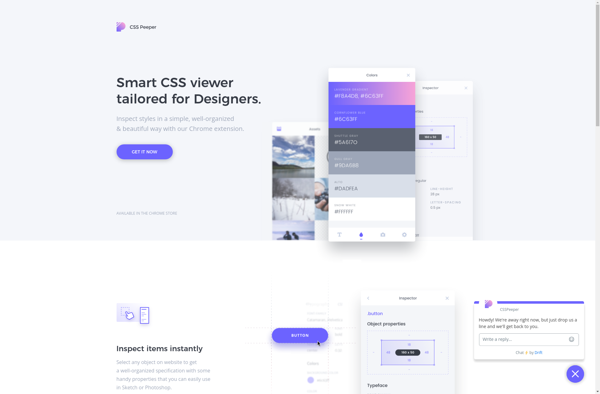
CSS Peeper is a browser extension available for Chrome, Firefox, and Edge that helps web developers and designers easily view and copy CSS selectors and styles from any website. It works by extracting all the CSS information from a web page and presenting it in an organized, easy-to-read manner within...
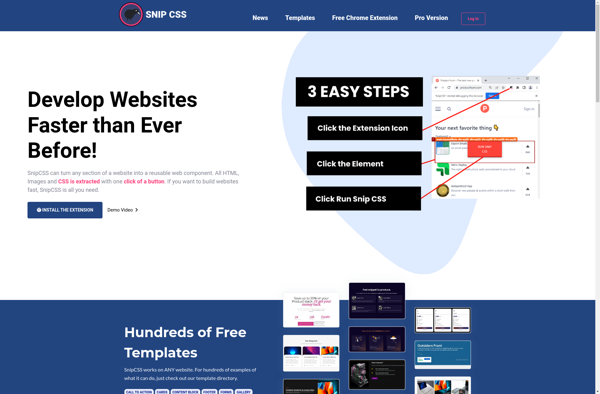
SnipCSS is a handy web application for creating, organizing and sharing code snippets online. It comes with a simple and intuitive interface that allows you to easily jot down pieces of code, give them titles and descriptions, apply syntax highlighting, organize using custom tags and folders, as well as share...
CSS Scan Pro is a useful tool for web developers to visualize and analyze Cascading Style Sheets (CSS) on any website. It is available as both a browser extension for Chrome and Firefox, and as a stand-alone web app.The core functionality of CSS Scan Pro is to easily extract all...
VisBug is a developer tool that helps web designers and developers inspect, validate and debug UI designs visually in the browser. It is available as a browser extension for Chrome, Firefox and Edge.Some key features of VisBug:Overlay design layers like boxes, spacing guides or background images to visually debug alignment...