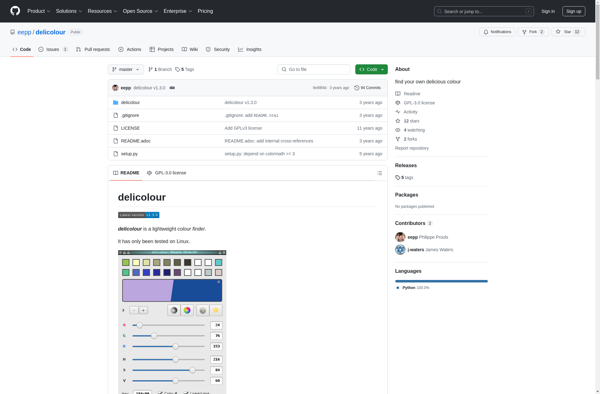
Delicolour is a free open source digital painting and photo editing software. It has an intuitive and innovative user interface with focus on usability. Delicolour provides tools for drawing, painting, editing images, applying effects and more.
Delicolour: Free Open Source Digital Painting & Photo Editing Softwares
A free open source digital painting and photo editing software with an intuitive and innovative user interface, focusing on usability, for drawing, painting, image editing, effects and more.
What is Delicolour?
Delicolour is a free, open source digital painting and photo editing software for Windows, Mac and Linux. It provides tools for drawing, painting, editing images, applying effects and more. Some of the key features of Delicolour include:
Intuitive and easy-to-use interface
Support for layers and masks
Wide range of brushes including pens, pencils, airbrushes and more
Blend modes for advanced image editing
Transform tools like move, scale, rotate and shear
Filters and effects like blur, sharpen, distort and more
Comprehensive color adjustment tools
Support for common image formats like JPEG, PNG, GIF etc.
Available for Windows, Mac and Linux
Completely free and open source under GPL
Delicolour focuses heavily on usability with the belief that software should adapt to the user's desired workflow, rather than the other way around. Its intuitive user interface and powerful features make Delicolour a great choice for hobbyists, graphics enthusiasts, students, teachers and professionals alike.
Delicolour Features
Features
Drawing tools like brushes, pencils, eraser etc
Photo editing tools like cropping, resizing, filters etc
Support for layers and masks
Variety of brushes with customizable settings
Undo/redo functionality
Support for common image formats like JPEG, PNG, PSD etc
Pricing
Free
Open Source
Pros
Free and open source
Intuitive and easy to use interface
Active community support
Cross-platform availability
Cons
Limited selection of brushes compared to paid software
PicPick is a versatile screen capture utility and image editor for Windows. It provides an easy way to take customizable full screen or region-specific screenshots. Key features include:Quickly capture full screen images, active windows, rectangular or free-form regions, as well as scrolling website screenshotsAnnotate screenshots with various shapes, text boxes,...
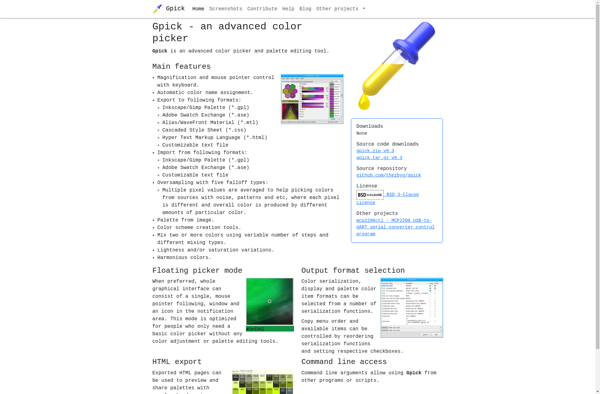
gpick is a free, open source color picker and palette design application for Linux systems. It provides an intuitive graphical user interface for selecting colors from anywhere on your screen or creating custom color palettes.Some key features of gpick include:Pick colors from any point on your screen with just a...
Instant Eyedropper is a handy utility program for Windows that makes it easy to pick up colors from anywhere on your screen. It runs minimized in the system tray, so you can quickly activate it with a hotkey whenever you need to sample a color.Some key features of Instant Eyedropper:Lightweight...
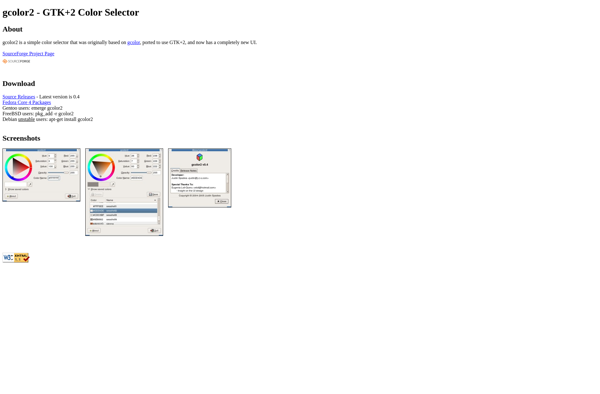
gcolor2 is an open-source color picker and palette creation tool for Linux. Developed using the GTK+ toolkit, gcolor2 provides an intuitive graphical interface for selecting, modifying, and managing custom color palettes.Some key features of gcolor2 include:Intuitive palette editor - Easily create, edit, rearrange, and delete color swatches in custom palettes.Support...
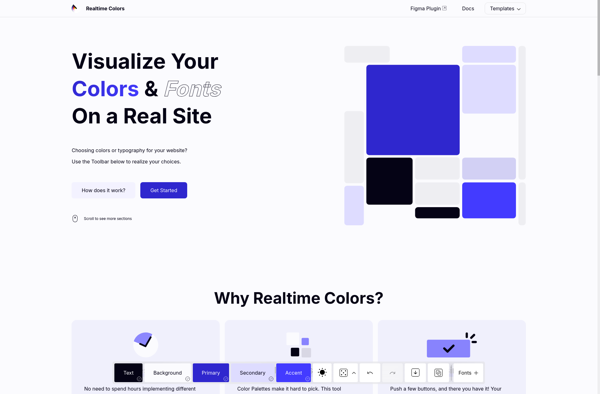
Realtime Colors is a free and easy-to-use color palette and scheme software. It allows designers, artists, and anyone who works with color to easily browse, create, and customize different color combinations.Some key features of Realtime Colors:Intuitive interface for browsing and creating color palettesReal-time updates - see colors change instantly as...
ColorZilla is a powerful, free browser extension for quickly picking, adjusting, and applying colors from web pages. It works in Chrome, Firefox, and Safari.With ColorZilla installed, users can easily activate an eyedropper tool to pick any color directly from a web page element. The picked color is displayed in various...
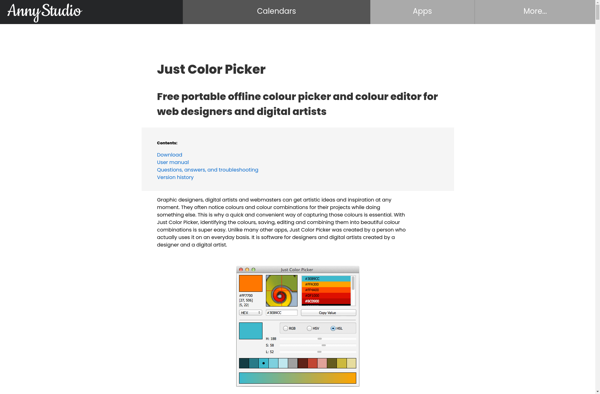
Just Color Picker is a simple yet powerful color selection tool for Windows. Developed by developer Alexey Kolosov, this free software enables designers, developers, and everyday users to quickly and easily pick colors from anywhere on their screen.To use Just Color Picker, simply run the application and hover your mouse...