DropDMG
DropDMG: Simple Utility for Creating DMG Disk Images
A user-friendly tool for macOS that enables quick creation of DMG disk images via drag-and-drop functionality, ideal for packaging software distribution.
What is DropDMG?
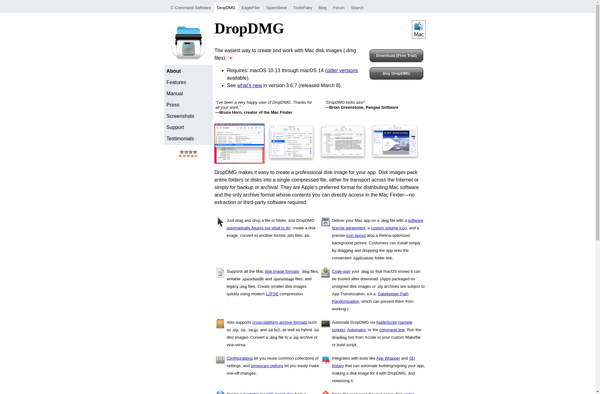
DropDMG is a lightweight, easy-to-use app for creating DMG disk images on macOS. It sets itself apart with its clean and intuitive drag-and-drop interface for adding files and folders to a DMG.
To create a new DMG, simply launch DropDMG, drag the files/folders you want to include onto the DropDMG window, customize any desired options like volume name or icon, and click Create. Within seconds, your DMG will be built and ready for distribution. A major advantage over tools like Disk Utility is that DropDMG compresses DMGs on-the-fly as they're created.
In addition to basic DMG building, DropDMG provides some power-user features like encryption, segmenting large DMGs into parts, booting to restore mode, and more. It integrates tightly with Finder for convenience. Overall, DropDMG strikes a great balance between simplicity and customizability.
For developers, sysadmins, or anyone needing to quickly package software for distribution to end users, DropDMG is an excellent free tool that makes DMG creation a breeze. Its lightweight footprint and direct dragging model set it apart from more complex disk image utilities.
DropDMG Features
Features
- Intuitive drag-and-drop interface for adding files/folders
- Support for compression (Zlib, bzip2)
- Encryption support
- Customizable volume icon
- Option to make DMG read-only
- Simple toolbar for common actions
- Preview of DMG before creation
- Support for splitting large DMGs into parts
Pricing
- Free
- Open Source
Pros
Cons
Official Links
Reviews & Ratings
Login to ReviewThe Best DropDMG Alternatives
View all DropDMG alternatives with detailed comparison →
Top Os & Utilities and Disk Utilities and other similar apps like DropDMG
Here are some alternatives to DropDMG:
Suggest an alternative ❐
Disk Utility


Windows Computer Management


DmgCreator