EasySVN is a Subversion client for Windows that provides version control for software projects. It has a simple, easy-to-use interface for common Subversion tasks like committing, updating, viewing logs, merging, and resolving conflicts.
EasySVN: Subversion Client for Windows Version Control
EasySVN is a Subversion client for Windows that provides version control for software projects. It has a simple, easy-to-use interface for common Subversion tasks like committing, updating, viewing logs, merging, and resolving conflicts.
What is EasySVN?
EasySVN is a Windows client for the Subversion version control system. It provides a graphical user interface to manage source code repositories using the SVN protocol.
Some of the key features of EasySVN include:
Intuitive explorer-style interface for browsing repositories
Simplified commands for common Subversion tasks like commit, update, revert, log, diff, merge
Resolve SVN conflicts visually through a built-in editor
Supports HTTPS and SSH protocols for connecting to SVN servers
Integrates with Windows Explorer as an extension
Provides authentication caching to save passwords
Translated to many languages including English, German, French, Russian
EasySVN aims to make using Subversion more efficient and user-friendly for developers and project teams. Its simple interface hides away most of the complexities of SVN, allowing users to focus on their code. This makes it a good fit for Windows-based environments looking for a graphical SVN client.
What Is Dropbox?Dropbox is a cloud storage and file synchronization service that keeps files in sync across computers, phones, and the web. Founded in 2007, it pioneered the consumer cloud storage category and remains one of the most widely used file sync services.Key FeaturesDropbox syncs files across all connected devices...
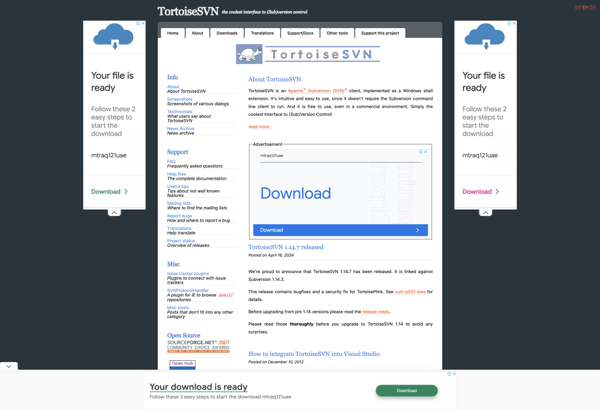
TortoiseSVN is a free, open source client for the Subversion version control system on Windows. It integrates directly into Windows Explorer, enabling users to perform version control actions via simple right-click context menus rather than having to use the command line client or an external GUI.Key features of TortoiseSVN include:Intuitive...
SmartSVN is a feature-rich Subversion client for Windows, Mac and Linux operating systems. It provides a user-friendly graphical interface to manage Subversion repositories and perform version control operations.Key features of SmartSVN include:Cross-platform support across Windows, Mac and LinuxIntuitive graphical interface for Subversion repository access and managementRevision graph for visualizing project...
Versions is a cloud-based document management and collaboration platform that enables teams to track changes, comment, annotate documents, and work together in real-time. It provides sophisticated version control for files, allowing users to see a full revision history of a document with diffs highlighting the changes between versions.Key features and...
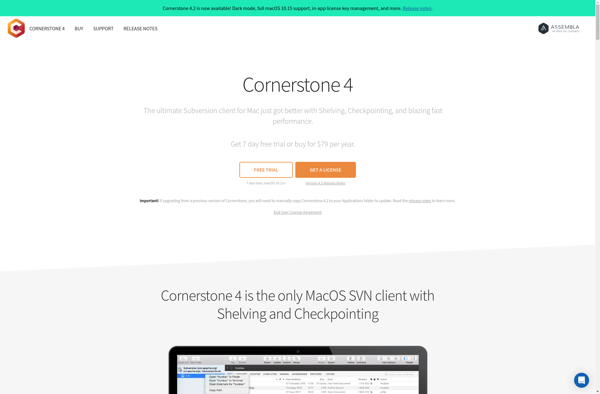
Cornerstone is a cloud-based Learning Management System (LMS) designed for organizations to manage all aspects of their employee training programs. It provides tools to create, deliver, track, and manage online, blended, and instructor-led training across the extended enterprise.Key features of Cornerstone include:Content Authoring - Create and curate training content like...
svnX is a feature-rich graphical client for the popular version control system Subversion (SVN). It provides users with a user-friendly way to interact with both local and remote SVN repositories on Mac OS X systems.Key features of svnX include:Intuitive graphical interface for common SVN operations like committing, updating, reverting changes,...
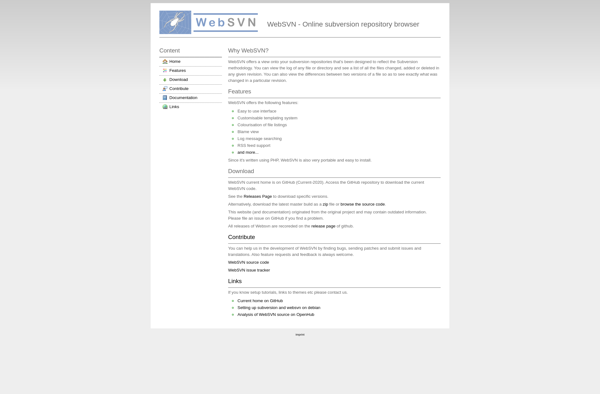
WebSVN is an open source web-based interface for interacting with Subversion software version control repositories. It provides a convenient way for developers, project managers, and other users to access Subversion repositories and perform version control tasks through a web browser, without needing to install Subversion client software locally.Key features of...
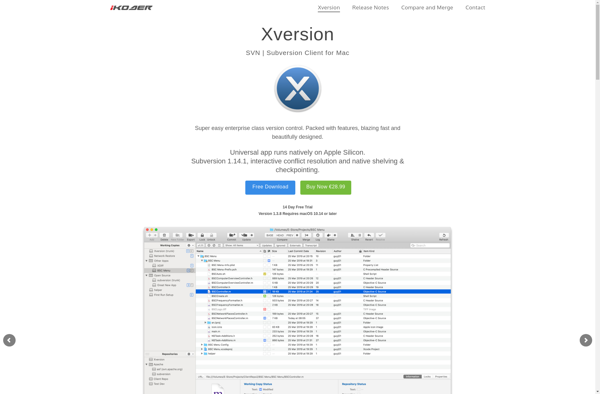
Xversion is an open-source distributed version control system that allows tracking changes to source code or other collections of files and coordinating work on those files among multiple people. It is commonly used in software development to allow multiple developers to collaborate on the same codebase.Some key features of Xversion...
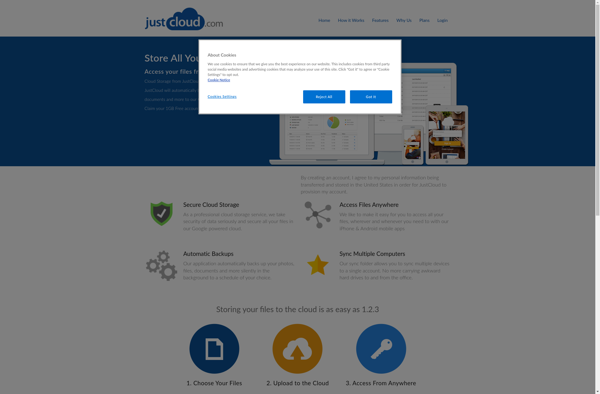
JustCloud is a user-friendly cloud storage solution that makes it easy to backup, access, and share your files from anywhere. It works across all devices - PC, Mac, iOS, and Android. Some key features of JustCloud include:Automated backup so you never lose your files. You can set it and forget...
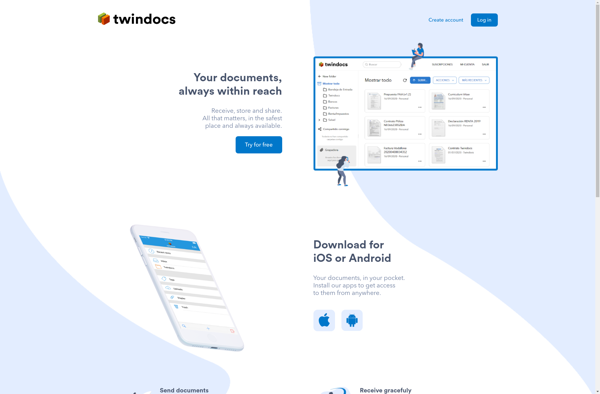
Twindocs is a cloud-based document management and collaboration solution designed for teams and organizations. It provides a central platform to store, organize, share, discuss, and track all types of documents and files.With Twindocs, teams can set up a secure, searchable document repository with customizable access permissions. Users can upload files...
Version control software is an essential tool for engineers working on software projects. It helps manage changes to source code files over time while maintaining a history of those changes. Version control enables tracking code modifications, comparing earlier versions to newer ones, merging changes made by multiple developers working on...