Cornerstone is a powerful yet easy-to-use Learning Management System (LMS) for organizations to train, develop, and engage their employees, partners and customers online. It's feature-rich and flexible to meet a variety of training needs.
What is Cornerstone?
Cornerstone is a cloud-based Learning Management System (LMS) designed for organizations to manage all aspects of their employee training programs. It provides tools to create, deliver, track, and manage online, blended, and instructor-led training across the extended enterprise.
Key features of Cornerstone include:
Content Authoring - Create and curate training content like courses, videos, quizzes.
Learning Administration - Schedule and manage enrollments, multi-language support, notifications and reminders.
Mobile Access - Access training on-the-go with Cornerstone's mobile app.
Reporting and Analytics - In-depth reports on learner progress, training effectiveness.
Customizable Portals - Tailor unique portals for different user groups.
API Extensibility - Integrate with HRIS and other business systems.
Cornerstone is used by over 4000 organizations worldwide in 191 countries and 43 languages. It's flexible and scalable to meet the training needs of small businesses to global enterprises.
Cornerstone Features
Features
Learning Management System
Course Authoring
Content Curation
Skills Management
Performance Management
Succession Planning
Analytics and Reporting
Mobile Learning
Integrations and APIs
Pricing
Subscription-Based
Pros
Intuitive user interface
Robust feature set
Strong mobile support
Customizable platform
Scalable for organizations of all sizes
Cons
Can be pricey for smaller organizations
Initial setup requires some training
Third-party integrations can take time to configure
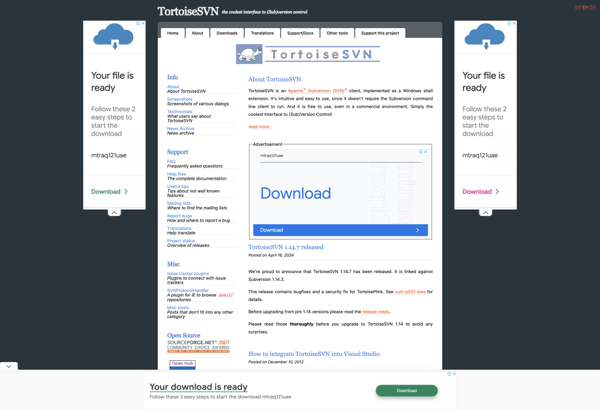
TortoiseSVN is a free, open source client for the Subversion version control system on Windows. It integrates directly into Windows Explorer, enabling users to perform version control actions via simple right-click context menus rather than having to use the command line client or an external GUI.Key features of TortoiseSVN include:Intuitive...
EasySVN is a Windows client for the Subversion version control system. It provides a graphical user interface to manage source code repositories using the SVN protocol.Some of the key features of EasySVN include:Intuitive explorer-style interface for browsing repositoriesSimplified commands for common Subversion tasks like commit, update, revert, log, diff, mergeResolve...
SmartSVN is a feature-rich Subversion client for Windows, Mac and Linux operating systems. It provides a user-friendly graphical interface to manage Subversion repositories and perform version control operations.Key features of SmartSVN include:Cross-platform support across Windows, Mac and LinuxIntuitive graphical interface for Subversion repository access and managementRevision graph for visualizing project...
Versions is a cloud-based document management and collaboration platform that enables teams to track changes, comment, annotate documents, and work together in real-time. It provides sophisticated version control for files, allowing users to see a full revision history of a document with diffs highlighting the changes between versions.Key features and...
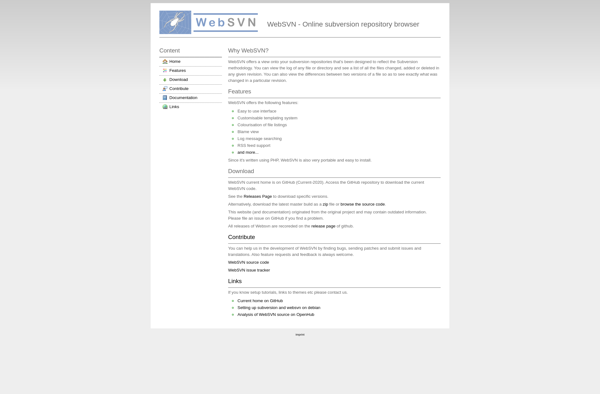
WebSVN is an open source web-based interface for interacting with Subversion software version control repositories. It provides a convenient way for developers, project managers, and other users to access Subversion repositories and perform version control tasks through a web browser, without needing to install Subversion client software locally.Key features of...
SnailSVN is an open-source Subversion client application for Windows operating systems. It provides a user-friendly graphical user interface and deep integration with Windows Explorer to enable version control of files and folders using the popular Subversion version control system.Key features of SnailSVN include:Intuitive explorer-style interface for browsing Subversion repositoriesSimplified commands...
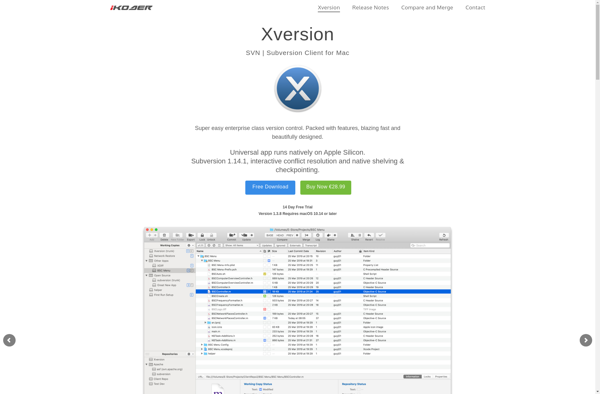
Xversion is an open-source distributed version control system that allows tracking changes to source code or other collections of files and coordinating work on those files among multiple people. It is commonly used in software development to allow multiple developers to collaborate on the same codebase.Some key features of Xversion...
RapidSVN is an open-source Subversion client for Windows, Linux and Mac OS X operating systems. It provides a graphical user interface to easily access Subversion repositories and perform common version control tasks.Key features of RapidSVN include:Check out code from a Subversion repositoryCommit and update file changesView revision history and compare...
ZigVersion is a modern, lightweight yet full-featured version control system optimized for performance and usability. It helps development teams of all sizes collaborate on code, track changes, merge updates from multiple contributors, and resolve edit conflicts.Key features of ZigVersion include:Distributed architecture - Every developer has a full copy of the...