
Flux.ai is an AI-powered business intelligence and analytics platform. It enables automatic data collection, cleaning, analysis, insights, and predictions without coding. Flux.ai aims to make data and AI accessible and impactful for businesses and teams.
Flux.ai: AI-Powered Business Intelligence and Analytics Platforms
Flux.ai is an AI-powered business intelligence and analytics platform. It enables automatic data collection, cleaning, analysis, insights, and predictions without coding. Flux.ai aims to make data and AI accessible and impactful for businesses and teams.
What is Flux.ai?
Flux.ai is an emerging business intelligence and analytics platform that utilizes artificial intelligence and machine learning to automate data processing and analysis. It aims to make business intelligence and data science capabilities more accessible to organizations without requiring extensive technical skills or data science expertise.
Some key capabilities and benefits of Flux.ai include:
Automated data connectors to pull data from various sources like databases, cloud apps, APIs, etc.
Automated data cleaning, preparation, and normalization.
AI-powered insights, forecasts, and predictions.
Interactive dashboards and visualizations.
Collaboration features to share data and insights across teams and stakeholders.
Workflow automation for recurring data tasks.
Easy integration with popular business and productivity tools.
Flux.ai targets medium to large enterprises across various industries. It competes with traditional business intelligence platforms like Tableau, Microsoft Power BI as well as startups like Pyramid Analytics that offer governed data discovery capabilities. With its no-code platform and focus on AI/ML, Flux.ai aims to differentiate itself as a next-gen business intelligence solution.
The company was founded in 2021 and is headquartered in New York, United States. Some of Flux's key founders and executives have prior experience at leading companies like Apple, Google, IBM, and McKinsey. Flux.ai has received over $32M in funding so far from notable investors including Acrew Capital, Bessemer Ventures, Inovia Capital, and Index Ventures.
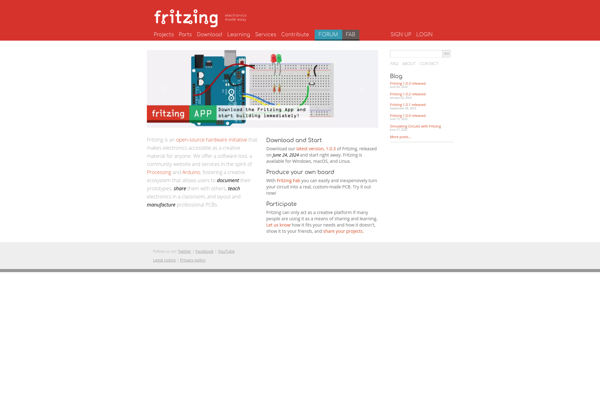
Fritzing is an open-source software tool for electronics design, prototyping, and documentation. It allows makers, hobbyists, students, and engineers to easily create electronic circuit prototypes and layouts, and then generate professional diagrams and PCB designs to manufacture their projects.Some key features of Fritzing include:An easy-to-use interface with a breadboard view,...
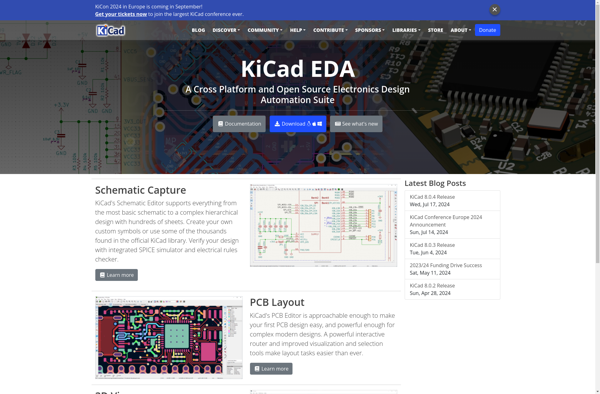
KiCad is an open source electronics design automation suite comprised of several different programs for schematic capture, printed circuit board layout, Gerber file generation, spice simulation, and more. Originally developed by Jean-Pierre Charras in 1992, KiCad has continued to be improved and expanded through contributions from a diverse community.Some key...
Altium Designer is a comprehensive printed circuit board (PCB) design environment used by engineers for designing and prototyping complex electronic hardware products. It provides tools for all aspects of the PCB design process including:Schematic capture - Intuitively create schematics showing electrical connectivity and capture component data.PCB layout - Powerful routing...
Autodesk EAGLE is a powerful printed circuit board (PCB) design software used by engineers, makers, and electronics enthusiasts. It enables schematic capture, PCB layout, autorouting, and also includes a comprehensive library of over 6 million component footprints and symbols.Some key features of Autodesk EAGLE include:Intuitive schematic editor for capturing circuits...
PSpice is a popular circuit simulation and analysis software used by electrical and electronics engineers. It enables simulation of analog, digital, and mixed-signal circuits, allowing performance analysis and optimization before creating physical prototypes.Some key features of PSpice include:Accurate simulation of circuits using system-level component models and advanced analysis techniquesExtensive model...
Multisim is a comprehensive circuit design and electronics simulation software package from National Instruments. First launched in 1994, Multisim helps engineers, students, and academics design and simulate electronic circuits and prototypes. Key features include:Intuitive graphical user interface for drawing schematics and laying out printed circuit boardsSupport for capture of analog,...
QUCS (Quite Universal Circuit Simulator) is an open-source electronics circuit simulator software designed to perform various circuit simulations. Some key features of QUCS include:GUI for schematic capture of circuitsDC, AC, S-parameter, harmonic balance, noise analysis, etc.Modelling of semiconductor devices like diodes, transistors, etc.Analysis and modelling of both analog and digital...
The gEDA Project is a full GPL'd suite of Electronic Design Automation tools that are used for electrical circuit design, schematic capture, simulation, prototyping, and production. gEDA uses an open file format and aims to be a free alternative to proprietary EDA suites like Cadence or OrCAD.gEDA includes applications for...
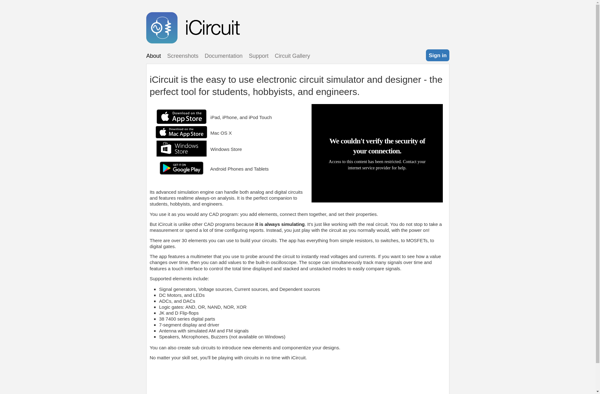
iCircuit is an interactive circuit simulator and schematic capture tool designed specifically for prototyping, experimenting, and testing circuit ideas. It provides a simple and intuitive interface that allows both novice and advanced users to quickly draw circuits and simulate them with ease.Some key features of iCircuit include:Intuitive drag-and-drop interface for...
EasyEDA is a free online electronic circuit simulator and PCB design software that allows users to design electronic circuits, create PCBs, and simulate circuit behavior. Some key features of EasyEDA include:Intuitive drag-and-drop interface for designing circuits and PCBsLarge component library with over 500,000 partsReal-time circuit simulation to test and debug...