FullReader
FullReader is a PDF and document viewer, editor, converter and annotator. It allows users to view, edit, annotate and convert PDFs and Office documents. The software has an intuitive interface and useful features like tabbed browsing, notes and highlights.
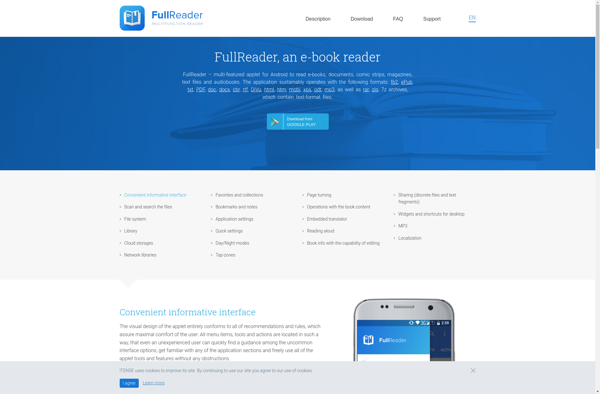
FullReader: PDF Viewer, Editor, Converter & Annotator
FullReader is a comprehensive PDF viewer, editor, converter, and annotator. It offers intuitive features like tabbed browsing, notes, and highlights, making it an ideal tool for managing documents.
What is FullReader?
FullReader is a versatile PDF and document management software that serves as an all-in-one tool for viewing, editing, annotating and converting PDFs and Office documents. Some of the key features of FullReader include:
- Intuitive tabbed interface for opening multiple PDFs and documents
- Robust PDF viewer supporting bookmarks, thumbnails, search and indexing
- Annotation tools including highlights, notes, shapes, freehand drawing
- OCR capability to recognize text in scanned documents
- Convert PDF to Word, Excel, PowerPoint and vice versa
- Create and merge PDFs from multiple file types
- Digital signature support for signing documents
- Review and comment on PDF documents
- Support for 300+ file formats including PDF, Word, Excel and more
With its easy-to-use interface and comprehensive features for document management, FullReader serves both basic and advanced use cases for individuals and businesses to optimize their document workflows.
FullReader Features
Features
- Tabbed document interface
- Annotations and highlighting
- PDF editing
- Document conversion
- Optical character recognition
- Text reflow
- Night mode
Pricing
- Freemium
- Subscription-Based
Pros
Intuitive and easy to use
Useful annotation tools
Allows editing of PDF files
Converts documents between formats
OCR for scanning documents
Reflow text for easy reading
Dark mode to reduce eye strain
Cons
Limited free version
Costly subscription for full features
Slow OCR processing
No cloud storage integration
Official Links
Reviews & Ratings
Login to ReviewThe Best FullReader Alternatives
View all FullReader alternatives with detailed comparison →
Top Office & Productivity and Pdf Tools and other similar apps like FullReader
Here are some alternatives to FullReader:
Suggest an alternative ❐
Moon+ Reader
Moon+ Reader is a popular ebook reading app developed for the Android platform. It supports a wide variety of ebook file formats including EPUB, MOBI, AZW, PDF, DjVu, and more. Some of the key features of Moon+ Reader include:Multiple theme options - Choose from a variety of color themes and...

Amazon Kindle
The Amazon Kindle is a series of e-readers designed and marketed by Amazon. The Kindle devices allow users to browse, buy, download, and read e-books, newspapers, magazines and other digital media via wireless networking to the Kindle Store. The hardware platform, which Amazon subsidiaries develop and manufacture, consists of devices...


FBReader
FBReader is a free, open source ebook reader software available across platforms including Windows, Linux, Android and iOS. Originally developed for Linux, it has expanded over the years to support many major computing platforms.FBReader's key features include support for a wide variety of popular ebook formats including EPUB, MOBI, FB2,...

Epic!
Epic! is a leading digital library designed specifically for kids ages 12 and under. With over 35,000 high-quality books, audiobooks, videos and quizzes, Epic! fosters literacy and learning in a fun, safe and advertising-free environment.Epic! can be used by kids independently or together with parents and teachers. The ever-expanding library...


Cool Reader
Cool Reader is a free, open-source eBook reader software available for Windows, Linux, Android, and other platforms. It can read a variety of eBook formats including EPUB, FB2, DOC, TXT, RTF, HTML, CHM, PDB and more.Some key features of Cool Reader include:Support for custom skins/themes - users can fully customize...








