Gmidimonitor
gmidimonitor: Open-Source MIDI Monitor for Windows
Open-source software for displaying MIDI input and output in an easy-to-read event list, useful for debugging MIDI connections and messages.
What is Gmidimonitor?
gmidimonitor is a free, open-source MIDI monitoring utility for Windows. It provides a simple interface that displays all MIDI input and output events in an easy-to-read list.
Some key features of gmidimonitor:
- Monitors all MIDI input and output on any MIDI devices connected to the system
- Displays MIDI event details like message type, channel, note, velocity etc.
- Color coding for different event types like Note On/Off, Control Change etc.
- Filtering to only show specific MIDI channels or message types
- Import/export captured MIDI data
- Small footprint, no installation required
gmidimonitor is useful for debugging MIDI connectivity issues or understanding the MIDI messages being exchanged between hardware/software. For example, it can be used to:
- Verify that MIDI devices are properly connected and recognized
- Check if MIDI data is being sent and received as expected
- Inspect the exact MIDI messages generated by MIDI hardware like keyboards, controllers etc.
- Reverse engineer the MIDI protocol usage of apps and hardware
If you work with MIDI applications and devices, gmidimonitor is an invaluable tool for monitoring, testing and troubleshooting MIDI connectivity in Windows.
Gmidimonitor Features
Features
- Displays MIDI input and output
- Event list view
- Filtering and coloring options
- Save/load captured data
- Minimal CPU/RAM usage
Pricing
- Open Source
Pros
Cons
Official Links
Reviews & Ratings
Login to ReviewThe Best Gmidimonitor Alternatives
View all gmidimonitor alternatives with detailed comparison →
Top Audio & Music and Midi Tools and other similar apps like Gmidimonitor
Here are some alternatives to Gmidimonitor:
Suggest an alternative ❐
MIDI-OX


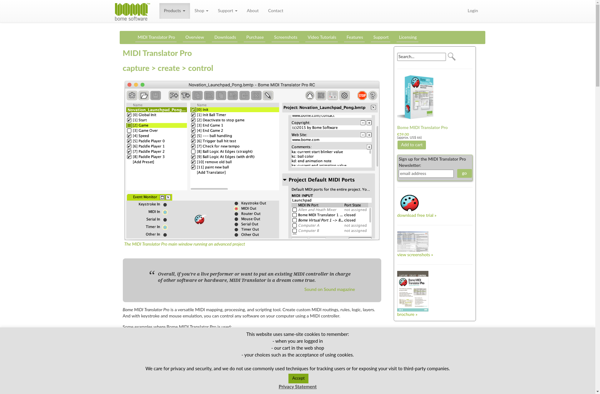
MIDI Translator Pro (Bomes midi)
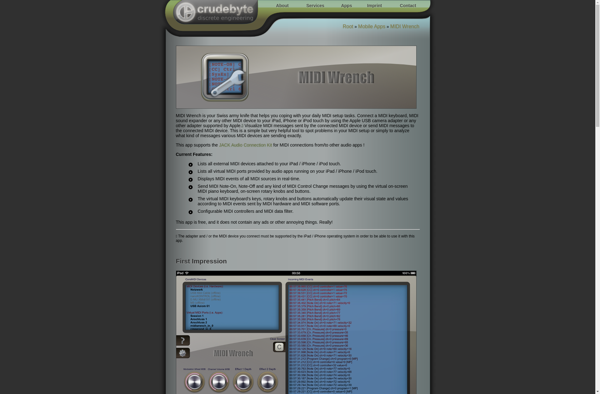
MIDI Wrench

MIDI Lab


MIDIQ