
MIDIQ
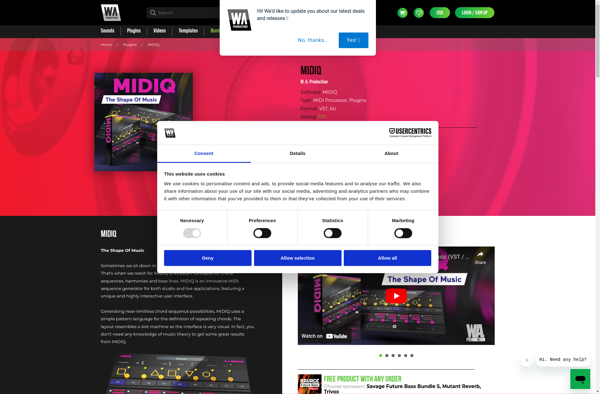
MIDIQ: Simple MIDI Sequencer
MIDIQ is a simple MIDI sequencer and MIDI controller app for Windows, Mac, and Linux. It allows you to record, edit, and play back MIDI data in an easy-to-use interface.
What is MIDIQ?
MIDIQ is a lightweight and user-friendly MIDI sequencer, editor, and controller application for Windows, macOS, and Linux operating systems. Developed by MIDIQ team, it aims to provide an easy-to-use solution for MIDI composition, performance, and production.
Key features of MIDIQ include:
- Intuitive piano-roll editor for editing MIDI note events and controller data
- Real-time MIDI recording from external keyboards or control surfaces
- Support for VST plugins for virtual instruments and effects
- MIDI mapping for connecting external MIDI controllers
- Export MIDI files or drag and drop MIDI clips to your DAW
- Minimalist UI with customizable themes
- Available as a free download for non-commercial use
While more fully-featured DAWs exist for professional music production, MIDIQ hits a sweet spot for hobbyist music creators looking for a simple but capable MIDI composition and sequencing tool. Its piano-roll editing workflow accelerates the process of sketching out melodic and harmonic ideas. And its real-time recording and featherweight interface make it well-suited for live performance and remixing work as well.
MIDIQ Features
Features
- Real-time MIDI recording and playback
- MIDI editing capabilities
- MIDI controller support
- VST plugin support
- Audio/MIDI sync
- MIDI clock sync
- MIDI mapping
- Customizable interface
Pricing
- Open Source
Pros
Cons
Reviews & Ratings
Login to ReviewThe Best MIDIQ Alternatives
View all MIDIQ alternatives with detailed comparison →
Top Audio & Music and Midi Sequencers and other similar apps like MIDIQ
Here are some alternatives to MIDIQ:
Suggest an alternative ❐
MIDI-OX


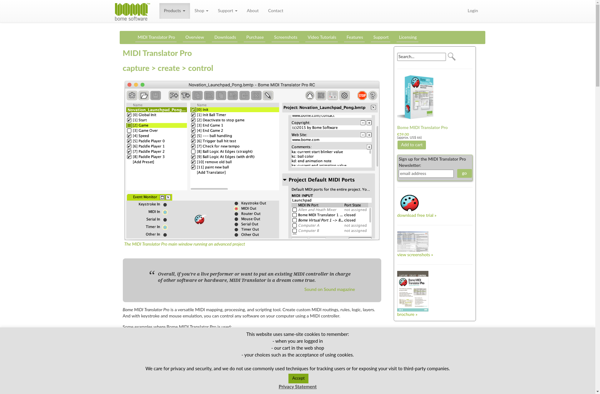
MIDI Translator Pro (Bomes midi)

Gmidimonitor
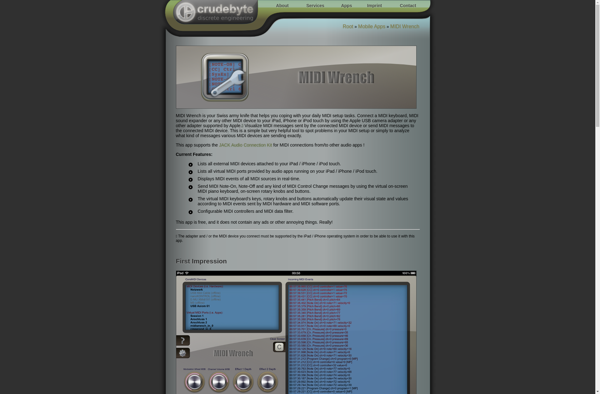
MIDI Wrench

MIDI Lab