Hex Workshop

Hex Workshop

Hex Workshop is a hex editor program for Windows that allows users to view, edit, analyze, modify, and inspect binary files such as executable files, data files, disk images, and raw disk volumes. It includes advanced features like checksum/hash algorithms, file comparison, templ

Hex Workshop: Advanced Hex Editor for Windows

Hex Workshop is a hex editor program for Windows that allows users to view, edit, analyze, modify, and inspect binary files such as executable files, data files, disk images, and raw disk volumes. It includes advanced features like checksum/hash algorithms, file comparison, templates, scripting, and data interpretation.

What is Hex Workshop?

Hex Workshop is a versatile hex editor for Windows that enables users to view, edit, and modify the raw binary contents of files. It supports a wide range of file types including executables, disk images, raw disk volumes, and more.

Key features of Hex Workshop include:

  • Intuitive tabbed interface for working with multiple files
  • Advanced editing tools for modifying binary file contents
  • Data inspection tools like checksums, hashes, interpretation, and comparison
  • Powerful search and replace across file contents
  • Scripting and automation capabilities
  • Templates for interpreting proprietary file formats
  • Customizable user interface with plugin support

Whether you need to analyze malware samples, edit disk images, patch game files, delve into undocumented file formats, or anything in between, Hex Workshop has the features to get the job done. It has become popular in the software and gaming modding communities due to its versatility in handling even highly proprietary file types. With robust tools tailored to binary file manipulation, Hex Workshop can expedite a wide range of projects requiring low-level data access or editing.

Hex Workshop Features

Features

  1. Hex editor for editing binary files
  2. Supports large files beyond 4GB in size
  3. File comparison tool
  4. Checksum/hash calculation
  5. Data inspector for interpreting binary data
  6. Scripting and automation
  7. Templates for data patterns
  8. Plugin support

Pricing

  • One-time Purchase

Pros

Full-featured hex editor

Good performance with large files

Useful advanced analysis features

Scripting capabilities

Cross-platform support

Cons

Dated user interface

Steep learning curve

Can be slow with extremely large files

Limited community/support resources

Reviews & Ratings

Login to Review
3.9

11 reviews

Rating Breakdown
Ease of Use
2.6
Features
4.8
Value for Money
3.6
Customer Support
3.6
Overall Experience
3.9
Recent Reviews
T
Taylor Martin
Mar 31, 2026
Powerful but Aging, with a Learning Cliff

Hex Workshop is undeniably powerful for hex editing and binary file analysis. The ability to edit disk volumes, interpret data with templates, and compare files is incredibly robust. However, the user interface feels stuck in the 90s, with a steep …

oliver_davis2
Oliver Davis
Mar 28, 2026
Powerful but painfully outdated

While Hex Workshop has great core features for binary editing, the interface feels like it's stuck in the Windows 98 era. I frequently experienced crashes when working with large files, and the scripting engine is clunky and poorly documented. For …

dakota_white20
Dakota White
Mar 27, 2026
Powerful and Versatile Hex Editor with a Learning Curve

Hex Workshop has been my go-to hex editor for over a decade. As a developer with 20 years of experience, I frequently need to analyze and reverse-engineer firmware and file formats. The core editing, compare, and data interpretation features are …

F
Finley Walker
Mar 27, 2026
Powerful for Professionals, Frustrating for Casual Users

Hex Workshop is incredibly powerful with features like file comparison and scripting that are essential for my reverse engineering work. However, the interface feels cluttered and outdated, making simple tasks more complicated than they should be. While it handles large …

liamweb931
Liam Lee
Mar 25, 2026
A Hex Editor You'll Love for Reverse Engineering and File Analysis

Hex Workshop has been my go-to hex editor for over five years now. The ability to create and apply structure templates to binary files has been a massive time-saver for reverse engineering, and the built-in checksum and hashing tools are …

Rating Distribution
5
3
4
5
3
3
2
0
1
0

The Best Hex Workshop Alternatives

View all Hex Workshop alternatives with detailed comparison →

Top Os & Utilities and File Editors and other similar apps like Hex Workshop


Hex Fiend icon

Hex Fiend

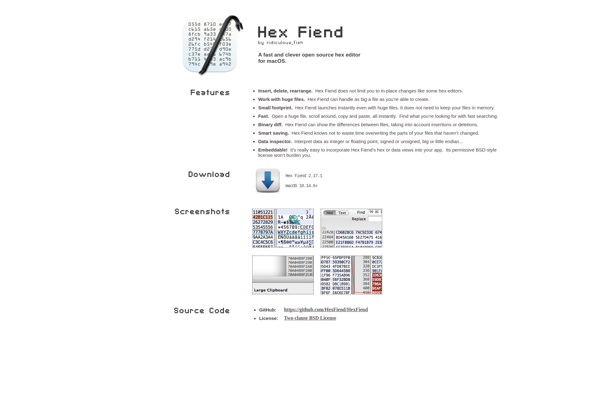
Hex Fiend is a popular and full-featured hex editor for macOS. As an open source tool, it is completely free to download and use. Hex Fiend enables users to view and edit the raw hexadecimal data of files on their system.With its simple and intuitive interface, Hex Fiend makes inspecting...
Hex Fiend image
WinHex icon

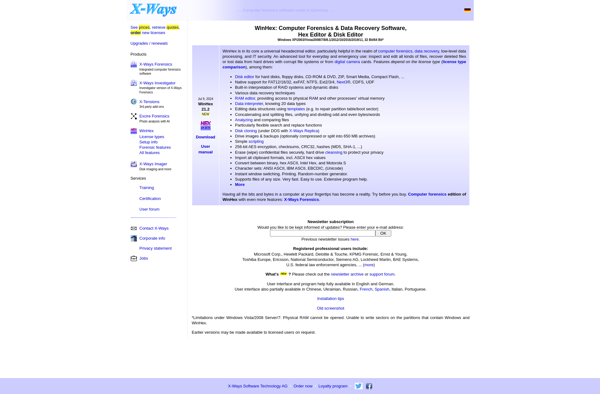
WinHex

WinHex is a versatile hex editor, disk editor, and memory editor program for Windows. It enables users to efficiently edit, search, inspect, and analyze disk drives, memory, and other binary data. Some key features of WinHex include:Hexadecimal editor for files, disks, and physical memoryBuilt-in tools for data recovery, computer forensics,...
WinHex image
HxD icon

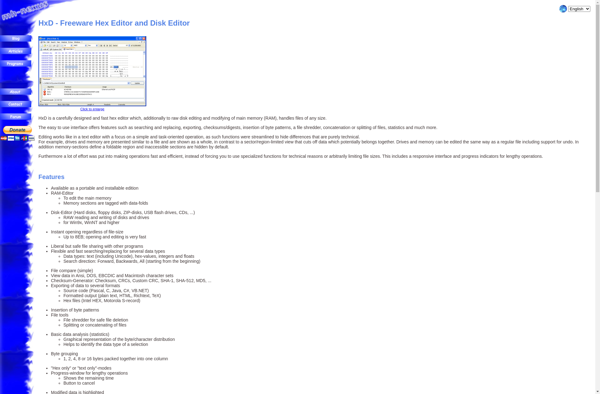
HxD

HxD is a free and open-source hex editor, disk editor, and memory editor software for Windows. It enables users to view, edit, analyze, modify and export the raw binary data of files or disks at the byte level in either hexadecimal or ASCII formats.Some key features and capabilities of HxD...
HxD image
HexEd.it icon

HexEd.it

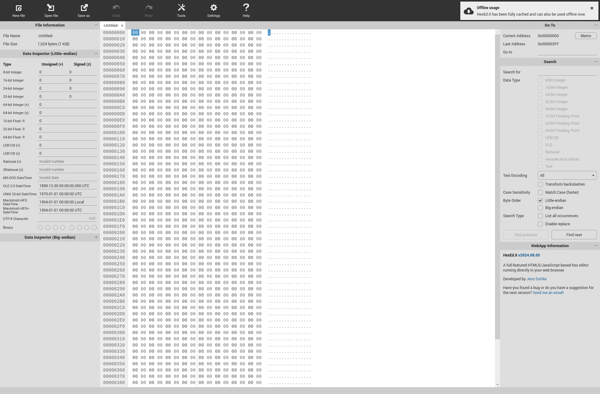
HexEd.it is a free online hexadecimal editor that allows you to view and edit the raw hexadecimal or ASCII data in files without needing to install any software. Some key features of HexEd.it include:Open and edit a variety of file types including executables, disk images, documents, and moreSwitch between hexadecimal...
HexEd.it image
010 Editor icon

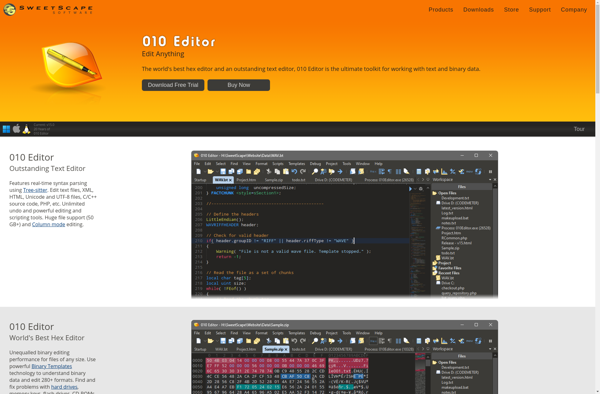
010 Editor

010 Editor is a powerful hex editor and text editor software used for analyzing and editing binary files. Some key features of 010 Editor include:Hex editor with nibble and bit level editing supportText editor with syntax highlighting for multiple languagesFile comparisons for finding binary file differencesCalculate checksums and hash values...
010 Editor image
XVI32 icon

XVI32

XVI32 is a free open source hex editor for the Windows operating system. It provides a wide range of functionalities for viewing, editing, searching, analyzing, manipulating and exporting binary file data.Some of the key features of XVI32 include:Intuitive and customizable user interface with tabs and panelsFast binary file editing with...
XVI32 image
PE Explorer icon

PE Explorer

PE Explorer is a feature-rich portable executable (PE) file viewer, editor, analyzer, and debugger for Windows. It enables developers, reverse engineers, and malware analysts to examine the structure and components of EXE, DLL, OCX, SYS, and other PE file formats in great depth.With PE Explorer, you can view and edit...
PE Explorer image
UltraEdit icon

UltraEdit

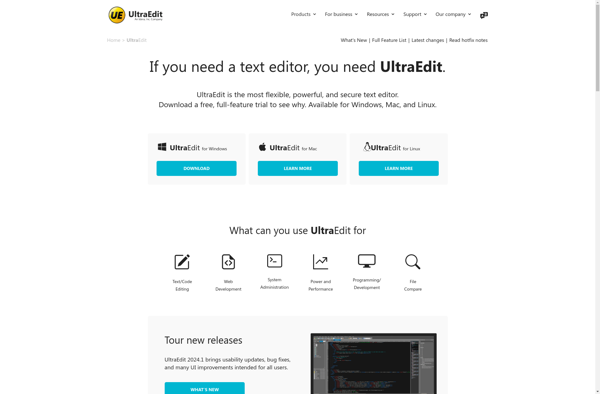
UltraEdit is a feature-rich text and code editor that runs on Windows, macOS, and Linux operating systems. First released in 1994 by IDM Computer Solutions, UltraEdit has become one of the most popular text editors used by developers, programmers, web designers, and power users.Some key features of UltraEdit include:Syntax highlighting...
UltraEdit image
Ghex icon

Ghex

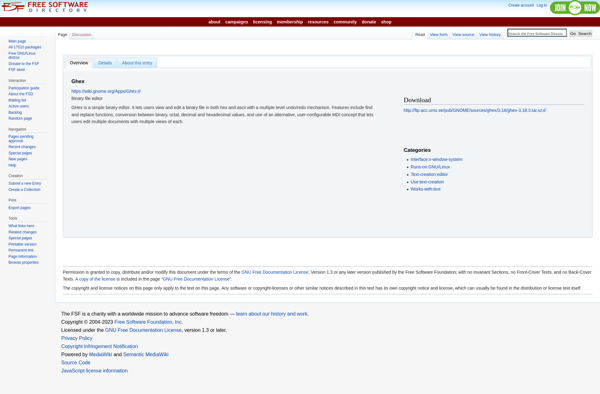
Ghex is a graphical hex editor designed for Linux and other Unix-like operating systems. As a hex editor, it allows users to view and edit the raw binary contents of files in either hexadecimal or ASCII formats.Some key features of Ghex include:Open, view, edit, and save files with no size...
Ghex image
Okteta icon

Okteta

Okteta is a free and open source hex editor designed specifically for the Linux operating system. It enables users to view and edit the raw binary contents of files in a hexadecimal format. Some key features of Okteta include:Easy to use interface - The user interface is clean and intuitive,...
Okteta image
ImHex icon

ImHex

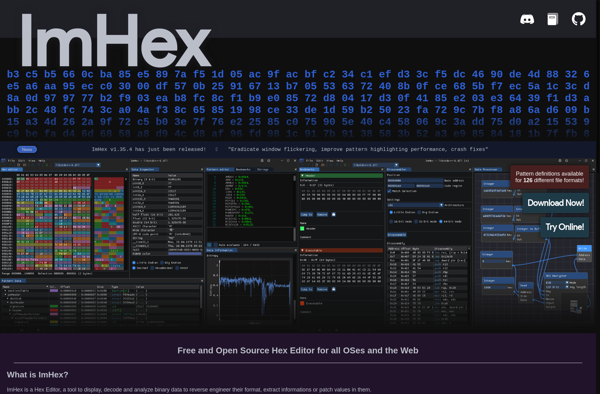
ImHex is an advanced hex editor, disk editor, and debugger that enables viewing and editing binary files such as executables. It features a modern and intuitive UI providing powerful tools for data analysis and editing aimed towards IT security experts.Key features include:Fast binary editing using hex, decimal, octal, binary, and...
ImHex image
Bless icon

Bless

Bless is an open-source, self-hosted bookmark and archive manager created by Ryan C. Thompson. It allows users to save, organize, tag, annotate, and search bookmarks, web pages, and articles for later reference.Some key features of Bless include:Full-text search across all contentAutomatic tagging of links based on contentWeb annotation and archiving...
Bless image
Free Hex Editor Neo icon

Free Hex Editor Neo

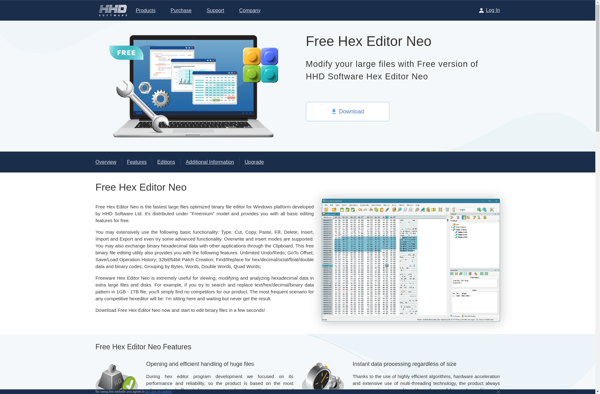
Free Hex Editor Neo is a powerful, free and open source hex editor software for Windows. It enables users to view and edit the hexadecimal data of files, disks and RAM with easy to use tools and features.Key features include:Supports file sizes up to 248 GBMultiple data inspection tools like...
Free Hex Editor Neo image
MadEdit icon

MadEdit

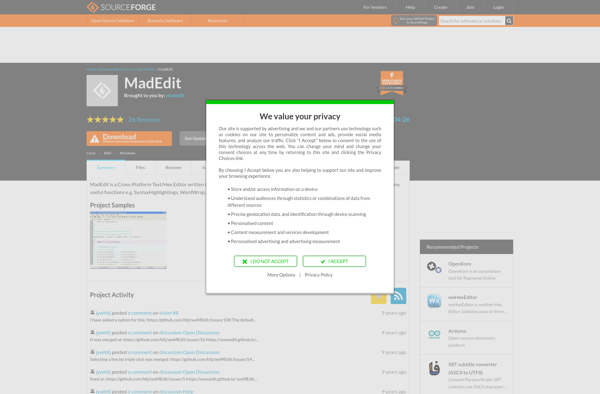
MadEdit is a free, open source text editor for Windows. It is designed to provide advanced editing features, speed, and lightweight system resource usage.Some key features of MadEdit include:Syntax highlighting for over 80 programming languages and markup languagesPowerful search and replace with regular expression supportEditing support for mixing left-to-right and...
MadEdit image
Batch Hex Editor icon

Batch Hex Editor

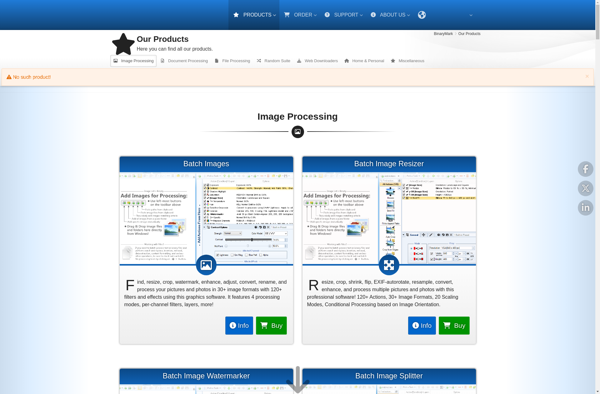
Batch Hex Editor is a lightweight hex editor program designed for basic hex editing operations. It provides a straightforward interface for opening files, navigating to offsets, viewing and editing the raw hex data or text representations.Some key features of Batch Hex Editor include:Open any file to view and edit the...
Batch Hex Editor image
MiTeC HexEdit icon

MiTeC HexEdit

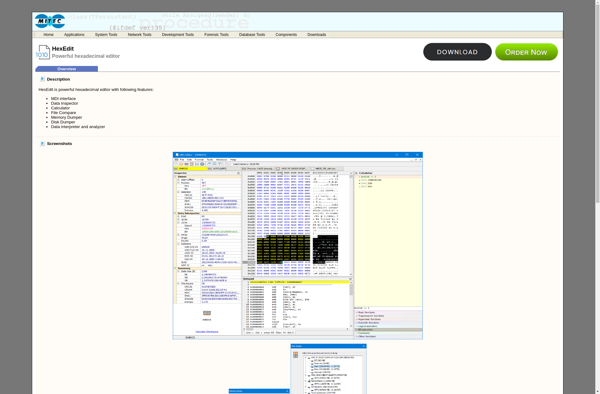
MiTeC HexEdit is a feature-rich hexadecimal editor, viewer and analyzer for files. It enables efficient inspection, editing and analysis of binary files such as executable programs, byte arrays, disks, memory and more in hexadecimal, decimal, octal, binary or ASCII. The tool is focused on speed, usability and workflow.Key features include:Fast...
MiTeC HexEdit image
WxHexEditor icon

WxHexEditor

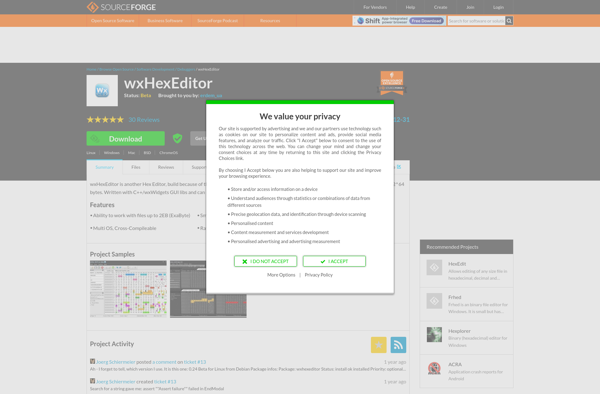
wxHexEditor is a free and open source hex editor application for Windows, Linux and macOS operating systems. It enables users to view, edit and analyze the hexadecimal code or raw binary data of files on their computer.Some of the key features of wxHexEditor include:Intuitive graphical user interface with features like...
WxHexEditor image