
WinHex
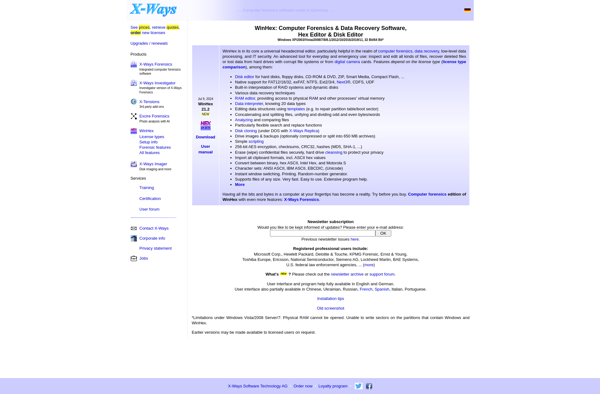
WinHex: Hex Editor & Memory Editor
A powerful hex editor, disk editor, and memory editor for Windows to edit and browse disk drives and memory in hexadecimal or ASCII.
What is WinHex?
WinHex is a versatile hex editor, disk editor, and memory editor program for Windows. It enables users to efficiently edit, search, inspect, and analyze disk drives, memory, and other binary data. Some key features of WinHex include:
- Hexadecimal editor for files, disks, and physical memory
- Built-in tools for data recovery, computer forensics, and IT security analysis
- Support for RAID reconstruction, virtual machines, and encrypted volumes
- Powerful search and data analysis capabilities using templates and scripts
- Data interpreter for automatic data structure parsing
- Compare files or disks sector-by-sector to spot differences
- Export selected data to view in text, hex dump, or C source code formats
With its advanced editing and analysis capabilities, WinHex appeals to a wide range of users including IT security professionals, forensics investigators, software developers, and data recovery experts. It works on current Windows operating systems and handles files of any size and hard drives up to 8 exabytes.
WinHex Features
Features
- Hex editor for editing binary files
- Disk editor for low-level disk editing
- RAM editor for viewing and editing memory contents
- File recovery and data carving tools
- File comparison and checksum tools
- Supports plugins and automation via scripting
Pricing
- One-time Purchase
Pros
Cons
Official Links
Reviews & Ratings
Login to Review64 reviews
Rating Breakdown
Recent Reviews
Morgan Thomas
May 31, 2026Indispensable Tool for Forensic Work and Low-Level Editing
WinHex has been my go-to hex editor for years when working on forensic data recovery and analyzing disk structures. The ability to directly edit disk sectors, recover deleted files, and examine memory dumps in one tool is incredibly powerful. While …
Chris Hall
May 26, 2026Essential Tool for Forensic Analysis and Data Recovery
As a digital forensics specialist, WinHex is my go-to tool for low-level data analysis and recovery. Its ability to edit disk sectors, memory, and handle large files with ease is unparalleled for my work. While the interface can feel technical …
Marcus Martin
May 25, 2026Powerful but Painfully Complex
WinHex is an absolute beast for low-level editing, and I've used it to recover deleted files and analyze disk structures successfully. However, the interface feels like it's from the 90s and has a steep learning curve that can be overwhelming …
Marcus Allen
May 21, 2026Indispensable Tool for Forensics and Data Recovery
As a digital forensics specialist, WinHex has been my go-to tool for over a decade. Its ability to directly edit disk sectors, memory, and files at the hexadecimal level is unmatched. The built-in templates and scripting capabilities save me hours …
Oliver Moore
May 19, 2026Indispensable Tool for Forensic and Low-Level Data Work
As a digital forensics consultant, WinHex is my go-to tool for examining raw disk images and memory dumps. Its ability to handle massive files without crashing, combined with powerful search and pattern analysis features, makes complex investigations manageable. While the …
Rating Distribution
The Best WinHex Alternatives
View all WinHex alternatives with detailed comparison →
Top File Management and Hex Editor and other similar apps like WinHex
Here are some alternatives to WinHex:
Suggest an alternative ❐
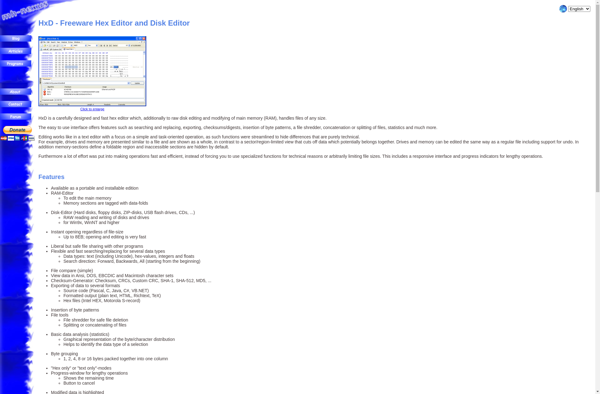
HxD

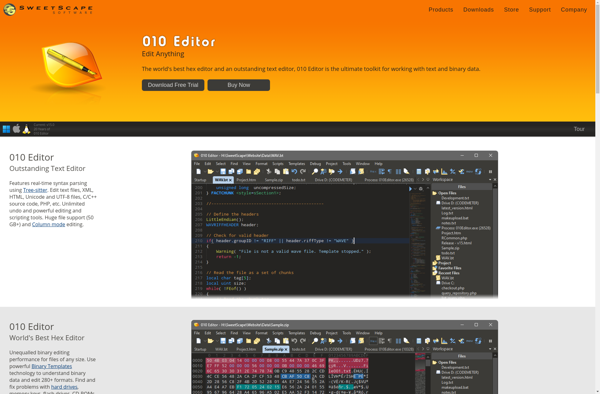
010 Editor

XVI32


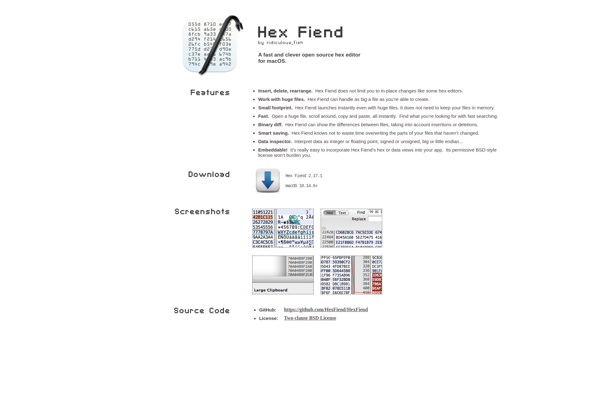
Hex Fiend

Hex Workshop

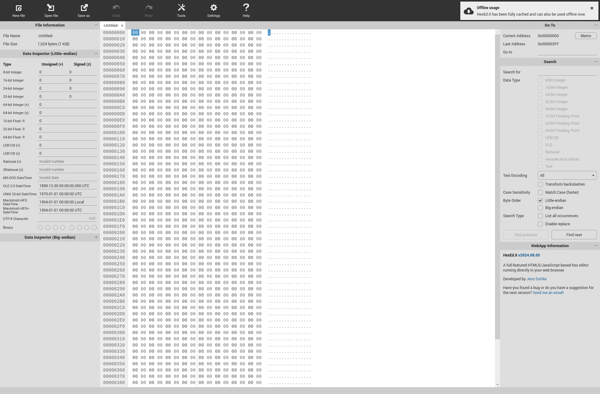
HexEd.it

PE Explorer


Okteta

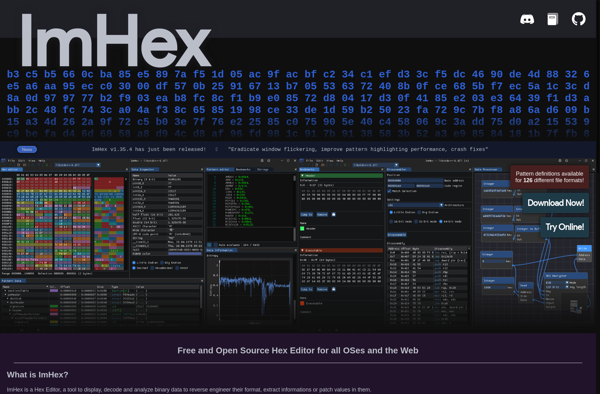
ImHex

DMDE


RJ TextEd


IHex

Hexinator

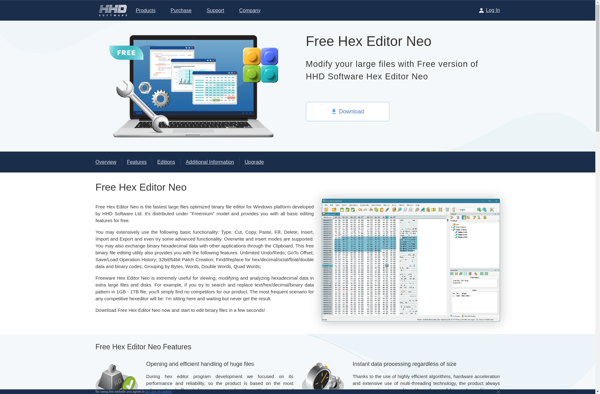
Free Hex Editor Neo

MadEdit

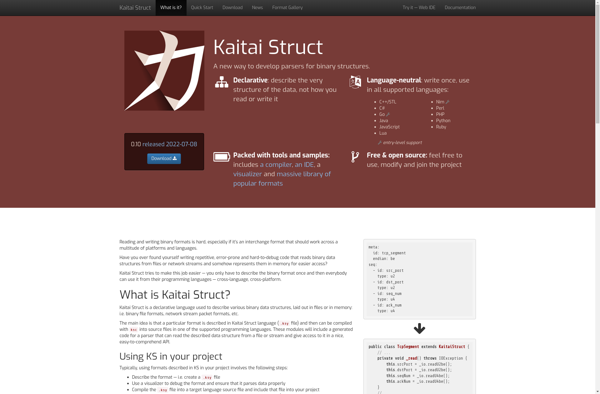
Kaitai Struct

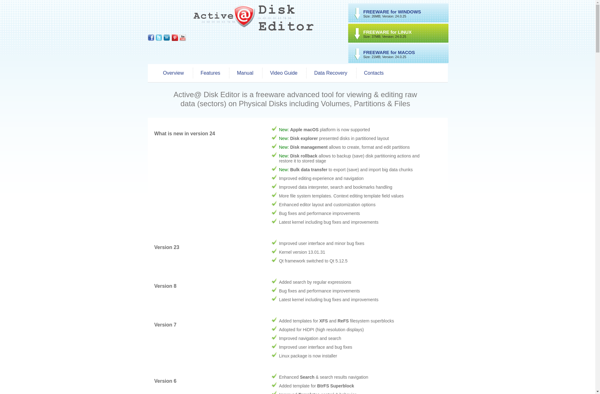
Active@ Disk Editor

Preon

WxHexEditor

Heraia

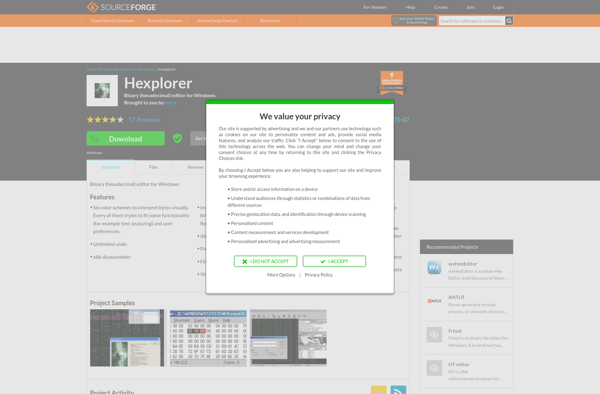
Hexplorer
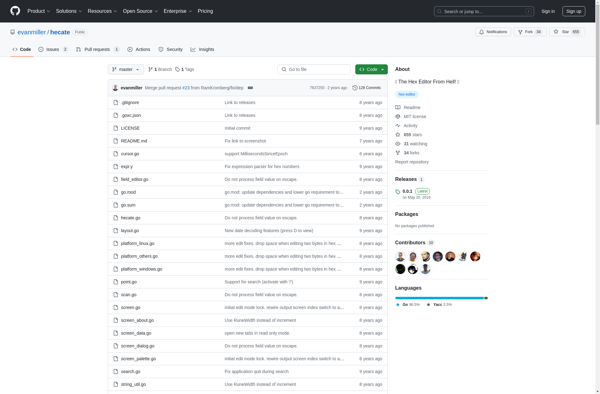
Hecate
Hexer