IconTweaker

IconTweaker: Customize Icons on Windows
Free, open source software for customizing icons on Windows, changing icon images, editing file info, and more with a user-friendly GUI.
What is IconTweaker?
IconTweaker is a free, open source application for Windows that allows customizing the icons used on your system. It provides an easy-to-use graphical interface for changing icon images, editing file information, and more.
With IconTweaker, you can quickly replace existing icons or create entirely new ones. It supports all common icon formats like ICO, PNG, BMP and more. You can tweak icon resolution, color depth, hotspots, and other properties.
Additional features include batch icon processing, drag and drop support, and the ability to restore icons to their original state. The software is portable and leaves no traces in the registry when closed.
IconTweaker enables full control over icon customization without the need for advanced image editing skills. It's useful for changing folder icons, software icons, Favicons, and more to personalize your Windows experience.
IconTweaker Features
Features
- Change icon images for files, folders, shortcuts, etc
- Edit file information like name, version, description
- Bulk rename icons
- Export and import icon libraries
- Supports PNG, ICO, ICNS icon formats
Pricing
- Open Source
Pros
Cons
Reviews & Ratings
Login to ReviewThe Best IconTweaker Alternatives
View all IconTweaker alternatives with detailed comparison →
Top Os & Utilities and Customization and other similar apps like IconTweaker
Here are some alternatives to IconTweaker:
Suggest an alternative ❐
CandyBar


FCorp My Desktop

Folderico

CustomizerGod

Folder Marker

IconChamp

Replacicon

Dr. Folder

LiteIcon

Bee Icons
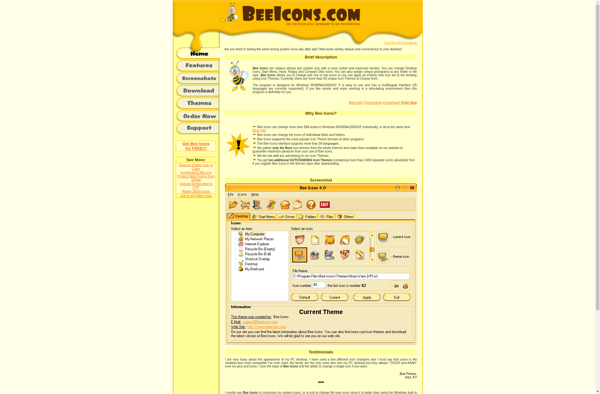

WinIcon Customizer


Folder Painter

IconBox

Rainbow Folders


SysIcon

IColorFolder