JSONMate
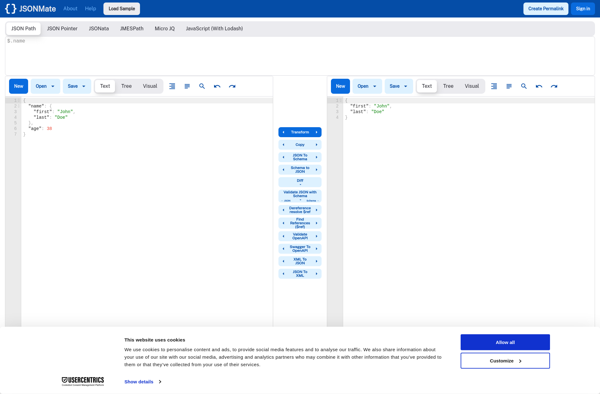
JSONMate: Lightweight JSON Editor
JSONMate is a lightweight JSON editor for macOS. It provides features like syntax highlighting, auto-completion, and validation to help you easily view, edit, and format JSON documents.
What is JSONMate?
JSONMate is a lightweight, easy-to-use JSON editor for macOS. It is designed specifically for working with JSON data, providing a number of useful features and conveniences:
- Syntax highlighting - Color codes elements like strings, numbers, booleans, etc. to improve readability
- Auto-completion - Suggests completions as you type to speed up editing
- Validation - Checks for valid JSON syntax and alerts you to errors
- Tree view - Displays a structural outline of your JSON document
- Search & replace - Finds and replaces text across documents
- Dark theme - An optional darker color scheme to reduce eye strain
Despite the extensive feature set, JSONMate maintains a simple single-screen interface without a lot of clutter. It aims to provide just the right utilities for JSON editing in a lean Mac-style package. If you regularly view, manipulate, or format JSON data, JSONMate is an excellent choice for a native macOS editor.
JSONMate Features
Features
- Syntax highlighting
- Auto-completion
- Validation
- Formatting
- Tree view
- Find & replace
- Dark mode
- Multiple tabs
- Keyboard shortcuts
Pricing
- Free
- One-time Purchase
Pros
Cons
Official Links
Reviews & Ratings
Login to ReviewThe Best JSONMate Alternatives
View all JSONMate alternatives with detailed comparison →
Top Development and Json Editor and other similar apps like JSONMate
Here are some alternatives to JSONMate:
Suggest an alternative ❐
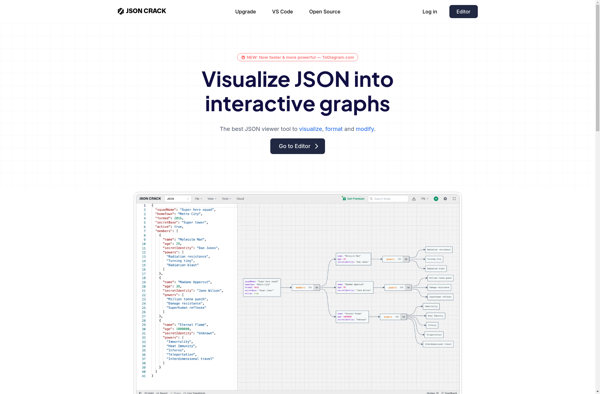
JSON Crack

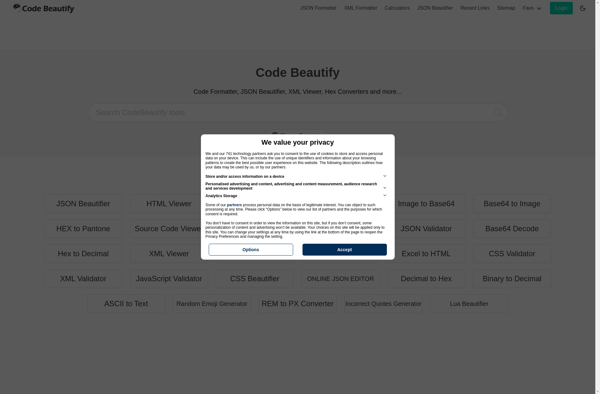
Code Beautify


CodeBeautify

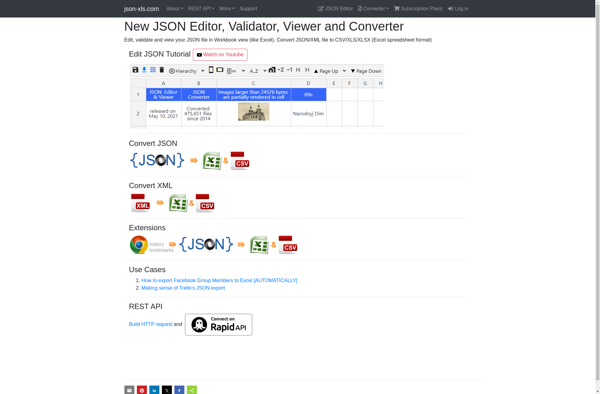
Json-xls.com

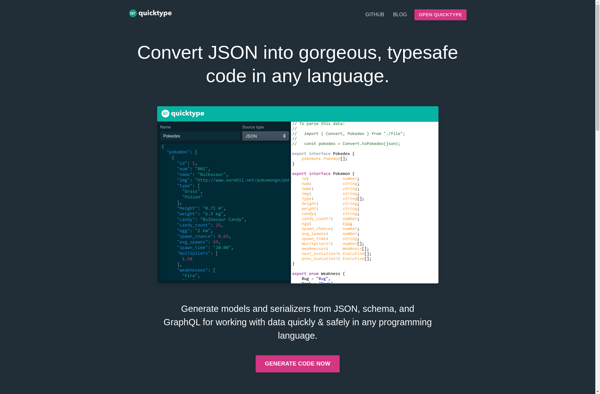
Quicktype

JSON Editor Online

Source Code Beautifier

HtmlStrip

EditCombo.com

ConvertOnline.IO