Mathcha
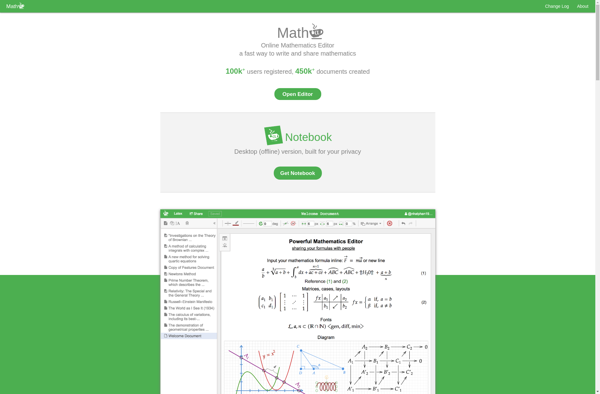
Mathcha: Open-Source Math Equation Editor & Renderer
An open-source math equation editor and renderer for creating beautifully formatted mathematical equations and formulas for websites, documents, presentations, and more.
What is Mathcha?
Mathcha is an open-source JavaScript library for rendering mathematical equations and formulas. It provides a WYSIWYG visual editor for creating math expressions with LaTeX syntax. Mathcha supports inline equations, displayed equations, matrices, fractions, integrals, summations, limits, roots, accents, symbols, and more.
Some key features of Mathcha include:
- Client-side LaTeX rendering - equations are rendered using JavaScript without needing server-side processing
- Visual editing interface - intuitive WYSIWYG editor for constructing equations
- High quality SVG output - crisp, smooth vector graphics work at any scale
- Customizable - themes, fonts, layout, and more can be adjusted
- Accessible & semantic markup - math content works well with screen readers
- Lightweight codebase - 11KB gzipped size
- Free and open source
Mathcha can be easily integrated into websites, blogs, wikis, online courses, homework systems, computational notebooks, and more to enable high quality math typesetting capabilities. It's a good option for sites where an equation editor is needed but without the complexity of running an entire LaTeX installation.
Mathcha Features
Features
- WYSIWYG equation editor
- LaTeX support
- MathML support
- SVG, PNG and MathML output
- Copy and paste formatted equations
- Supports all major browsers
- Mobile support
- Keyboard shortcuts
- Localization support
- Accessible math
- Plugin architecture
Pricing
- Open Source
Pros
Cons
Official Links
Reviews & Ratings
Login to ReviewThe Best Mathcha Alternatives
View all Mathcha alternatives with detailed comparison →
Top Education & Reference and Math & Science and other similar apps like Mathcha
Here are some alternatives to Mathcha:
Suggest an alternative ❐
MathType

Diagrams

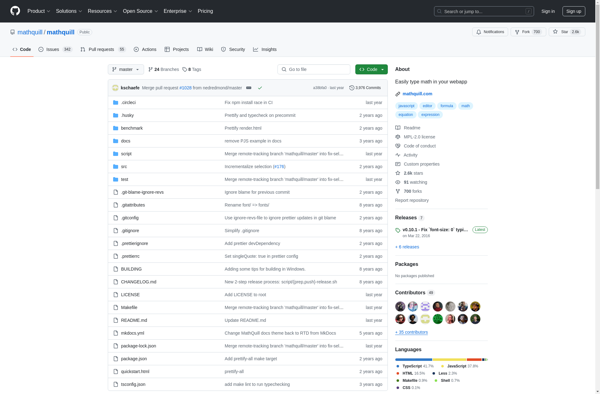
MathQuill

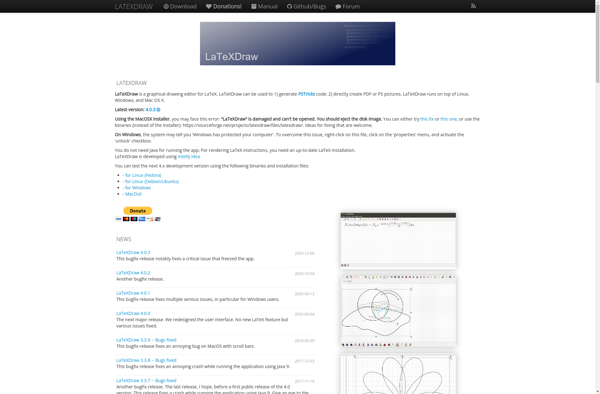
LaTeXDraw

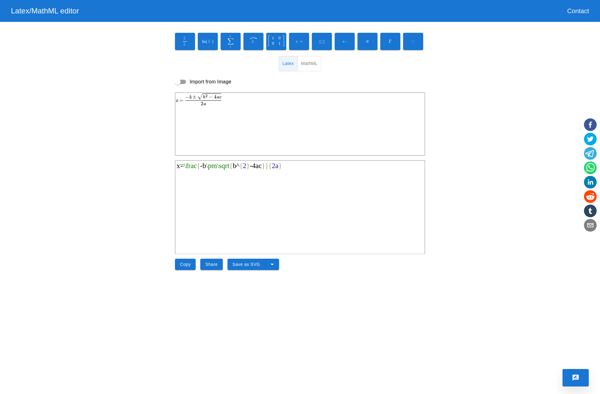
Online Visual Math Editor

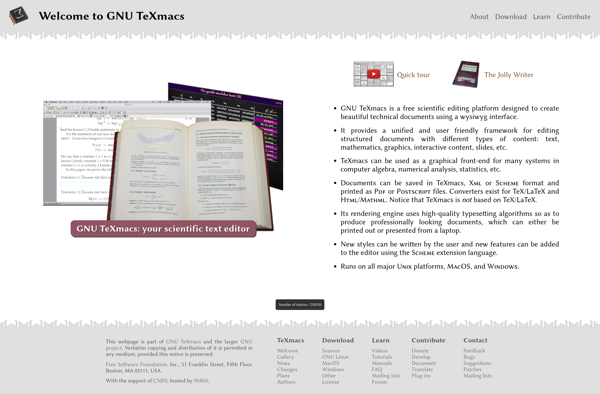
TeXmacs

TikZiT