Move Mouse
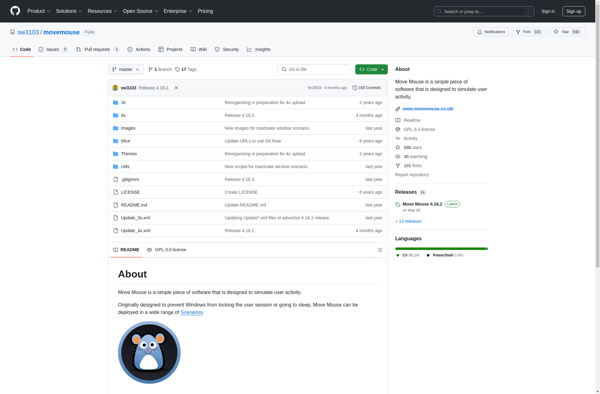
Move Mouse: A Utility Program for Preventing Computer Idle
A small utility program that simulates mouse movement and clicks on a periodic basis, designed to prevent computer idle or sleep while unattended.
What is Move Mouse?
Move Mouse is a lightweight Windows application designed to simulate mouse movement and clicks. It runs unobtrusively in the background and helps prevent your computer from going into sleep or screensaver mode when you step away from your desk.
Some of the key features of Move Mouse include:
- Customizable time intervals for mouse movement and clicks
- Option to randomize interval timing to simulate human behavior
- Minimal CPU and memory usage for smooth system performance
- Portable version requiring no installation
- Accessibility options like magnified mouse cursor
- Hotkeys for simple start/stop control
- Supports moving the cursor across multiple monitors
Whether used in an office setting to maintain user presence, or at home to stop screensavers while watching movies, Move Mouse is a handy utility for preventing idle timeouts. It's free to use for personal purposes and available for commercial licensing as well.
Move Mouse Features
Features
- Simulates mouse movement to prevent computer from going idle
- Allows configuring movement interval and type of movement
- Option for random and precise mouse movement patterns
- Can simulate left, right and middle mouse button clicks
- Runs minimized in system tray
Pricing
- Free
Pros
Cons
Official Links
Reviews & Ratings
Login to ReviewThe Best Move Mouse Alternatives
View all Move Mouse alternatives with detailed comparison →
Top Os & Utilities and Automation and other similar apps like Move Mouse

Auto Mouse Mover

AntiSleep