NoSleepHD
NoSleepHD: Prevents Computer Sleep Mode
Free utility for Windows to keep your computer awake, useful for large file downloads and presentations.
What is NoSleepHD?
NoSleepHD is a free program for Windows that prevents your computer from automatically going into sleep or hibernate mode. It's useful in a variety of situations where you need to ensure your computer stays powered on.
Some example use cases for NoSleepHD include:
- Downloading large files that will take a long time. NoSleepHD ensures your computer won't power off before the download completes.
- Giving presentations using your laptop. NoSleepHD prevents embarrassing mid-presentation sleeps.
- Running long calculations or workflows overnight. NoSleepHD means your computer will stay awake to finish jobs.
NoSleepHD is easy to use - just run the program and it will sit in your system tray preventing Windows from going to sleep. It's light on system resources and you can customize exactly when/if your computer is allowed to sleep. There's also an option to have NoSleepHD turn off your display after a configurable amount of time, which helps save power.
NoSleepHD Features
Features
- Prevents computer from going to sleep
- Works on Windows 10, 8, 7
- Lightweight, uses minimal system resources
- Open source
- Portable version available
- Customizable sleep prevention options
Pricing
- Free
Pros
Cons
Official Links
Reviews & Ratings
Login to ReviewThe Best NoSleepHD Alternatives
View all NoSleepHD alternatives with detailed comparison →
Top Os & Utilities and System Tools and other similar apps like NoSleepHD
Here are some alternatives to NoSleepHD:
Suggest an alternative ❐
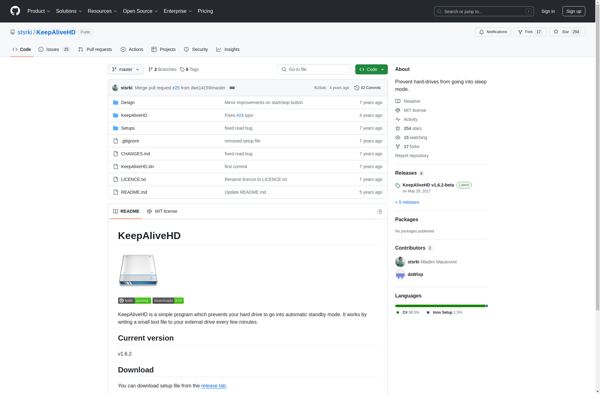
KeepAliveHD

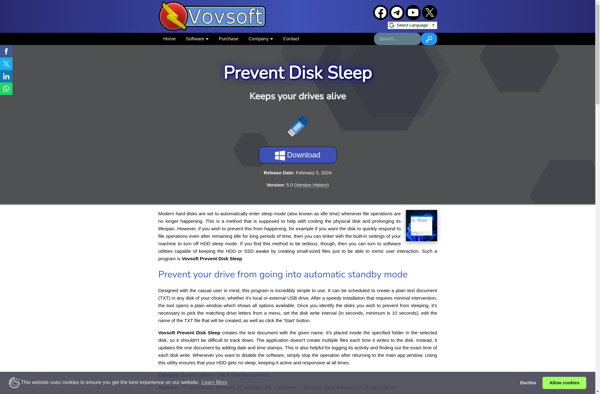
Prevent Disk Sleep

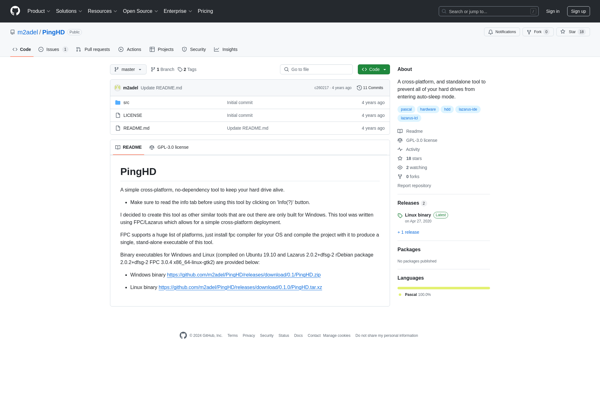
PingHD