Prevent Disk Sleep
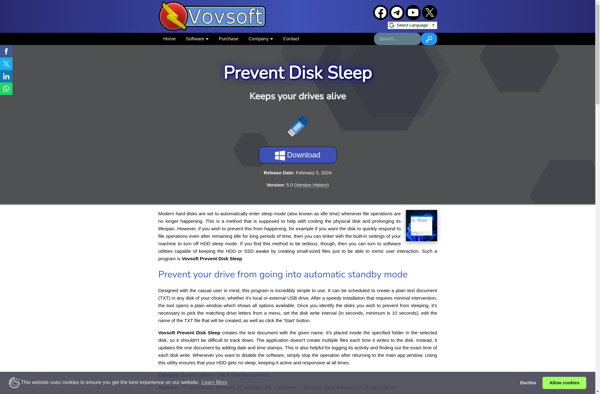
Prevent Disk Sleep: System Tray Utility
Prevent Disk Sleep is a small utility that prevents your computer from going into sleep or hibernate mode. It runs in the system tray and monitors disk activity, preventing your computer from sleeping when there is disk I/O.
What is Prevent Disk Sleep?
Prevent Disk Sleep is a lightweight and easy-to-use application designed to stop your computer from automatically going into sleep or hibernate mode when there is disk activity. It runs minimized in the system tray and monitors your disk I/O, preventing sleep if any programs are accessing the disk.
This small utility is perfect for situations where you don't want your computer suspending itself if you step away for a minute while a backup job, virus scan, or other disk intensive task is running. Without Prevent Disk Sleep, Windows may put your PC to sleep mid-task, leading to errors or failed operations.
Some key features include:
- Automatically prevents sleep/hibernate during disk activity
- Very small footprint - uses minimal system resources
- Runs minimized in the system tray
- Works with HDDs and SSDs on desktops and laptops
- Easy to configure from the system tray icon menu
Prevent Disk Sleep is free to try with no restrictions. It runs on Windows 10, 8, 7, Vista, and XP. With its set-it-and-forget-it approach, this utility solves the problem of unwanted suspends and failed batch jobs due to ill-timed sleep.
Prevent Disk Sleep Features
Features
- Prevents computer from automatically sleeping or hibernating
- Runs in the system tray and monitors disk activity
- Lightweight and easy to use
- Works on Windows operating systems
Pricing
- Free
Pros
Cons
Reviews & Ratings
Login to ReviewThe Best Prevent Disk Sleep Alternatives
View all Prevent Disk Sleep alternatives with detailed comparison →
Top Os & Utilities and System Tools and other similar apps like Prevent Disk Sleep
Here are some alternatives to Prevent Disk Sleep:
Suggest an alternative ❐
NoSleepHD
KeepAliveHD

PingHD