Omnimo UI
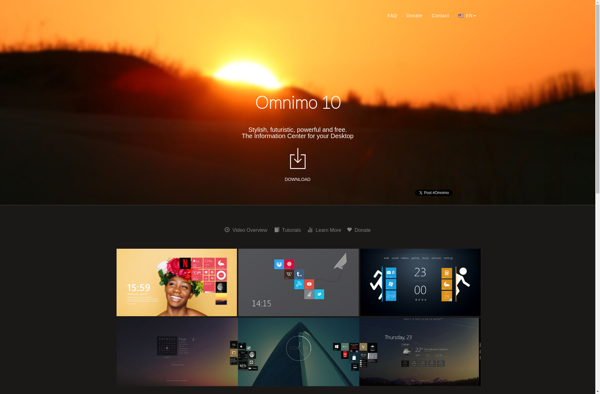
Omnimo UI: Free App Launcher & System Monitors
A free, open-source app launcher and system monitor for Windows offering a clean, customizable interface to quickly access apps and view system resource usage.
What is Omnimo UI?
Omnimo UI is a free, open-source app launcher and system monitor designed for Windows. It provides users with a clean and visually appealing interface to quickly access frequently used applications.
Some key features of Omnimo UI include:
- App Launcher - Easily launch apps and files through an alphabetical grid layout. Apps can be pinned for quick access.
- System Monitoring - Monitor CPU, memory, disk, and network usage in real-time with colorful graphs and gauges.
- Customization - Change background images, icon sizes, themes, and enable/disable monitoring widgets.
- Portable - Runs as a portable app without needing installation.
- Open Source - Actively developed on GitHub under the MIT license.
Overall, Omnimo UI makes launching apps faster compared to searching through the Windows Start menu. It provides a cleaner, visually focused interface optimized for productivity. The system monitoring tools also give valuable insights for power users without cluttering up the experience. Customization options allow flexibility to match personal workflow and style.
Omnimo UI Features
Features
- Customizable app launcher
- System resource monitoring
- Weather and time widgets
- Themes and icon packs
- Plugin support
Pricing
- Free
- Open Source
Pros
Cons
Official Links
Reviews & Ratings
Login to ReviewThe Best Omnimo UI Alternatives
View all Omnimo UI alternatives with detailed comparison →
Top Os & Utilities and System Monitoring and other similar apps like Omnimo UI
Here are some alternatives to Omnimo UI:
Suggest an alternative ❐
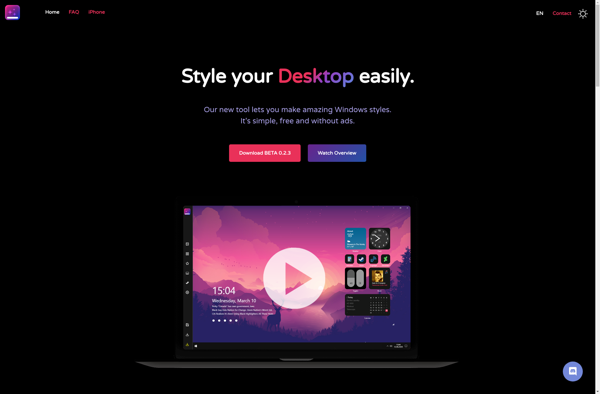
Screenstyler

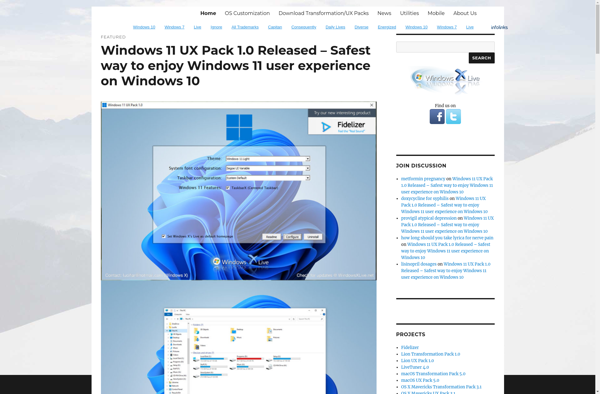
Windows 8 Transformation Pack

WinMetro


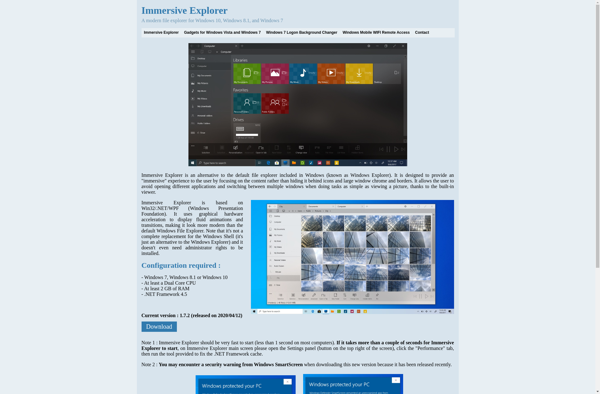
Immersive Explorer