
Photini
Photini is a free, open source photo metadata editor for Windows, Mac and Linux. It allows viewing, editing and removing metadata from image files in a simple interface.

Photini: Free Open Source Photo Metadata Editors
A free photo metadata editor for Windows, Mac, and Linux, allowing easy viewing, editing, and removal of metadata from image files.
What is Photini?
Photini is a free, open source application for viewing, editing and removing metadata from digital image files. It works on Windows, Mac and Linux operating systems.
With Photini, you can:
- View all metadata contained in JPEG, TIFF, PNG, WEBP and other common image file formats
- Edit metadata like titles, descriptions, ratings, keywords, location info and more
- Remove unwanted metadata from files to protect your privacy
- Write metadata changes directly into files without needing sidecar files
- Batch process metadata across folders of images
- Integrate with other applications via command line usage
Key features include a simple, easy-to-use interface, extensive metadata editing capabilities, cross-platform support and batch editing tools. Photini aims to give users control over their image metadata.
It is published under the GNU General Public License v3.0 open source license. Photini is free to download and use, even for commercial purposes.
Photini Features
Features
- View and edit EXIF, IPTC and XMP metadata
- Geotag photos from GPS track logs
- Batch edit metadata for multiple images
- Adjust date/time
- Map view to browse photos by location
- Face detection and tagging
- Support for RAW files
- Non-destructive editing
- Plugin architecture
- Cross-platform - Windows, Mac, Linux
Pricing
- Free
Pros
Free and open source
Simple and easy to use interface
Supports many metadata standards
Handles RAW files
Cross-platform availability
Active development and support
Cons
Limited batch editing capabilities
No image editing features besides metadata
Fewer advanced features than some paid alternatives
Reviews & Ratings
Login to ReviewThe Best Photini Alternatives
View all Photini alternatives with detailed comparison →
Top Photos & Graphics and Photo Editing and other similar apps like Photini

PhotoMove
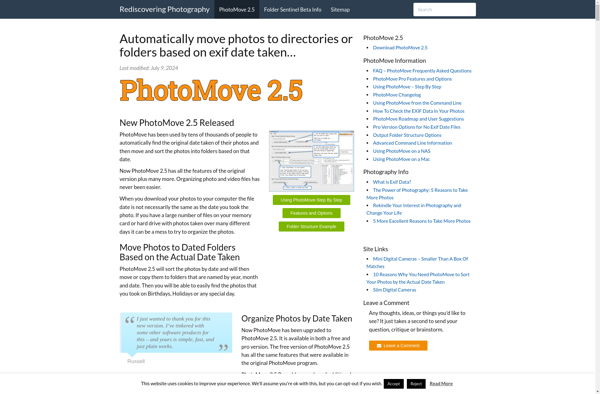
PhotoMove is a photo management and organizing application designed for Windows. It provides a set of tools to help photographers and casual users alike to keep their photo collection neatly organized and easy to access.Some of the key features of PhotoMove include:Facial recognition - Automatically identifies people in photos and...

Adebis Photo Sorter
Adebis Photo Sorter is a free and open source software application designed to help organize large photo collections. It works by analyzing the metadata embedded in digital images, such as the date and time the photo was taken, and then automatically sorting the photos into a folder structure based on...

Rapid Photo Downloader
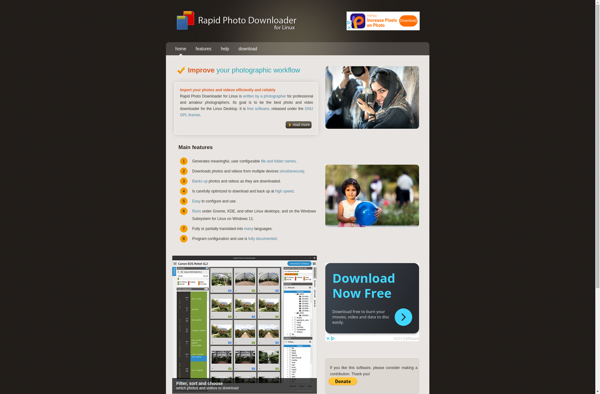
Rapid Photo Downloader is a free and open source app designed for the Linux operating system to import photos and videos from digital cameras, smartphones, and other devices quickly and easily. It has many features to help manage the downloading process:- Automatically detect attached media devices like cameras, phones, or...

Flexible Renamer
Flexible Renamer is a handy and intuitive piece of software for renaming multiple files at once. With an easy-to-use interface, it allows you to perform various batch renaming jobs like:Find and replace text in filenamesAutomatically number file sequencesAdd/remove prefixes and/or suffixesChange case - make filenames uppercase, lowercase, titlecase, etc.Trim filenames...


AmoK EXIF Sorter
AmoK EXIF Sorter is a free, open source Windows application that provides advanced sorting and organization of image collections based on EXIF metadata. It allows photographers to quickly and easily sort images by parameters like capture date, camera model, lens, aperture, exposure, ISO, and more.Some key features of AmoK EXIF...

Avalloc EXIF Sorter
Avalloc EXIF Sorter is a free program for Windows that allows you to easily sort your collection of digital photos by the date the photo was taken. It extracts the capture date and time embedded in the EXIF metadata of image files like JPG and uses that information to automatically...


Cheez
Cheez is a user-friendly graphic design and image editing software available online for free. It provides a wide range of easy-to-use design tools and templates that allow anyone to create high-quality visual content such as flyers, posters, brochures, social media posts, banners, cards, logos and more without needing prior design...