PixaTool
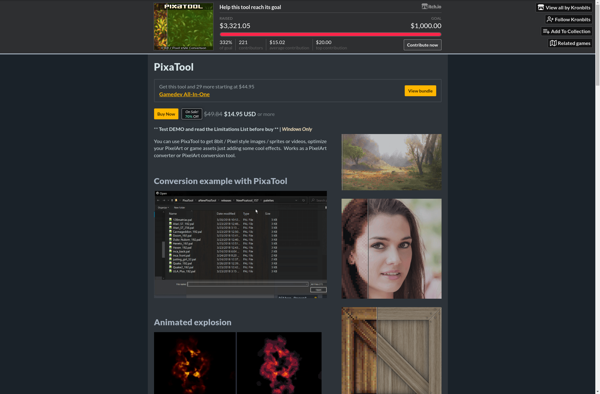
PixaTool: Free Online Photo Editor
PixaTool is a free online photo editor that allows users to easily edit images without needing to download software. With PixaTool, users can crop, resize, apply filters, add text, draw, and more to photos right within their web browser.
What is PixaTool?
PixaTool is a user-friendly online photo editing application that lets anyone enhance and touch up images directly within their web browser, without needing to download desktop software. It provides a wide range of powerful yet easy-to-use photo editing tools for free.
Key features of PixaTool include:
- Intuitive crop, rotate, resize, and flip tools
- Adjustment options like exposure, saturation, contrast, sharpen, and more
- Filters like black & white, vintage, HDR, and others
- Text tools with control over font, size, color, etc.
- Drawing tools to add shapes, lines, arrows, etc.
- Sticker and meme options
- Undo/redo capability
- Social image templates for posts
- Cropping tool for profile pictures and social media
- Simple user interface ideal for beginners
As an online application, PixaTool allows editing photos from any device with a browser and internet connection. It eliminates the need to download bulky desktop software. The edited photos can be downloaded directly or shared to social platforms.
With its easy learning curve and versatile free editing capabilities, PixaTool is a great choice for hobbyists, social media users, bloggers, marketers, and anyone who wants to quickly edit images without complexity.
PixaTool Features
Features
- Online photo editing
- No need to download software
- Crop, resize, rotate images
- Apply filters and effects
- Add text and shapes
- Drawing tools
- Undo and redo edits
- Export images
Pricing
- Free
Pros
Cons
Official Links
Reviews & Ratings
Login to ReviewThe Best PixaTool Alternatives
View all PixaTool alternatives with detailed comparison →
Top Photos & Graphics and Photo Editing and other similar apps like PixaTool

Pixelizer
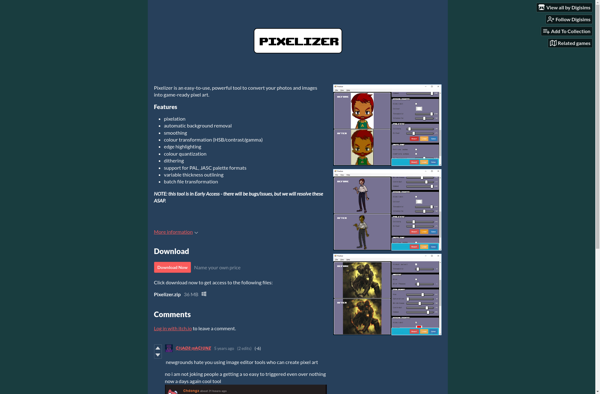

Pixelator