Pixelator
Pixelator: Free Online Photo Editor
Free online photo editor to easily pixelate images and photos with adjustable block size
What is Pixelator?
Pixelator is a free online tool that allows you to pixelate images easily. It can be used to censor or blur sensitive imagery by reducing an image's color depth and resolution. Pixelator has an intuitive interface where you simply upload your photo, choose the size of the pixel blocks from 2x2 pixels up to 50x50 pixels, and click pixelate to transform your image.
You have the option to pixelate the entire image uniformly or to selectively pixelate only certain regions by drawing pixelation blocks over the areas you wish to obscure. This makes it easy to censor faces, text, logos, or any other sensitive content in your images.
Pixelator does not require signing up for an account and runs fully in your web browser so your photo data stays private. The pixelated images can be downloaded back to your computer or shared online. It's a handy, easy-to-use tool for editing and censoring images quickly.
Pixelator Features
Features
- Allows pixelating images and photos
- Has a simple interface for uploading images
- Can choose size of pixel blocks
- Can pixelate whole image or just parts of it
Pricing
- Free
Pros
Cons
Official Links
Reviews & Ratings
Login to ReviewThe Best Pixelator Alternatives
View all Pixelator alternatives with detailed comparison →
Top Photos & Graphics and Image Editing and other similar apps like Pixelator
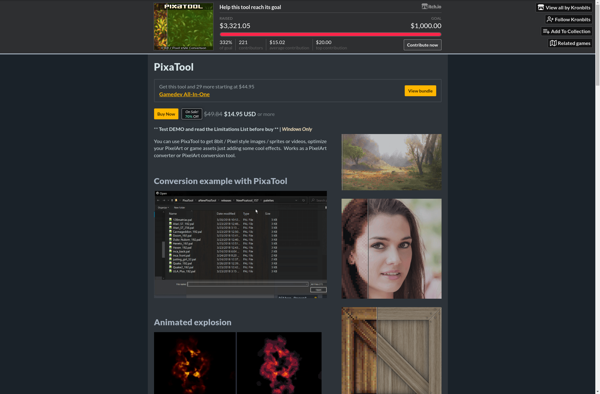
PixaTool

Pixelizer