Pixelizer
Pixelizer: Free Web App for Pixelating Images
Pixelize your images and photos with this free web app, featuring a simple interface for uploading, pixel size selection, and downloading the result. Easily obscure identifiable details in photos.
What is Pixelizer?
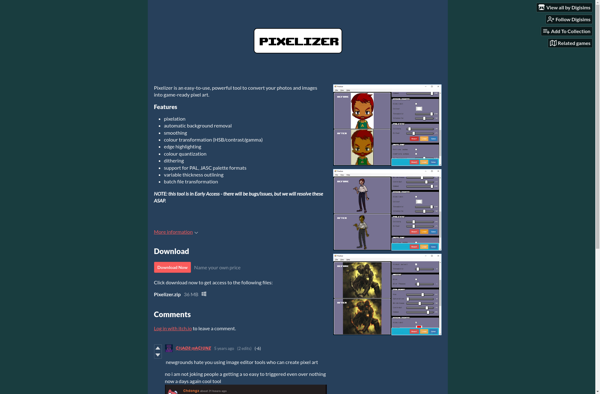
Pixelizer is a free online tool that allows users to pixelate images in order to obscure identifiable details. It has a simple and intuitive interface where users can upload an image from their computer or import it via a URL.
Once an image is uploaded, users can use the pixel size slider to adjust the pixelation effect. Smaller pixel sizes result in heavier pixelation that obscures more details. At the smallest pixel sizes, images take on a mosaic or Minecraft-esque blocky aesthetic.
Users can preview the pixelated image live as they adjust the slider. Once they are satisfied, they can download the pixelated image to their computer. The download retains the original image dimensions and format.
Because it obscures identifying details, Pixelizer is commonly used to anonymize faces and sensitive imagery before sharing them publicly. The pixelated images retain their general composition while hiding finer details like identity. This makes Pixelizer useful for social media users, researchers, citizen journalists, and activists looking to publish imagery ethically.
Pixelizer is easy to use, requiring no account signup or installation of software. The simple web interface makes it accessible for users of all levels of technical expertise. And since it runs fully client-side in the browser, user data and uploads are kept private. The open source codebase is available for review as well.
Pixelizer Features
Features
- Allows users to pixelate images and photos
- Has a simple interface to upload images
- Users can choose pixel size
- Pixelated images can be downloaded
Pricing
- Free
Pros
Cons
Official Links
Reviews & Ratings
Login to ReviewThe Best Pixelizer Alternatives
View all Pixelizer alternatives with detailed comparison →
Top Photos & Graphics and Image Editing and other similar apps like Pixelizer
PixaTool
Pixelator