Open-source disk usage analyzer to visualize disk space and clean up your drives with ease, compatible with both Linux and Windows operating systems.
What is QDirStat?
QDirStat is an open source application that analyzes disk usage on computers running Linux, Windows, and other operating systems. It provides a graphical tree map visualization that allows users to easily see what files and folders are taking up hard drive space.
Some key features of QDirStat include:
Color-coded tree map showing file and folder sizes
Easy drill-down navigation to see disk usage details
Filtering by file types and other properties
Search function to quickly locate files and folders
Ability to open, delete, or move files and folders right within QDirStat
Reporting to export detailed disk usage information
Lightweight application with low system resource usage
QDirStat is licensed under the GNU General Public License. It runs natively on Linux and can be installed easily through most distribution's package managers. The Windows version provides an executable that does not require any special runtimes or dependencies. QDirStat is a handy utility for freeing up disk space by identifying the largest files cluttering up your system.
QDirStat Features
Features
Graphical tree map view of disk usage
Drill down into directories to see disk usage
Find large files quickly
Identify wasted disk space
Portable version available
Supports Linux and Windows
Pricing
Open Source
Pros
Free and open source
Easy to use graphical interface
Provides clear visualization of disk usage
Helps identify and clean up disk space
Lightweight and fast
Cons
Limited configuration options
No support for macOS
Tree map can get complex with deep directory structures
TreeSize is a powerful disk space manager for Windows that provides an in-depth analysis of disk usage to help free up space. It scans local drives, external drives, network shares and cloud storage to build an interactive tree map visualization that displays the size of folders and files down to...
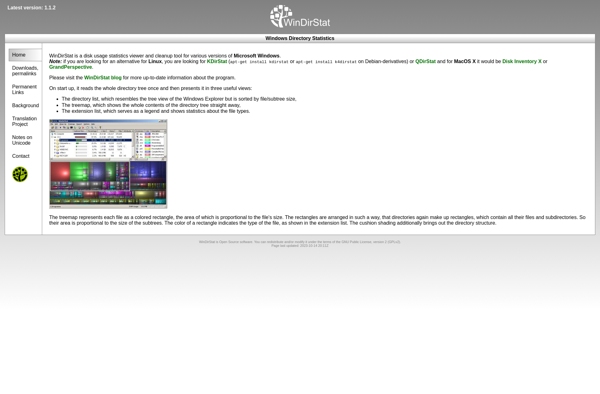
WinDirStat is a graphical disk usage utility for Microsoft Windows that allows users to easily visualize disk space usage on their computer's hard drive. Developed as an open source tool, WinDirStat aims to be an alternative to the built-in Windows Explorer disk usage function.When launched, WinDirStat scans the selected drive...
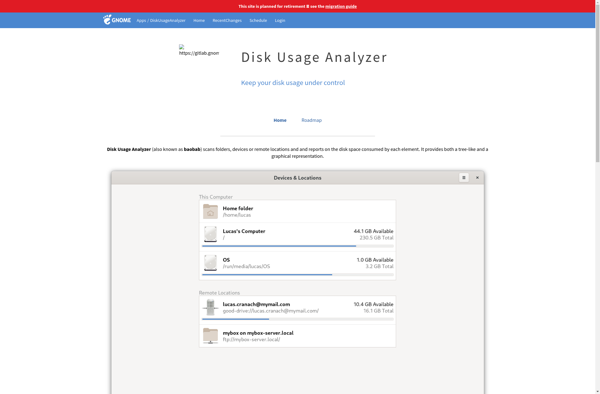
Baobab is a graphical disk usage analyzer for Linux designed to help users understand what is taking up space on their hard drives or folders. It features an intuitive tree map visualization that allows you to easily identify large files and folders, making it simple to free up space by...
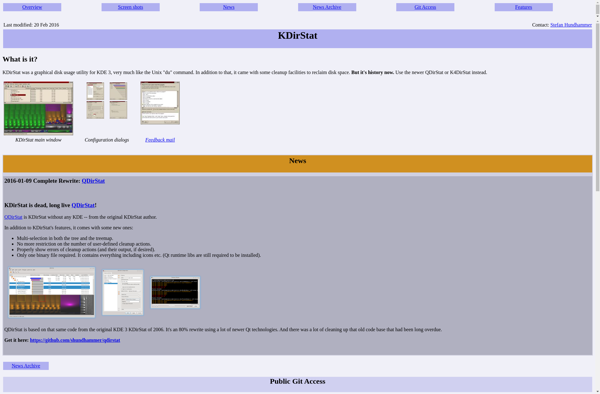
KDirStat is a free, open source disk usage analyzer and graphical disk space visualizer for Linux desktop environments like KDE Plasma, GNOME, Xfce, and others. It provides an interactive graphical tree map of file and folder sizes on local, removable, and network drives to help identify where disk space is...
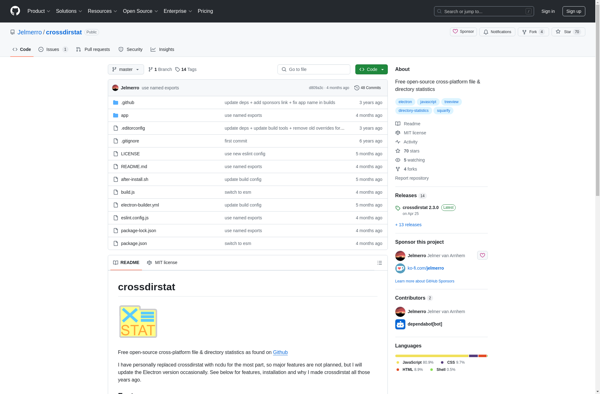
CrossDirStat is a graphical disk usage analyzer and cleanup tool for Microsoft Windows. It allows users to easily visualize disk space usage by scanning directories and displaying an interactive treemap showing the proportional sizes of folders and files.Some key features of CrossDirStat include:Treemap visualization shows usage proportions and makes it...
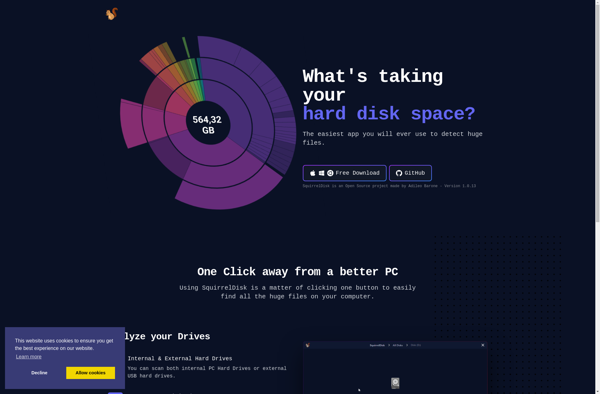
SquirrelDisk is a free open source desktop application for Windows that enables users to create encrypted virtual disk drives to securely store sensitive files and folders. It utilizes the industry standard AES encryption algorithm with 256-bit keys to protect data from unauthorized access.Some key features of SquirrelDisk include:Ability to create...
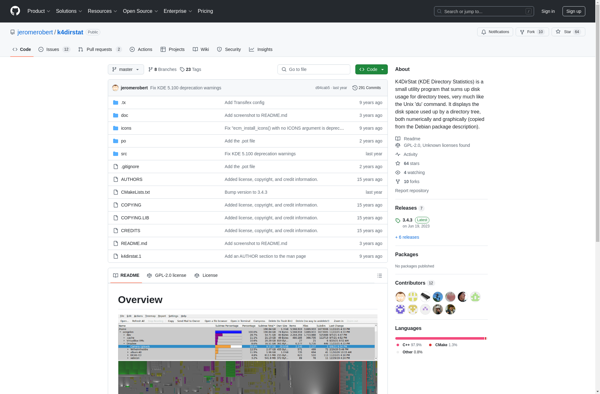
K4DirStat is an open-source disk usage analyzer and cleaner for Linux. It provides a graphical treemap visualization of disk usage to help identify large files and folders taking up space quickly. Some key features include:Color-coded treemap showing folder sizes and breakdownsEasy drill-down navigation through foldersFiltering by file types and attributesSearch...
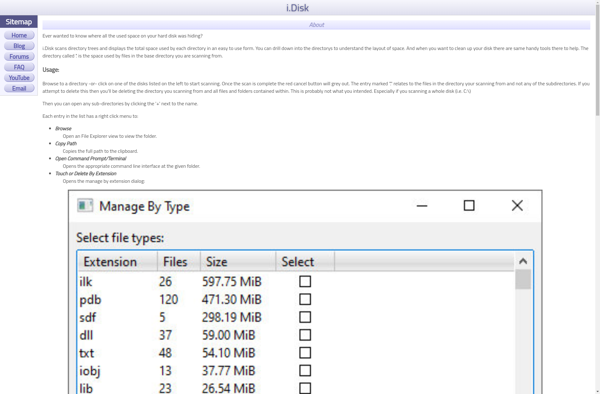
i.Disk is an online cloud storage platform that gives users a convenient way to store, access, and share files across devices. It utilizes cloud technology to provide secure and reliable file hosting services.Some key features of i.Disk include:File storage and hosting - Store all file types up to 2GB per...