RecoveryRobot Partition Recovery
RecoveryRobot Partition Recovery
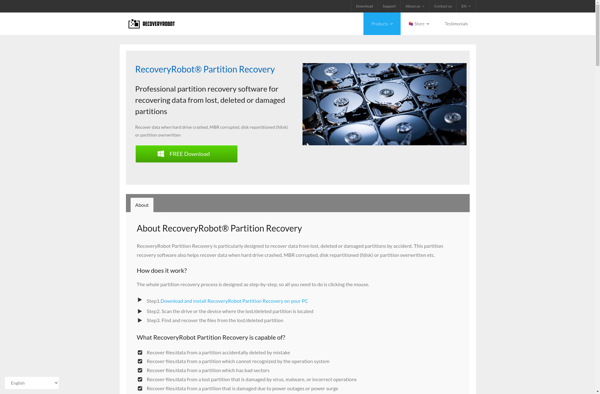
RecoveryRobot Partition Recovery is a data recovery software used for recovering lost or deleted files and partitions on both Windows and Mac. It features powerful recovery algorithms, support for a wide variety of storage devices and file systems, and an intuitive interface.
What is RecoveryRobot Partition Recovery?
RecoveryRobot Partition Recovery is a comprehensive yet easy-to-use data recovery tool designed specifically to recover lost, deleted, and corrupted files and partitions.
Key features include:
- Powerful scanning algorithms to locate lost or deleted files or partitions
- Support for Windows and Mac operating systems
- Recovery from formatted, corrupted, or inaccessible hard drives, SSDs, USB drives, SD cards, etc.
- Recovery from within deleted or lost partitions
- Support for FAT, NTFS, HFS+, exFAT, and other file systems
- Preview function to check files before recovery
- Straightforward and intuitive interface for simple operation
RecoveryRobot uses advanced scanning technology to comb through hard drives or storage media to find traces of lost data and reconstruct corrupted partition tables or file systems in order to regain access. It can recover from accidental or intentional formatting, virus/malware attacks, file system damage, partition loss, operating system issues, and hardware failures.
The software allows you to preview scanned files before recovery to avoid recovering unwanted data. Various filters, search tools, and other options enable customized recovery. RecoveryRobot has a high data recovery rate and preserves the original file structure as much as possible after restoring files.
Overall, RecoveryRobot Partition Recovery provides an effective and reliable way for both average users and IT professionals to attempt critical data recovery with minimal hassle or technical expertise required.
RecoveryRobot Partition Recovery Features
Features
- Recovers deleted and lost partitions
- Supports recovery from formatted, deleted, lost or damaged partitions
- Recovers data from hard drives, external hard drives, USB drives, SD cards, etc.
- Supports NTFS, FAT, exFAT, HFS+, APFS file systems
- Has different scan modes for quick and deep scanning
- Allows preview of recoverable files before recovery
- Recovers photos, documents, videos, emails, etc.
Pricing
- Freemium
Pros
Cons
Reviews & Ratings
Login to ReviewNo reviews yet
Be the first to share your experience with RecoveryRobot Partition Recovery!
Login to ReviewThe Best RecoveryRobot Partition Recovery Alternatives
View all RecoveryRobot Partition Recovery alternatives with detailed comparison →
Top Backup & Sync and Data Recovery and other similar apps like RecoveryRobot Partition Recovery
Here are some alternatives to RecoveryRobot Partition Recovery:
Suggest an alternative ❐
Disk Drill

DiskGenius

TestDisk
Hetman Partition Recovery

EaseUS Partition Recovery


R-Linux

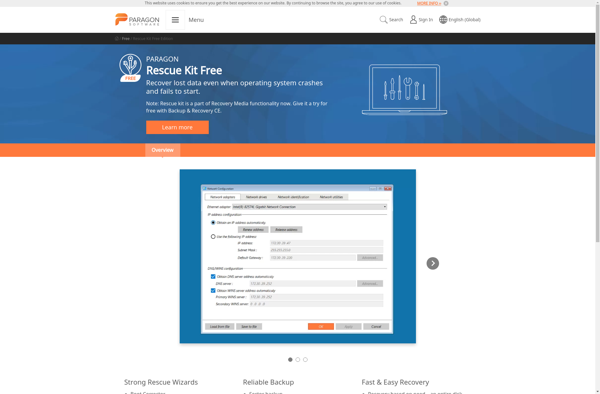
Paragon Rescue Kit

Partition Find and Mount
Partition Recovery by DiskInternals

DiskPatch
Disk Partition Recovery Free Edition
SoftAmbulance Partition Doctor