Remount
Remount: Disk Mounting Software for Linux & macOS
Mount disk images and archives as virtual drives or folders on Linux and macOS, access disk image contents without extraction
What is Remount?
Remount is a versatile disk image mounting software for Linux and macOS operating systems. It provides a quick and easy way to virtually mount various disk image formats (ISO, DMG, etc.) as well as popular archive files like ZIP, RAR, 7Z, TAR, etc. as if they were real disks or folders.
Some key features of Remount include:
- Supports a wide variety of disk image formats including ISO, BIN, DMG, CUE, NRG, MDF and more.
- Can also mount archive file formats like ZIP, 7Z, RAR, TAR, RPM, DEB, etc. with read and write access.
- Mounted images and archives appear as regular disks/drives or folders for easy access.
- Useful for conveniently installing software, accessing old disk images, editing archives without extracting, and more.
- Available for Linux, macOS and Windows with an easy-to-use GUI.
- Completely free and open-source software.
Overall, Remount simplifies accessing the contents of disk images and archives without the hassle of burning physical disks or full extraction. With its file format support, ease of use and multiplatform availability, it's a handy utility for any Linux or macOS user.
Remount Features
Features
- Mounts disk images & archives as virtual drives
- Supports DMG, ISO, BIN, IMG, NRG, MDF, VHD, VMDK
- Works on Linux & macOS
- CLI & GUI versions available
Pricing
- Free
- Open source
Pros
Cons
Official Links
Reviews & Ratings
Login to ReviewThe Best Remount Alternatives
View all Remount alternatives with detailed comparison →
Top Os & Utilities and Disk Management and other similar apps like Remount
Here are some alternatives to Remount:
Suggest an alternative ❐
ControlPlane

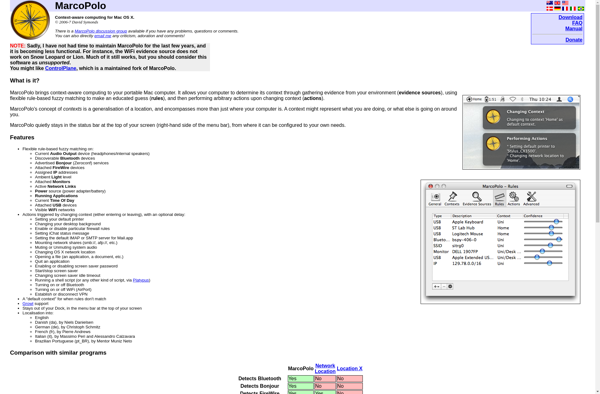
MarcoPolo

Home and Away