ScreenJelly
ScreenJelly: Screenshot Capture Software
Capture, annotate, and share screenshots with ScreenJelly, a powerful screenshot capture software that adds text, arrows, shapes, and more for easy explanation.
What is ScreenJelly?
ScreenJelly is an easy-to-use screenshot software that enables users to take full-page or region screenshots and annotate them directly. It provides intuitive annotation tools to add text boxes, arrows, lines, shapes, and highlights to screenshots quickly. Users can also blur or pixelate sensitive information in screenshots before sharing them.
Once screenshots are captured and annotated, ScreenJelly provides options to save and export them in a variety of formats including JPG, PNG, GIF, and PDF. Screenshots can also be shared instantly via the built-in share buttons. There is an option to copy screenshots to your clipboard to paste into documents or image editors as well.
Some key features of ScreenJelly include:
- Full page and region screenshot capture modes
- A wide range of annotation tools like arrows, text boxes, shapes
- Blur or pixelate sensitive data
- Export screenshots in various formats
- Share screenshots instantly with built-in share feature
Overall, ScreenJelly is a great screenshot capture tool for quickly communicating ideas, issues, instructions, etc. by annotating screenshots. Its annotation tools and quick sharing options make it easy to share annotated screenshots with stakeholders.
ScreenJelly Features
Features
- Screen capture
- Drawing tools
- Image annotation
- Screen recording
- GIF creation
- Cloud sync
Pricing
- Freemium
- Subscription-Based
Pros
Cons
Reviews & Ratings
Login to ReviewThe Best ScreenJelly Alternatives
View all ScreenJelly alternatives with detailed comparison →
Top Productivity and Screen Capture and other similar apps like ScreenJelly
Here are some alternatives to ScreenJelly:
Suggest an alternative ❐
Camtasia


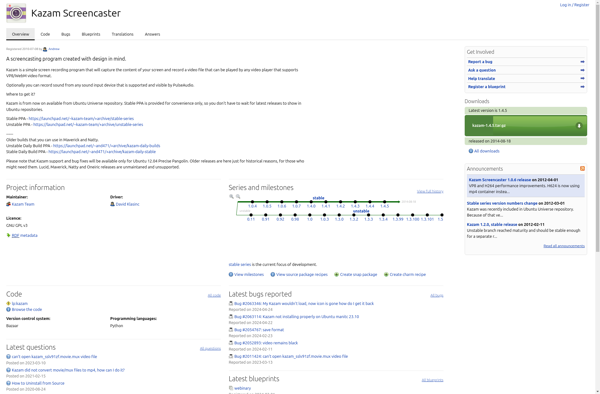
Kazam

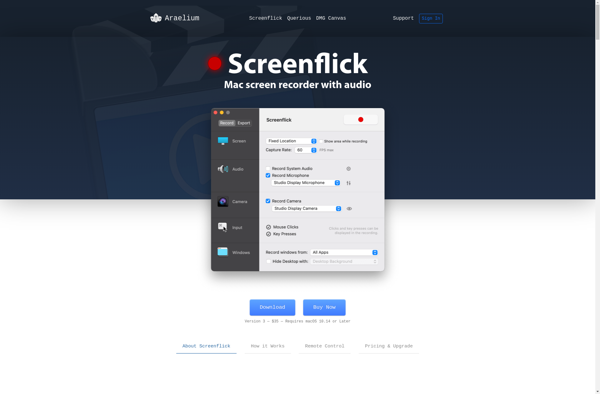
Screenflick

ScreenFlow

Screencast-O-Matic


Ashampoo Snap

RecordMyDesktop

Snapz Pro X

Debut


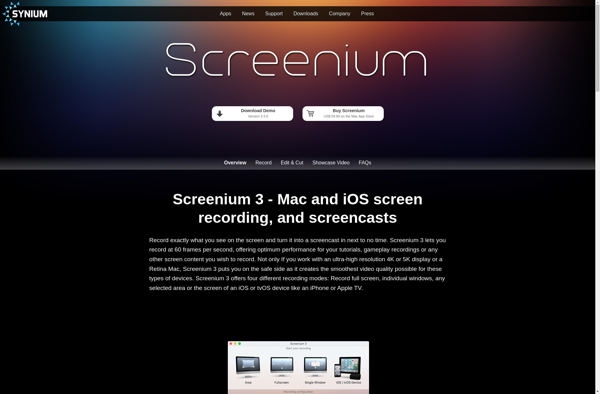
Screenium

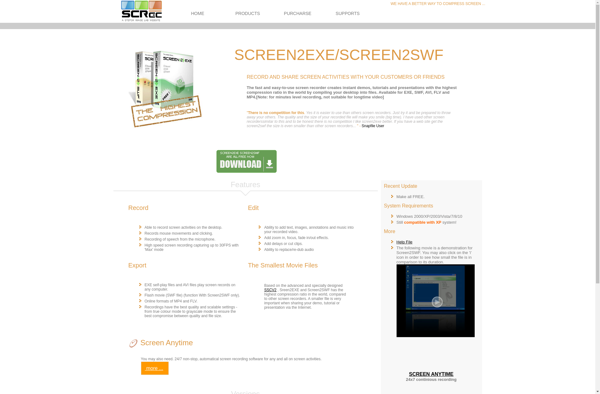
SCREEN2EXE