SnapaShot is a lightweight screenshot tool for Windows that allows you to easily capture, annotate, edit and share screenshots. It has basic image editing features and integrates with cloud storage services.
SnapaShot: Lightweight Screenshot Tool for Windows
SnapaShot is a lightweight screenshot tool for Windows that allows you to easily capture, annotate, edit and share screenshots. It has basic image editing features and integrates with cloud storage services.
What is SnapaShot?
SnapaShot is a user-friendly and feature-rich screenshot capture tool designed specifically for the Windows operating system. With an intuitive interface and customizable shortcuts, it makes it easy to take high-quality screenshots with just a couple clicks.
Once you've captured a screenshot, SnapaShot provides a robust built-in image editor that allows you to annotate, highlight, blur, crop, resize and otherwise edit screenshots before exporting or sharing them. It has basic drawing and text tools for adding arrows, shapes, text boxes and more.
Some key features include:
Flexible screenshot capture modes - Select specific regions, active windows and full screens
Image editing - Annotate, blur, crop, add text and shapes
Cloud integration - Seamless sharing to Dropbox, Google Drive and more
Screen recording capabilities
Tabs for managing multiple screenshots
Customizable hotkeys and shortcuts
Basic automation through command line usage
Overall, SnapaShot hits the sweet spot between simplicity and power. With its tidy interface and useful feature set, it's a great choice for basic to intermediate screenshotting use cases.
SnapaShot Features
Features
Lightweight screenshot capture tool
Allows capturing full screen, window or region screenshots
Basic image editing like cropping, resizing, adding text, arrows etc
Greenshot is a lightweight, open-source screenshot tool for Windows. It makes capturing, editing, and sharing screenshots easy and quick.With Greenshot, you can capture entire screens, active windows, rectangular regions, as well as scrolling website pages. After taking a screenshot, you can annotate it with lines, arrows, text, shapes, and more....
PicPick is a versatile screen capture utility and image editor for Windows. It provides an easy way to take customizable full screen or region-specific screenshots. Key features include:Quickly capture full screen images, active windows, rectangular or free-form regions, as well as scrolling website screenshotsAnnotate screenshots with various shapes, text boxes,...
Spectacle is an open-source, lightweight utility for macOS that allows users to easily organize the windows open on their desktop using customizable keyboard shortcuts. It makes it simple to resize and position windows to maximize screen space and improve workflow.Some of the key features Spectacle offers include:Keyboard shortcuts to move...
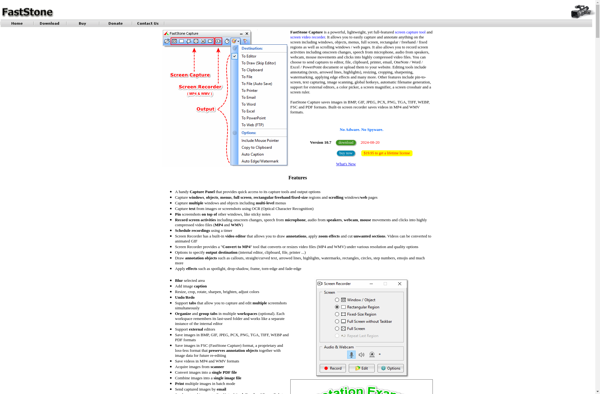
FastStone Capture is a powerful, yet lightweight and easy-to-use screen capture program and screen recorder. It provides all the essential screen capturing needs for home as well as professional users.Some key features of FastStone Capture:Capture anything on the screen including windows, objects, menus, full screen, rectangular/freehand regions and scrolling windows.Annotate...
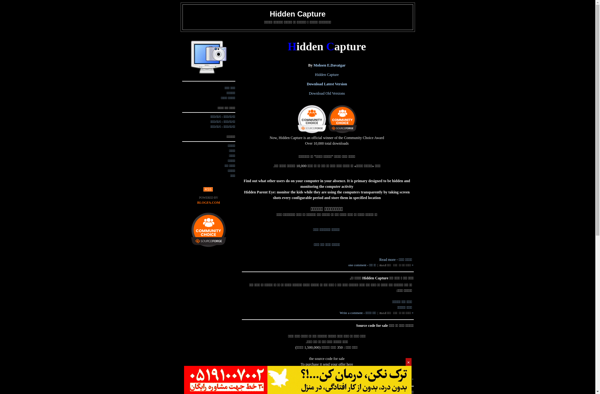
Hidden Capture is a feature-rich screen capture and screen recording software for Windows. It provides an easy way to take screenshots, record on-screen activity, annotate images, and edit screenshots.Some of the key features of Hidden Capture include:Fullscreen, region, window, and scrolling screenshot capturesVideo recordings of on-screen activity with or without...
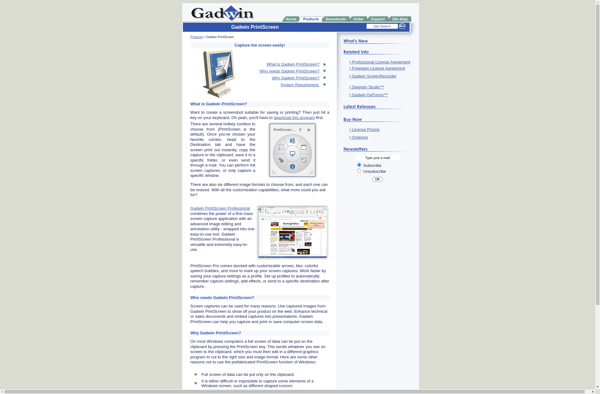
Gadwin PrintScreen is a feature-rich screenshot capture utility for Windows that makes it easy to take screenshots. It provides more options than the native Print Screen key, allowing you to capture specific regions of the screen, active windows, scrolling capture, and fullscreen grabs.With Gadwin PrintScreen, you can capture rectangular regions...
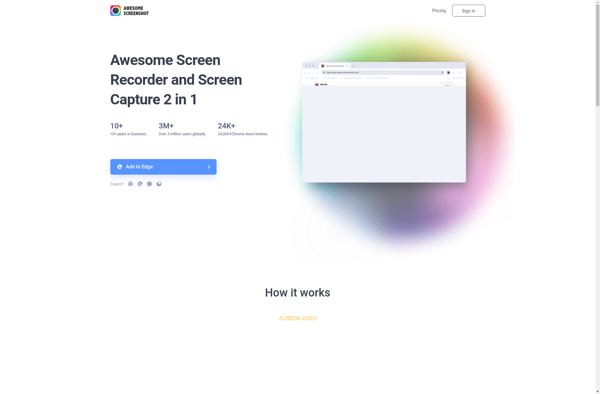
Awesome Screenshot is a feature-rich Chrome extension used for capturing screenshots. It goes beyond basic screenshotting and allows users to edit, annotate, and share images right from the browser.After taking a screenshot, you can crop, draw, add text, highlights, arrows, shapes, stickers and more on the image. It has a...
Screenshot Captor is a feature-rich screenshot tool for Windows. It provides an easy way to take customizable screenshots of your desktop, active windows, selected regions, menus, full webpages, and more.With Screenshot Captor you can:Quickly capture screenshots by just pressing Print Screen or using customizable hotkeysGrab scrolling webpage screenshots to capture...
FFsplit is a free, open source video splitting software for Windows. It provides an intuitive interface to split or trim video files without re-encoding or quality loss.Some key features of FFsplit include:Splits videos quickly without transcoding or recompressionSupports all major video formats including MP4, MOV, AVI, MKV etc.Allows splitting video...
Free Shooter is an open-source first-person shooter game available free of charge. Originally released in 2009, Free Shooter offers classic FPS gameplay along with several multiplayer modes including team deathmatch, capture the flag, and assassination.The visuals in Free Shooter utilize the OGRE graphics engine to render detailed maps and weapon...
SnapDraw is a popular free diagramming and flowchart software used by individuals and teams for brainstorming, planning, analysis, and project documentation. It comes packed with features to help users map out ideas, processes, workflows, organizational structures, and more through intuitive diagrams.Some key features of SnapDraw include:Drag-and-drop interface that allows for...
Webpage Screenshot is a software used to take screenshots of webpages. It goes beyond basic screenshot tools by providing more flexibility and features when capturing entire web pages.With Webpage Screenshot, users can capture full length webpages by scrolling and stitching screenshots together. This allows documenting long webpages like articles or...