SRTPlayer
SRTPlayer: Free Video Player with SRT Subtitle Support
A lightweight, open-source video player for Windows that plays back videos with subtitles in the popular SRT format, easily opening files and choosing subtitle tracks.
What is SRTPlayer?
SRTPlayer is a free, open-source video player application designed specifically for Windows. It allows users to play video files such as AVI, MKV, MP4, and more while viewing external subtitle tracks in the popular SRT format.
Some key features of SRTPlayer include:
- Lightweight program with a simple and intuitive interface
- Support for many common video codecs out-of-the-box
- Ability to select and load multiple SRT subtitle files
- Flexible options for syncing subtitles to video playback
- Navigation tools for jumping to any point in the video
- Keyboard shortcuts for media controls
- Multiple aspect ratio modes for best viewing experience
- Completely free and open-source software
If you often watch videos with subtitle tracks in SRT format, SRTPlayer provides an easy way to load and synchronize those subtitles with the video playback. Its simple design focuses specifically on SRT subtitle support rather than extensive media format compatibility, making it an ideal choice for those who primarily use SRT subtitles.
SRTPlayer Features
Features
- Plays videos in most common formats like MP4, MKV, AVI
- Supports SRT subtitle files
- Allows adjusting subtitle delay
- Has keyboard shortcuts
- Lightweight and no bloatware
- Open source
Pricing
- Free
- Open Source
Pros
Cons
Reviews & Ratings
Login to ReviewThe Best SRTPlayer Alternatives
View all SRTPlayer alternatives with detailed comparison →
Top Video & Movies and Video Players and other similar apps like SRTPlayer
Here are some alternatives to SRTPlayer:
Suggest an alternative ❐
Penguin Subtitle Player

Free Subtitle Player

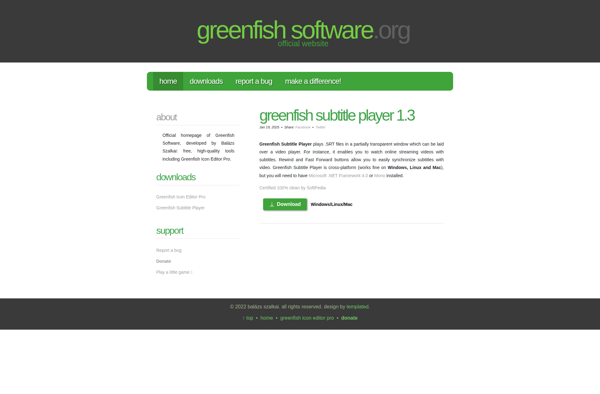
Greenfish Subtitle Player

Justsubsplayer