Suggester is a software that provides personalized recommendations for software and tools. It analyzes a user's needs and current setup to suggest alternatives that may be better suited to their workflows.
Discover personalized software suggestions for your workflow needs, comparing tools and features to help you make informed decisions
What is Suggester?
Suggester is a software recommendation engine designed to help users find better alternatives to their current software and tools. It works by having users input information about their needs, workflows, and pain points with existing solutions. Suggester then analyzes this data and cross-references it against its database of over 5,000 apps to provide tailored recommendations.
Some key features of Suggester include:
Intuitive questionnaire and rating system to capture details about a user's requirements
Advanced matching algorithms that identify apps that closely fulfill the user's feature wishes
Ability to recommend substitutes for popular software like Microsoft Office, Adobe Creative Cloud, and more
Filtering recommendations by platform, pricing models, integration options, and other parameters
Pro/con breakdowns and side-by-side comparisons of a user's current and recommended solutions
Community reviews and rating scores to evaluate quality and fit
Suggester aims to simplify the software selection process by eliminating paralysis analysis and providing a shortlist of top recommendations personalized for each user. Its constantly updated database ensures users have access to emerging tools as soon as they become available. Whether looking to find a replacement for outdated software or exploring alternatives to expensive mainstream options, Suggester enables better-informed decision making.
Suggester Features
Features
Personalized recommendations for software and tools
Analyzes user's needs and current setup
Suggests alternatives that may be better suited to user's workflows
Customizable recommendation algorithms
Integrates with various data sources and APIs
Pricing
Freemium
Subscription-Based
Pros
Saves time and effort in researching and evaluating software options
Provides tailored recommendations based on individual needs
Helps discover new tools and solutions that may improve productivity
Ongoing updates and improvements to the recommendation engine
Cons
Requires access to user's data and preferences to provide accurate recommendations
May not always recommend the most optimal solution for every user's unique requirements
Potential privacy concerns with sharing personal data
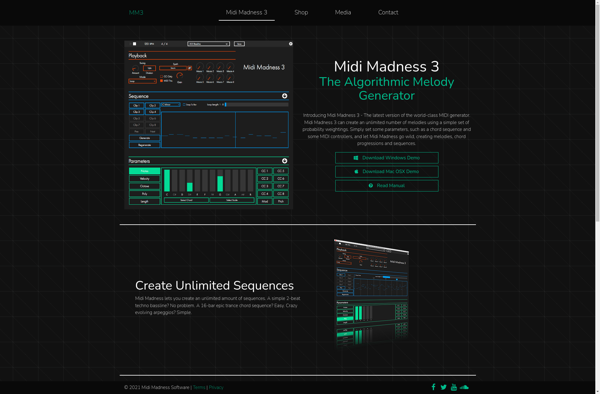
Midi Madness is an intuitive and flexible MIDI sequencer, editor, and processor software for Windows. It provides a user-friendly interface for creating, editing, and enhancing MIDI sequences with ease.With Midi Madness, you get unlimited MIDI tracks to build your compositions. You can record tracks in real-time via a MIDI keyboard...
Instachord is a chord progression and melody generator plugin designed to help music producers and songwriters quickly create musical ideas. It works as a VST/AU plugin inside your preferred DAW.Some of the main features of Instachord include:An intelligent chord progression generator that suggests chords that work well together in a...
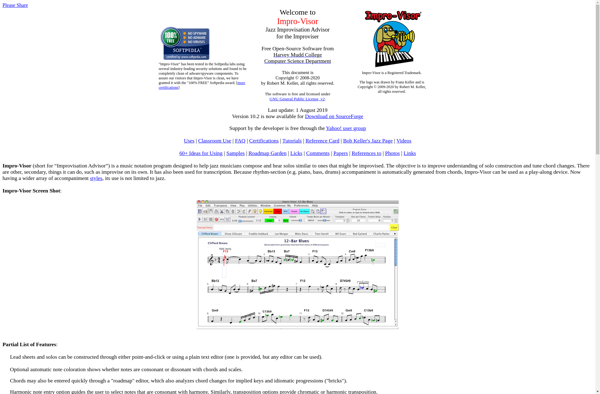
Impro-Visor is a unique music composition and notation software designed specifically for jazz musicians and educators. Developed at the Berklee College of Music, Impro-Visor allows users to quickly enter melodies, harmonies, and rhythms by singing into a microphone, playing a MIDI keyboard, or using the mouse to input notes into...
ChordPad is a free, open-source software application for Windows that assists musicians and songwriters with chord progressions and musical composition. It provides tools to help generate chord sequences randomly or based on selected scales and keys, allowing users to experiment with different chord progressions to find inspiration for new songs...
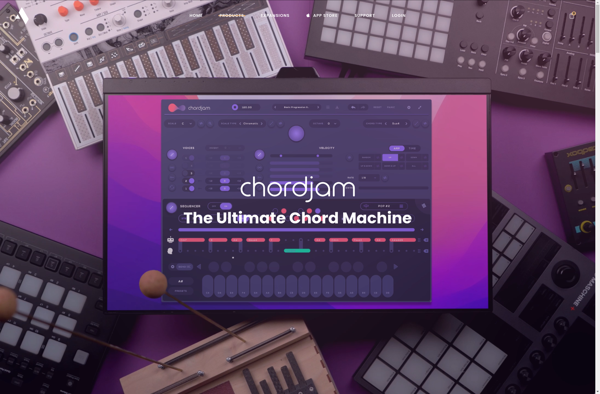
Chordjam is a free web-based application designed specifically for musicians to create, share, and print chord charts for their favorite songs. With its clean and intuitive interface, Chordjam makes it easy for anyone to quickly put together great-looking chord charts.To use Chordjam, you simply enter the song title, artist, lyrics,...
ChordBud is a guitar learning app designed specifically for beginners who want to learn how to play chords. It has an easy-to-use interface that allows you to explore various chords visually with interactive diagrams. You can see where to place your fingers and watch the chord shape being formed.As you...
Chord NOTE is software designed to help songwriters with one of the most fundamental parts of songwriting - coming up with chord progressions and melody ideas. As a chord progression and melody sketchpad, Chord NOTE aims to spark creativity by instantly generating chord progressions and basic melody ideas based on...