VeBest Icon Groups
VeBest Icon Groups: Freeware Icon Customization Software
Customize icon packs and groups with VeBest Icon Groups, a user-friendly software for changing Windows icons in themed custom packs.
What is VeBest Icon Groups?
VeBest Icon Groups is a freeware software application developed by VeBest Software that allows Windows users to customize and change their system icons by creating icon packs and icon groups. It provides an intuitive interface for selecting, editing, and applying custom icon themes to replace the default Windows icons.
Some key features of VeBest Icon Groups include:
- Ability to create custom icon packs and categorize icons into thematic groups
- Large icon library with over 9500 icons included
- Support for changing file type icons, folder icons, desktop icons, and more
- Customizable icon sizes up to 256x256 pixels
- Drag and drop interface for easily applying icons
- Works with Windows 10, 8, 7 and Vista
- Completely free with no trials or limitations
VeBest Icon Groups makes it easy for Windows users to customize the aesthetic of their operating system by replacing the default icons with themed icon packs. Its intuitive workflow, vast icon library and customization options have made it a popular choice for personalizing any Windows installation.
VeBest Icon Groups Features
Features
- Allows customizing Windows icons by grouping them into themed icon packs
- Provides an interface to easily browse and select icons to include in custom packs
- Supports editing icons like changing colors or adding effects
- Can export custom icon packs for sharing or reuse
Pricing
- Free
Pros
Cons
Reviews & Ratings
Login to ReviewThe Best VeBest Icon Groups Alternatives
View all VeBest Icon Groups alternatives with detailed comparison →
Top Os & Utilities and Customization and other similar apps like VeBest Icon Groups
Here are some alternatives to VeBest Icon Groups:
Suggest an alternative ❐
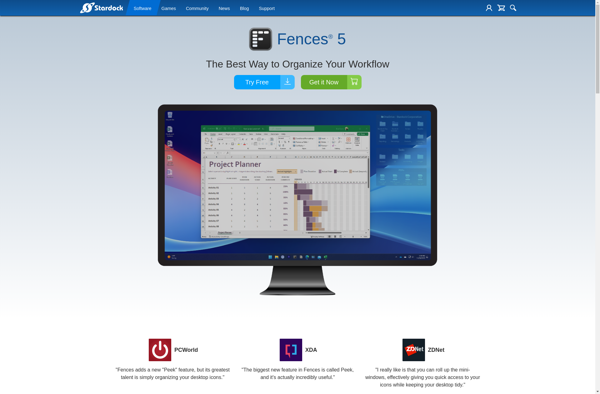
Fences

Nimi Places


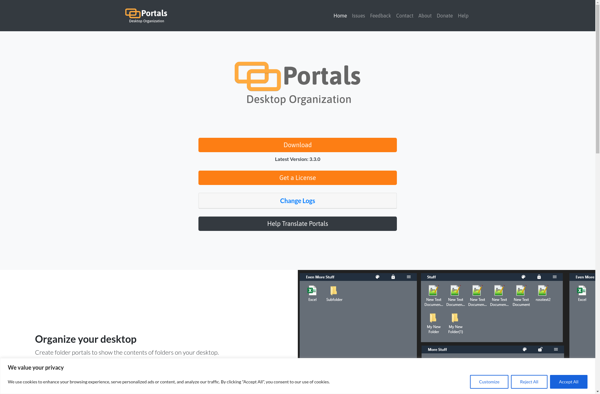
Portals: Desktop Organization

Folderview Screenlet


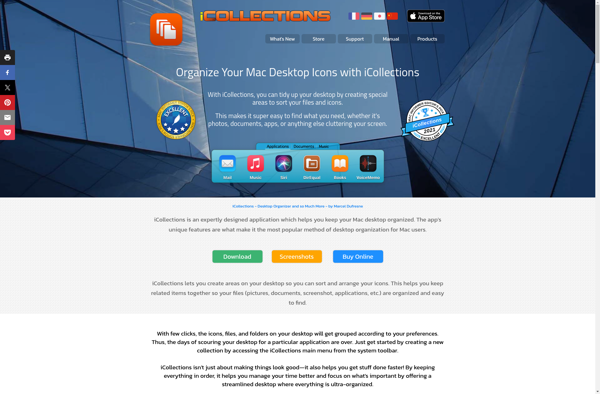
ICollections