7zbackup
7zbackup is an open-source backup software that uses 7-Zip compression. It allows scheduling automated backups to local, remote, or cloud storage with strong AES-256 encryption.
7zbackup: Open-Source Backup Software with 7-Zip Compression
7zbackup is an open-source backup software that uses 7-Zip compression. It allows scheduling automated backups to local, remote, or cloud storage with strong AES-256 encryption.
What is 7zbackup?
7zbackup is an open source backup software for Windows that leverages the powerful 7-Zip file archiver. It provides an easy way to create compressed and encrypted backups of important files and folders.
Some key features of 7zbackup include:
- Intuitive graphical user interface for configuring backup jobs
- Flexible scheduling options - run backups manually, by schedule, or on system events
- Backup to local hard drives, external drives, network shares, FTP, SFTP
- Strong AES-256 encryption to secure backup archives
- Incremental backups to save storage space and time
- Automated cleanup of old backup versions
- Email notifications about backup results
- Command line interface for advanced scripting
With its small footprint, ease of use, and integration with the solid 7-Zip engine, 7zbackup provides a dependable way for Windows users to prevent data loss through automated backups to the destination of their choice.
7zbackup Features
Features
- Uses 7-Zip compression for high compression ratios
- Supports backing up to local, network or cloud storage
- Allows scheduling automated backups
- Encrypts backups with AES-256 encryption
- Open source software
Pricing
- Open Source
Pros
High compression for efficient backups
Flexible backup destinations
Automated backup scheduling
Strong AES-256 encryption for security
Free and open source
Cons
CLI only, no GUI
Limited reporting capabilities
Requires 7-Zip to be installed
Lacks support and documentation compared to commercial software
Official Links
Reviews & Ratings
Login to ReviewThe Best 7zbackup Alternatives
View all 7zbackup alternatives with detailed comparison →
Top Backup & Sync and File Backup and other similar apps like 7zbackup
Here are some alternatives to 7zbackup:
Suggest an alternative ❐
Rsync
rsync is an open source software application for Unix-like systems that synchronizes files and directories from one location to another while minimizing data transfer using delta encoding when appropriate. It is typically used for copying and synchronizing files across systems or network locations.Some key features of rsync include:Fast incremental file...


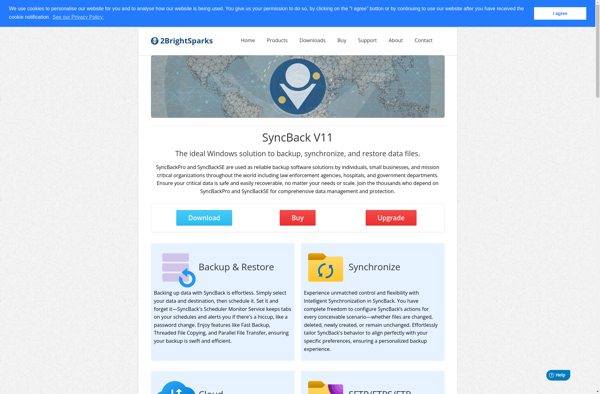
SyncBack
SyncBack is a versatile file backup and synchronization program designed for the Windows operating system. First released in 2003 by 2BrightSparks, SyncBack has developed an enthusiastic following among users looking for more advanced functionality than what is built into Windows.At its core, SyncBack creates an exact copy of selected files...

SyncToy
SyncToy is a free file synchronization utility developed by Microsoft that makes it easy for users to synchronize files and folders between different locations. It can sync content between folders on the same computer, different computers on the same network, or removable devices like USB drives.Some key features of SyncToy...


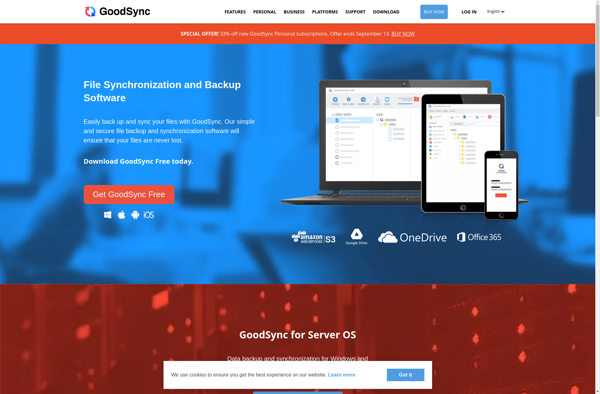
GoodSync
GoodSync is a powerful yet easy-to-use file synchronization and backup software used by millions of people worldwide. It allows you to synchronize files between folders, disks, remote servers, and various cloud storage services like Google Drive, OneDrive, Dropbox, Backblaze B2, Amazon S3, and more.Key features of GoodSync include:Bi-directional sync -...

DirSync Pro
DirSync Pro is a powerful yet easy-to-use file and folder synchronization and backup software for Windows. It enables automatic one-way or two-way sync of files and folders between computers, external drives, network locations, FTP servers, and popular cloud storage services like Google Drive, Dropbox, Microsoft OneDrive, Amazon S3, Backblaze B2,...

Qtd Sync
Qtd Sync is an open source, cross-platform file synchronization and backup software. It provides an easy way to sync files between computers, external hard drives, NAS devices and cloud storage for backup and accessibility purposes.Some key features of Qtd Sync include:Intuitive graphical interface for setting up one-way or two-way file...


Copywhiz
Copywhiz is an AI-powered content creation and writing assistant software designed to help individuals and teams quickly generate, rewrite, and refine content. It utilizes advanced natural language processing and machine learning algorithms to analyze text and provide smart recommendations to improve readability, engagement, and overall quality.Some key features of Copywhiz...


Syncovery
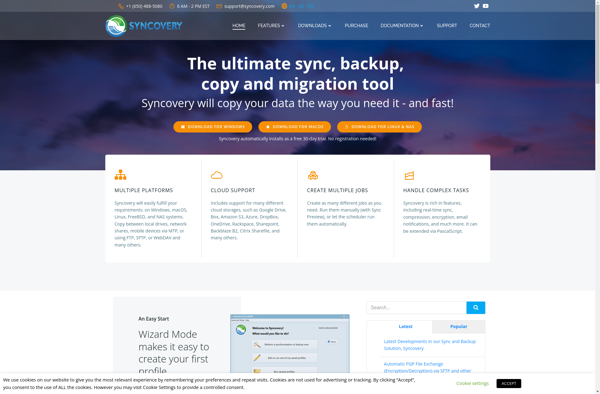
Syncovery is a versatile yet easy-to-use file synchronization and backup software available for Windows, macOS, and Linux operating systems. It enables users to effortlessly back up data from one location to another, whether it's an external drive, network folder, or cloud storage service.Some of the key features of Syncovery include:Incremental...

Bvckup 2
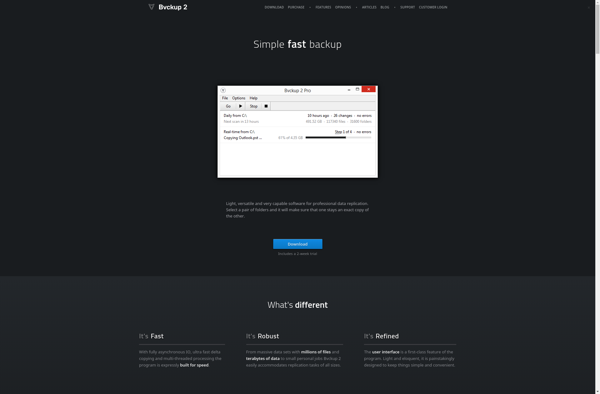
Bvckup 2 is a backup software application developed specifically for Windows users to protect personal data. It provides an automated and regular backup solution to prevent data loss in case of hardware failure, ransomware attack, accidental deletion, etc.Key features of Bvckup 2 include:Intuitive user interface for easy setup and management...

RsyncOSX
RsyncOSX is an open-source graphical user interface (GUI) for the rsync file transfer utility on macOS. It allows users to easily configure and execute rsync commands through a simple point-and-click interface without needing to use the command line.Some key features of RsyncOSX include:Intuitive GUI for setting up rsync jobs, including...


Truck - Rsync Client
Truck is an open-source, cross-platform GUI client for rsync, a versatile command line utility for efficiently transferring and synchronizing files between locations on a local system or over a network. It was designed to provide a simple yet powerful graphical interface to leverage the advanced capabilities of rsync.Some key features...