BatchMarker
BatchMarker is a free, open source photo editing program for Windows. It specializes in batch editing large numbers of photos at once by applying edits and adjustments to multiple photos simultaneously.
BatchMarker: Free Photo Editing for Batch Processing
A free, open source photo editing program for Windows, specializing in batch editing large numbers of photos at once by applying edits and adjustments to multiple photos simultaneously.
What is BatchMarker?
BatchMarker is a free, open source photo editing application for Windows. It is designed specifically for batch editing large collections of photos.
Some key features of BatchMarker include:
- Applying edits like cropping, resizing, brightness/contrast adjustments, sharpening, red eye removal, and more to hundreds of photos at a time
- Powerful batch processing to automate workflows
- Flexible export options - can export back to original folder structure or a custom export structure
- Support for common image formats like JPEG, PNG, TIFF
- Selections and masks to apply edits to specific parts of photos
- Watermarking and captions
- Comprehensive logging to track changes
- Completely free and open source
If you have thousands of vacation, wedding, or other photos to edit, BatchMarker can automate the process to save you time. The batch processing capabilities make it easy to crop, resize, adjust, add watermarks to, and export large numbers of photos in custom layouts.
BatchMarker Features
Features
- Batch editing of large numbers of photos
- Applying edits and adjustments to multiple photos simultaneously
- Supports various image formats (JPEG, PNG, TIFF, etc.)
- Provides a range of editing tools (cropping, resizing, color adjustments, etc.)
- Allows saving of custom presets for easy reapplication of edits
Pricing
- Free
- Open Source
Pros
Free and open-source software
Efficient batch processing of photos
Extensive editing capabilities for a free tool
Supports a wide range of image formats
Cons
Limited to Windows operating system
Relatively basic user interface compared to professional photo editing software
May not have the advanced features found in paid photo editing programs
Reviews & Ratings
Login to ReviewThe Best BatchMarker Alternatives
View all BatchMarker alternatives with detailed comparison →
Top Photos & Graphics and Photo Editing and other similar apps like BatchMarker
Here are some alternatives to BatchMarker:
Suggest an alternative ❐
BulkWaterMark
bulkWaterMark is a powerful yet easy-to-use Windows application for batch watermarking large numbers of images at once. It has an intuitive drag-and-drop interface that makes it simple to import folders or groups of photos/images and apply custom text or image watermarks to them.Some key features of bulkWaterMark include:Batch processing to...

Batch Photo Watermarker
Batch Photo Watermarker is a Windows application designed to help photographers, designers and regular PC users watermark their digital images easily and efficiently.With its simple and intuitive interface, it allows you to:Add watermarks, logos, copyright texts or custom graphics as overlays on multiple photos in one goFully customize the size,...

Visual Watermark
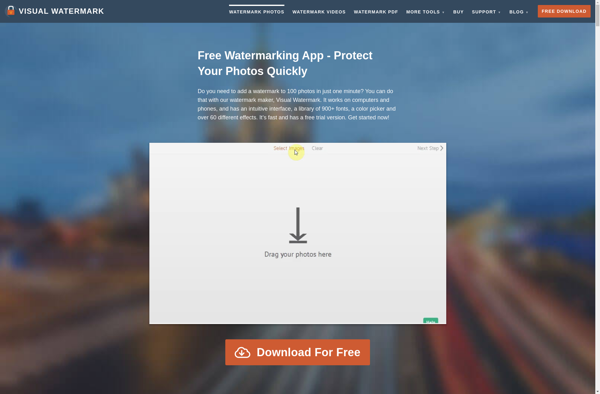
Visual Watermark is a Windows software application designed specifically for adding watermarks, text, and images to photos and images. It provides an easy-to-use interface that allows users to quickly apply multiple watermarks or overlays in batch to image files.Some key features of Visual Watermark include:Intuitive drag-and-drop interface for adding watermarks,...

Watermarkup
Watermarkup is an open-source web design tool focused on creating visually stunning and fast loading websites. It features an easy-to-use drag-and-drop interface that allows anyone to quickly put together web pages without needing to know how to code.Some key features of Watermarkup include:Intuitive visual interface for dragging website elements like...


Watermark Master
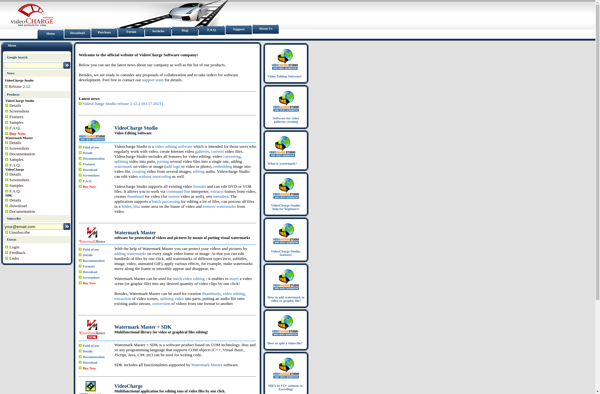
Watermark Master is a user-friendly Windows application used to add watermarks, text, and images to digital photos and documents as visual copyright protection. It has an intuitive and easy-to-use interface that allows users to quickly apply customizable transparent or opaque text/image watermarks.Key features include:Add watermarks to multiple photos and document...

Watermark Plus
Watermark Plus is a feature-rich Windows application used to add watermarks, text, images, and shapes as overlays to photos, PDFs, and other document types. It provides an easy-to-use interface for applying custom graphical watermarks to multiple files in batches.Key features include:Add text, image, date/time, and vector shape watermarksSupport for batch...


TSR Watermark Image
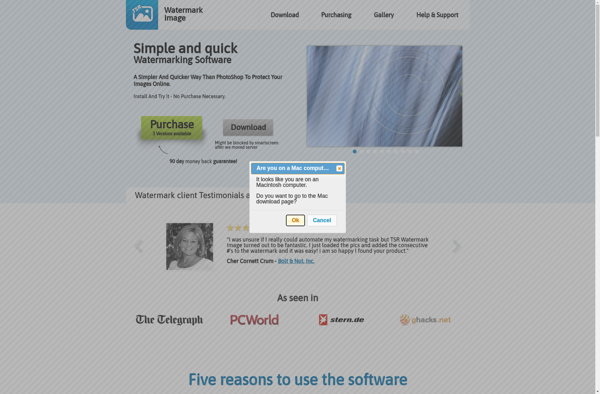
TSR Watermark Image is a Windows application designed for batch watermarking images. It provides an easy way to add watermarks, text, logos, or other images as overlays to photos.The software has a straightforward and intuitive interface. You simply add the photos you want to watermark to the queue, then configure...

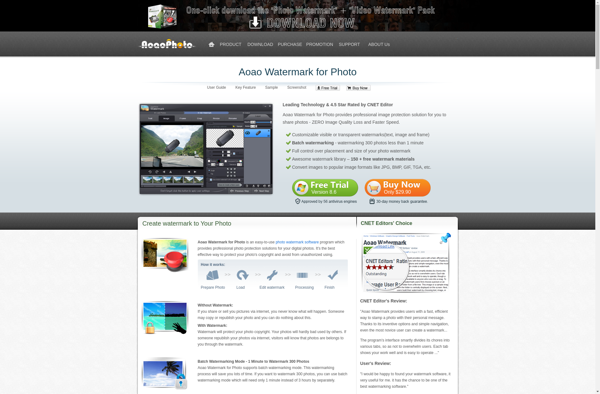
Aoao Watermark for Photo
Aoao Watermark for Photo is a free Windows application used to add watermarks, text, and graphics overlays to digital images. It provides an easy-to-use interface for creating custom transparent or opaque watermarks and applying them to multiple photos at once.Key features include:Ability to make watermarks out of text, images, shapes,...

WidsMob ImageConvert
WidsMob ImageConvert is a feature-rich yet easy-to-use image editing and batch conversion software for Windows. It supports converting between all popular image formats like JPEG, PNG, BMP, TIFF, GIF as well as RAW formats from various cameras.Despite the powerful functionality, WidsMob ImageConvert maintains a lightweight and intuitive interface. Bulk image...


Batch Watermark
Batch Watermark is a Windows application designed for efficient watermarking of images. It allows users to apply watermarks, stamps, logos, and text captions to multiple photos and images simultaneously using an intuitive drag-and-drop workflow.With Batch Watermark, you can select a folder of images and process all of them at once...