
Convert Case
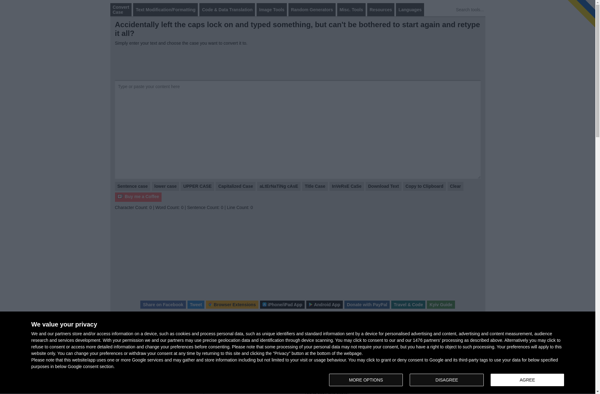
Convert Case: Online Tool for Text Capitalization
Free online tool to change text capitalization between lowercase, uppercase, title case, sentence case, and more, with batch processing for multiple texts at once
What is Convert Case?
Convert Case is a free web-based text transformation utility that allows you to quickly and easily change the capitalization of text. It supports converting text to all-lowercase, all-uppercase, title case, sentence case, and more. Some key features of Convert Case include:
- Ability to process single or multiple texts at once
- Supports plain text and rich text with basic formatting
- Options for lowercasing, uppercasing, title casing, sentence casing, and capitalizing words
- Advanced options like ignoring words with all caps and handling hyphenated words
- Clean, simple, and intuitive user interface
- Free to use with no login required
- Helper dropdowns provide information on the different casing formats
- Processed text can be easily copied out or downloaded
- Browser-based so it works on any device and operating system
Convert Case is great for quickly changing case formatting in documents, titles, headings, and any other body of text. Its batch processing features make it easy to apply uniform casing to multiple texts at once. With a simple and accessible interface, Convert Case is a handy utility for students, writers, developers, and anyone needing to adjust capitalization.
Convert Case Features
Features
- Convert text between lowercase, uppercase, title case, sentence case, and more
- Supports batch processing of multiple texts at once
- Provides a simple and intuitive user interface
- Allows you to copy the converted text directly to the clipboard
- Works in any modern web browser, no installation required
Pricing
- Free
Pros
Cons
Official Links
Reviews & Ratings
Login to ReviewThe Best Convert Case Alternatives
View all Convert Case alternatives with detailed comparison →
Top Office & Productivity and Text & Document Editing and other similar apps like Convert Case








