Cookie Controller is a browser extension and app that allows users to easily manage cookies on their devices. It provides granular control over which cookies are allowed or blocked on a site-by-site basis.
Cookie Controller: Manage Cookies with Granular Control
Cookie Controller is a browser extension and app that allows users to easily manage cookies on their devices. It provides granular control over which cookies are allowed or blocked on a site-by-site basis.
What is Cookie Controller?
Cookie Controller is a browser extension and mobile app that gives users more control over cookies stored on their devices. It allows configuring cookie settings for individual websites, rather than applying blanket permissions.
With Cookie Controller, users can block some or all cookies for specific sites. This improves privacy by limiting tracking and data collection. For sites users trust, they can allow all cookies. The extension shows an overview of all cookies stored for each site.
Key features include:
Block some or all cookies per site
Allow trusted sites to store unlimited cookies
View all cookies currently stored for each website
Delete unwanted cookies with one click
Export cookies list as a CSV file
Available as a browser extension for Chrome, Firefox, Safari, etc.
Also works as a mobile app for iOS and Android
By giving users more granular cookie management, Cookie Controller helps balance usability, privacy, and security during browsing. It's a useful tool for anyone that wants more control over their online privacy.
Cookie Controller Features
Features
Granular control over cookies on a site-by-site basis
Ability to allow or block specific cookies
Automatic cookie management based on user preferences
Detailed information about the cookies on each website
Convenient browser extension and mobile app
Pricing
Freemium
Subscription-Based
Pros
Gives users full control over their cookie preferences
Helps protect privacy by blocking unwanted cookies
Easy to use interface for managing cookies
Supports multiple browsers and devices
Cons
May require some technical knowledge to set up advanced configurations
Blocking certain cookies may break functionality on some websites
Limited free features, paid plans required for more advanced options
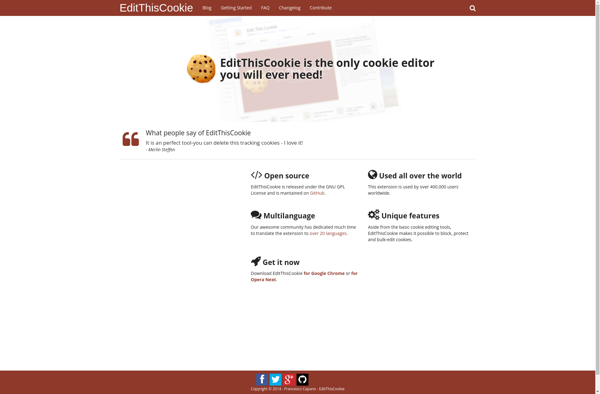
EditThisCookie is a handy browser extension that gives you full control over the cookies stored in your browser. It allows you to view, edit, add, and delete cookies with just a few clicks.Some key features of EditThisCookie include:Works across popular browsers like Chrome, Firefox, Edge, OperaEasy cookie management - view,...
Self-destructing cookies, also known as session cookies or transient cookies, are a type of browser cookie used by websites to store data temporarily in the user's browser. Unlike persistent cookies which can store data for extended periods, self-destructing cookies expire and automatically delete themselves after a predetermined amount of time...
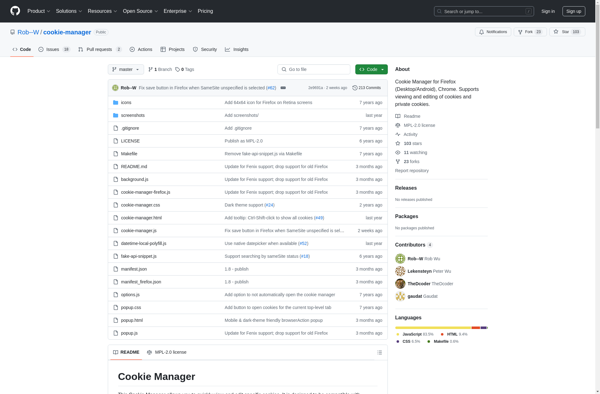
Cookie Manager is a browser extension available for Chrome, Firefox, and Edge that provides enhanced cookie management capabilities. It gives users more visibility and control over the cookies stored in their browser.With Cookie Manager, users can view all the cookies for a site including details like the cookie name, value,...
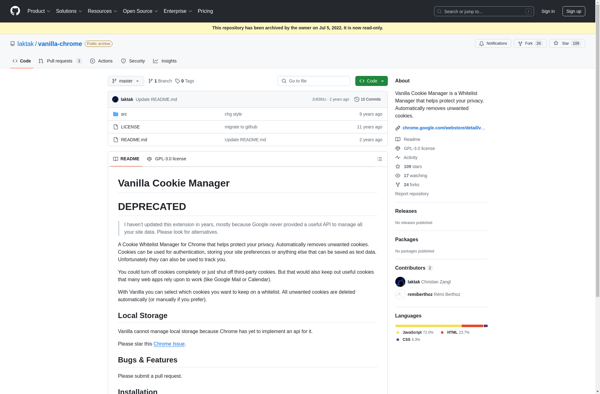
Vanilla Cookie Manager is a browser extension available for Chrome, Firefox, and Safari that provides enhanced cookie management features. It gives users more granular control over cookies than what is available in browser settings.With Vanilla Cookie Manager, users can block, allow, and delete cookies on a per-site basis instead of...
Cookies Manager+ is a feature-rich browser extension used to manage cookies. It gives users complete control over the cookies stored in their browser to improve privacy and reduce tracking.With Cookies Manager+, users can block some or all cookies from specific sites or block cookies from third parties completely. The extension...
Easy Cookie Editor is a handy browser extension that gives users more control over the cookies stored in their web browser. With its simple and intuitive interface, Easy Cookie Editor makes it easy for anyone to view, edit, add, delete, and otherwise manage the cookies for any website they visit.Some...
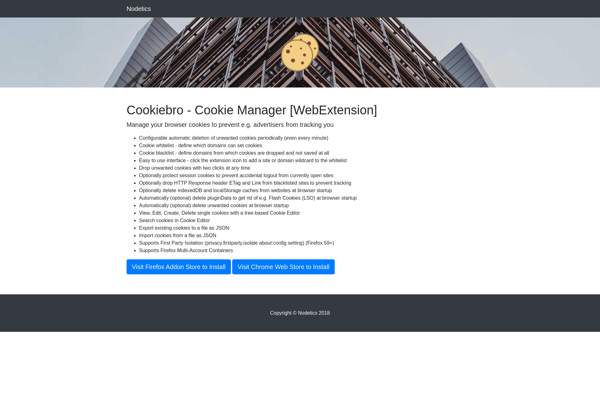
Cookiebro is an open-source, privacy-oriented web browser based on Chromium. It blocks ads, trackers, and malware by default to protect the user's privacy while browsing the web. Some key features include:Built-in ad blocker, tracking protection, and anti-phishing preventionEncrypted connections via HTTPS EverywherePrivate browsing mode and ability to clear browsing dataCustomizable...
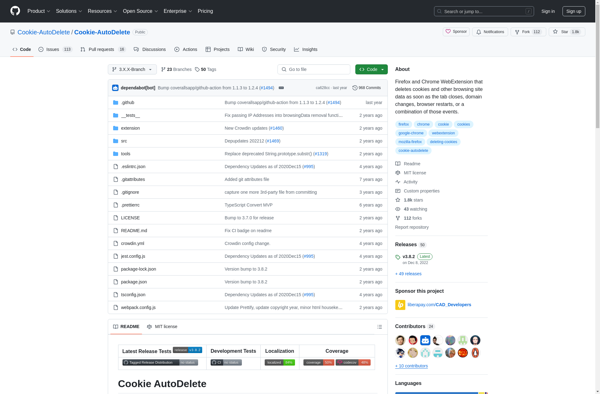
Cookie AutoDelete is a popular open-source browser extension available for Firefox, Chrome, and other major browsers. It automatically deletes cookies when you close the browser tab, helping to protect user privacy and prevent tracking across websites.When browsing the web, websites deposit small text files called cookies on your device that...
Self Destroying Cookies is a browser extension available for Chrome, Firefox, and Safari that provides more control over cookies by automatically deleting them after a predefined period of time set by the user. This helps enhance privacy by removing tracking cookies that collect browsing data.Some key features of Self Destroying...
selectivecookiedelete is a browser extension available for Firefox, Chrome, and Chromium-based browsers. It gives users more control over cookies stored in their browser by websites they visit.With selectivecookiedelete, users can view all the cookies stored by each website and selectively delete the ones they do not want to keep. This...
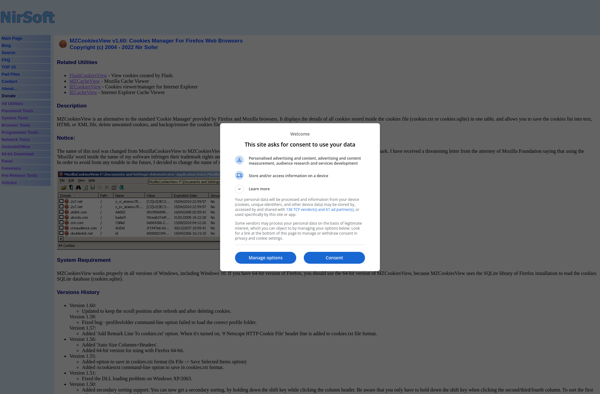
MozillaCookiesView is a free, open-source cookie management utility that gives users control over cookies in Mozilla Firefox, SeaMonkey, and Google Chrome web browsers. It allows you to view, edit, delete, backup, and restore cookies with just a few clicks.Some key features of MozillaCookiesView include:View all cookies stored by Firefox/SeaMonkey/Chrome, including...
Cookie Monster is a productivity-focused web browser extension that aims to help users spend less time mindlessly browsing the internet. It works by showing a cookie icon next to the address bar that visually represents time being spent on websites.As the user continues browsing a site, Cookie Monster will slowly...