
Direction & Direction Lite
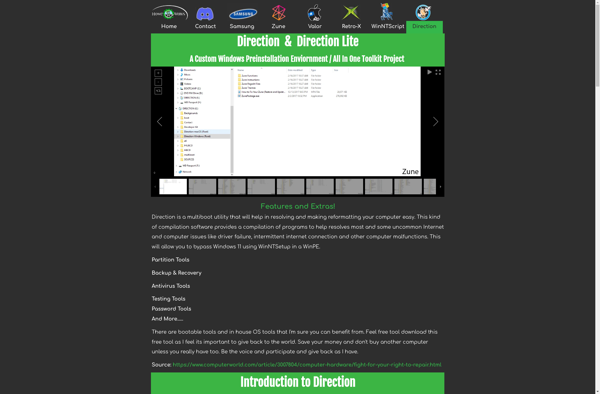
Direction & Direction Lite: Diagramming and Flowchart Software for Windows
Create flowcharts, org charts, network diagrams, floor plans, and more with easy-to-use diagramming software for Windows. Free version available with limited features.
What is Direction & Direction Lite?
Direction & Direction Lite are Windows software used to create a variety of diagrams and charts. Direction is the full paid version while Direction Lite is a free alternative with limited features.
Both allow users to easily make flowcharts, organizational charts, network diagrams, floor plans, and more. They have an intuitive drag-and-drop interface to add shapes and connectors to diagrams. Templates and symbol libraries make it simple to get started.
Key features include:
- Hundreds of templates and symbols
- Drag-and-drop editing
- Auto-align and distribute functions
- Customizable themes and styles
- Export to image, PDF, or Word formats
The Lite version limits you to 30 shapes per document. It lacks some advanced functionality like scripting, APIs, and Visio import/export features. But it covers basic diagramming needs for free.
Direction provides the full set of tools for commercial use and bigger documents. It adds more templates, symbols, collaboration tools, and integrations with Office.
Direction & Direction Lite Features
Features
- Flowchart creation
- Organization chart creation
- Network diagram creation
- Floor plan creation
- Presentation mode
- Export to various formats (PDF, PNG, JPG, etc)
Pricing
- Freemium
Pros
Cons
Official Links
Reviews & Ratings
Login to ReviewNo reviews yet
Be the first to share your experience with Direction & Direction Lite!
Login to ReviewThe Best Direction & Direction Lite Alternatives
View all Direction & Direction Lite alternatives with detailed comparison →
Top Office & Productivity and Diagramming and other similar apps like Direction & Direction Lite
No alternatives found for Direction & Direction Lite. Why not suggest an alternative?







