Docs PDF/PowerPoint Viewer
Docs PDF/PowerPoint Viewer: Free PDF and PowerPoint Reader
A free program to view, print and annotate PDFs and PowerPoint presentations with a clean interface for distraction-free document reading.
What is Docs PDF/PowerPoint Viewer?
Docs PDF/PowerPoint Viewer is a free, open-source program for viewing, printing and annotating PDF and PowerPoint documents on Windows, Mac and Linux systems. Developed by a small team of engineers, it focuses on providing a clean, easy-to-use interface for reading PDFs and PPTs without unnecessary bells and whistles.
Key features include:
- Intuitive UI for quick navigation through documents
- Multiple viewing modes - single page, facing, continuous scrolling
- Annotate PDFs with highlights, notes and shapes
- Fill out interactive PDF forms
- Print documents or extract images
- Tabbed interface for opening multiple files
- Light and fast with no ads or browser extensions
As an open-source program, Docs Viewer is completely free for personal and commercial use. It offers reliable performance combined with a simple, customizable interface focused on the essential PDF/PPT viewing and markup tools. Whether you just need to quickly read some documents or extensively revise them, Docs Viewer is a good ad-free, feature-rich option.
Docs PDF/PowerPoint Viewer Features
Features
- View PDFs and PowerPoint presentations
- Print documents
- Annotate documents with text, shapes, and highlights
- Clean, ad-free interface
Pricing
- Free
Pros
Cons
Reviews & Ratings
Login to ReviewNo reviews yet
Be the first to share your experience with Docs PDF/PowerPoint Viewer!
Login to ReviewThe Best Docs PDF/PowerPoint Viewer Alternatives
View all Docs PDF/PowerPoint Viewer alternatives with detailed comparison →
Top Office & Productivity and Document Viewers and other similar apps like Docs PDF/PowerPoint Viewer
Here are some alternatives to Docs PDF/PowerPoint Viewer:
Suggest an alternative ❐
Adobe Acrobat Reader

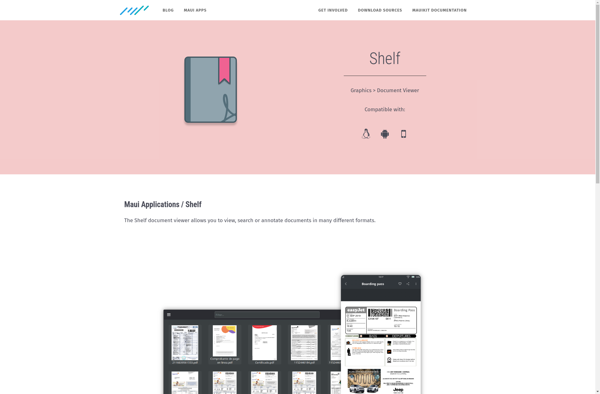
Shelf (Maui Applications)

Pdf.io
CovePDF

Gaaiho PDF Reader