
Doka
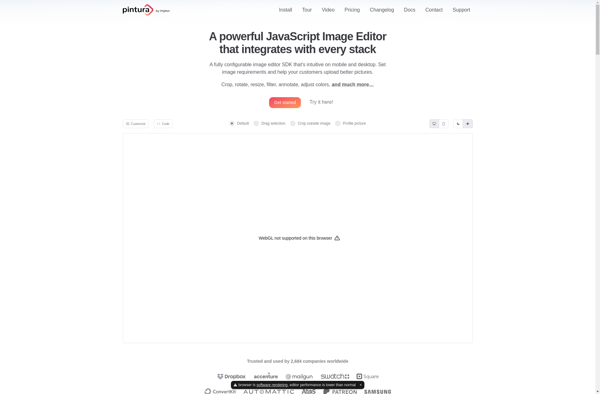
Doka: Lightweight Cross Platform Image Editor
Open source and feature rich image editor for Windows, macOS and Linux with tools like crop, rotate, resize and more
What is Doka?
Doka is an open source image editor built with JavaScript and made with HTML and CSS. It is lightweight and cross platform, working on Windows, Mac and Linux operating systems. Doka offers a simple but useful set of editing tools for basic image editing.
With Doka, users can crop, rotate, resize, change exposure, contrast, saturation and more. It has a clean, intuitive interface that makes it easy to navigate and make quick edits. Some key highlights of Doka include:
- Open source and free to use for any purpose
- Small app size so it loads fast
- Works offline once loaded
- Supports common image formats like JPG, PNG, WebP and more
- Has a built-in image conversion tool
- Does not degrade image quality on save
Doka is great for casual users and non-professionals who need to do simple edits occasionally. It may lack some advanced tools that paid heavyweight editors have, but strikes a nice balance of being easy to use yet useful. With its open source nature, small size and wide platform support, Doka is a good alternative lightweight image editor to consider.
Doka Features
Features
- Basic image editing tools like crop, rotate, resize, exposure adjustment
- Support for common image formats like JPEG, PNG, BMP
- Cross-platform - available on Windows, macOS, Linux
- Open source and free
Pricing
- Free
- Open Source
Pros
Cons
Official Links
Reviews & Ratings
Login to ReviewThe Best Doka Alternatives
View all doka alternatives with detailed comparison →
Top Photos & Graphics and Image Editing and other similar apps like Doka
Here are some alternatives to Doka:
Suggest an alternative ❐
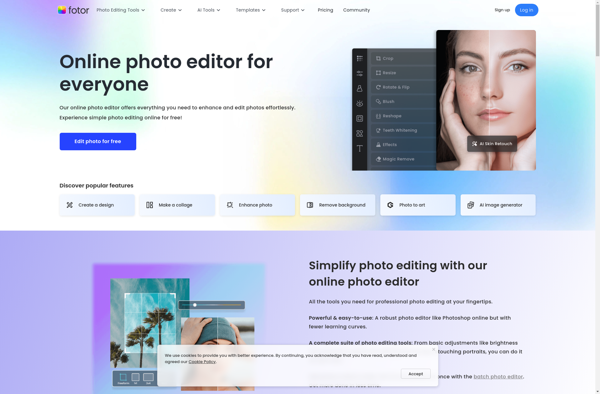
Fotor

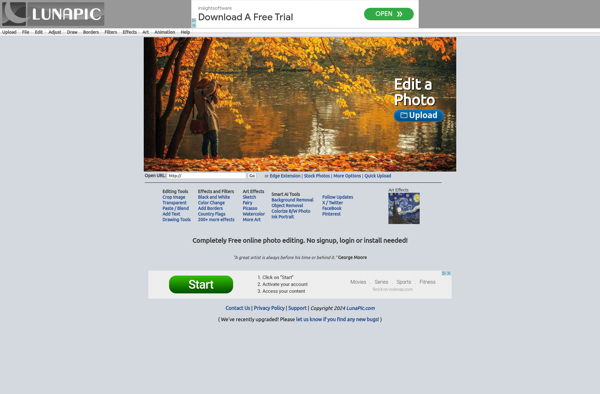
LunaPic

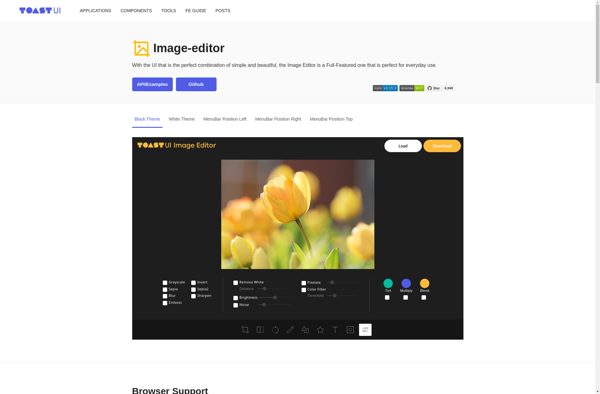
TOAST UI Image Editor

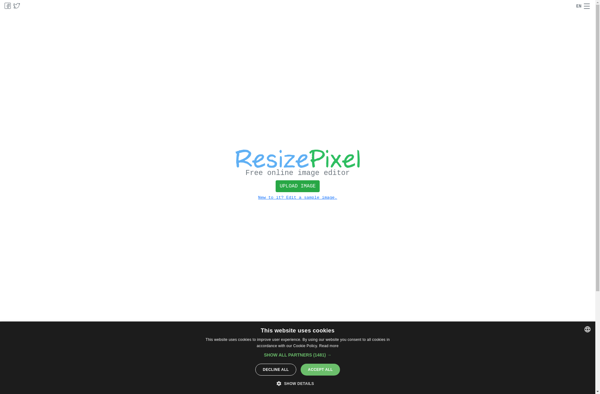
ResizePixel

Online Image Editor