
Embird
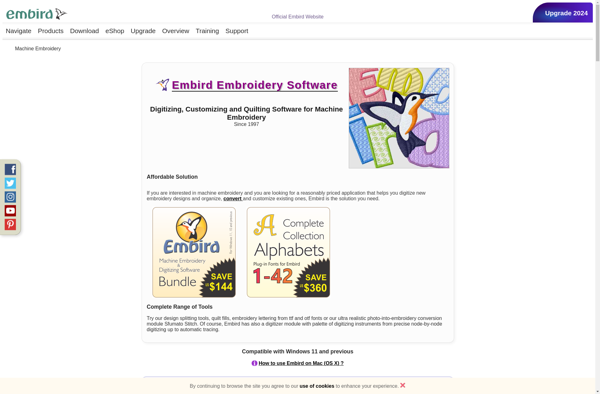
Embird: Embroidery Design Software
Embroidry design software for digitizing, editing, and managing embroidery designs, with features for image conversion, stitch editing, color optimization, and more.
What is Embird?
Embird is software designed specifically for embroidery and digitizing. It allows users to create, edit, and manage embroidery designs with a wide range of powerful tools.
With Embird, users can:
- Digitize images by converting them to embroidery
- Edit embroidery designs by adding, removing, or modifying stitches, colors, and more
- Add lettering and text effects
- Optimize designs by reducing stitches, removing overlaps, and ensuring maximum quality
- Manage large collections of embroidery designs
- Output files in all popular machine embroidery formats
Other key features include the ability to separate designs by color, view designs in 3D, create custom color palettes, use embroidery fonts for lettering, edit at any zoom level, and more.
Embird works on Windows computers. It has different editions to meet the needs of home embroidery enthusiasts, commercial embroiderers, and everyone in between.
Overall, Embird is a versatile program used by embroiderers for digitizing from scratch as well as editing existing designs for optimized embroidery output.
Embird Features
Features
- Digitizing images and artwork into embroidery
- Editing embroidery designs at the stitch level
- Managing and organizing embroidery designs
- Lettering and monogramming
- Converting multiple design formats
- Color reduction and optimization
- Design scaling, rotating and repeating
- Auto-digitizing with Magic Wand tool
- Embroidery simulation to visualize stitches
- Exporting designs for machines
Pricing
- Free Trial
- One-time Purchase
- Subscription-Based
Pros
Cons
Official Links
Reviews & Ratings
Login to ReviewThe Best Embird Alternatives
View all Embird alternatives with detailed comparison →
Top Office & Productivity and Design Software and other similar apps like Embird

Ink/Stitch


Embroidermodder








