Heimdall Application Dashboard
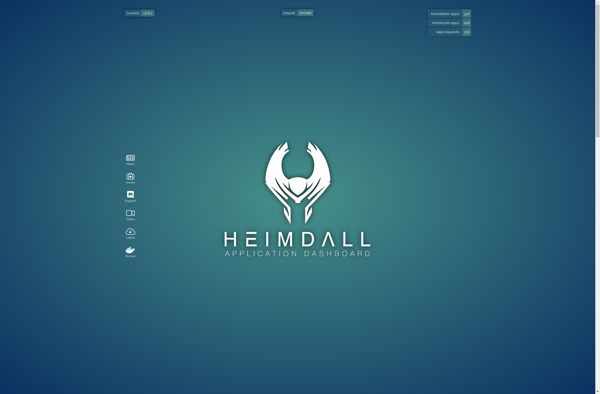
Heimdall Application Dashboard: Open-Source Web Dashboard for Organizing SaaS Apps
Heimdall Application Dashboard is an open-source web dashboard that allows you to access all your web applications from a single page. It's customizable, easy to use, and great for organizing SaaS apps.
What is Heimdall Application Dashboard?
Heimdall Application Dashboard is an open-source, customizable web dashboard that consolidates access to all your web apps and services into one easy-to-use interface. It serves as a launchpad for quickly launching your favorite sites and tools.
With Heimdall, you can organize shortcuts to your different web apps into various tabs and groups. For example, you may have a tab for productivity apps like Google Docs and Trello, another tab for communication tools like Slack and Zoom, and another for social media sites. You can also add custom backgrounds, icons, and themes to customize the look and feel.
Some key features and benefits of Heimdall Application Dashboard include:
- Open-source code and freely customizable via community-built plugins and themes
- Single entry access point for all your web apps and sites
- Clean, intuitive interface to improve workflow and productivity
- Tabbed view keeps things organized and reduces browser tab overload
- Works great as a personal start page replacement in your browser
- Available as a docker container for easy deployment
Overall, if you rely on multiple web apps and need a simple way to organize access to them all, Heimdall Application Dashboard is a handy open-source solution to try. It can help declutter your browser and serve as command center for the various online tools you use everyday.
Heimdall Application Dashboard Features
Features
- Open source web application dashboard
- Access multiple web apps from a single page
- Customizable interface and layout
- Bookmark web apps for quick access
- Keyboard shortcuts
- Search bar to quickly open apps
- Support for standard apps like Gmail and Google Drive
- Mobile responsive design
- Themes and color schemes
- Drag and drop to rearrange apps
- Works with self-hosted or SaaS apps
Pricing
- Open Source
Pros
Cons
Official Links
Reviews & Ratings
Login to ReviewNo reviews yet
Be the first to share your experience with Heimdall Application Dashboard!
Login to ReviewThe Best Heimdall Application Dashboard Alternatives
View all Heimdall Application Dashboard alternatives with detailed comparison →
Top Office & Productivity and Task Management and other similar apps like Heimdall Application Dashboard
Here are some alternatives to Heimdall Application Dashboard:
Suggest an alternative ❐
Homer Dashboard

Dashy

Organizr
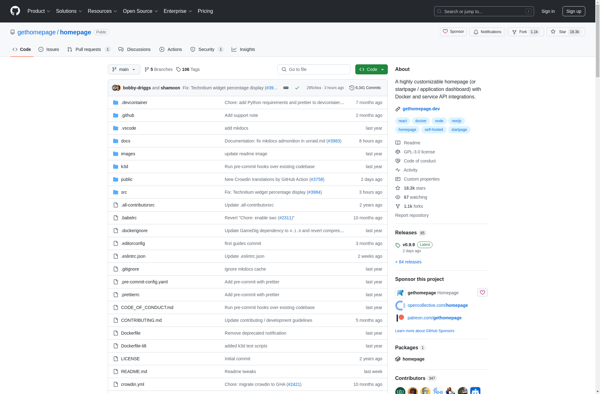
Homepage (by Ben Phelps)

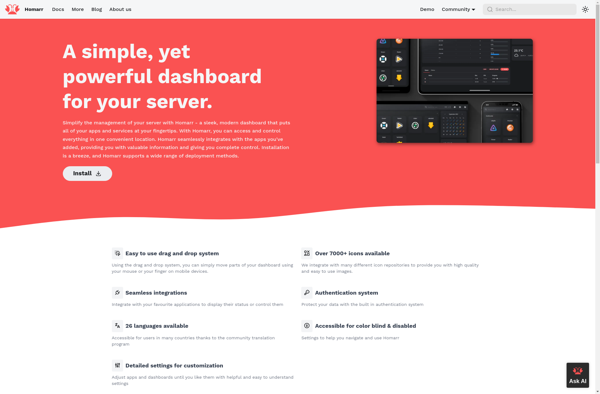
Homarr

Combobox