iFontFace is a font management software for macOS that allows users to easily install, organize, and activate/deactivate fonts on their system. It has features like font previews, search, Smart Sets for grouping fonts, and the ability to sync fonts across multiple Macs.
A font management software for macOS that installs, organizes, and activates/deactivates fonts with features like previews, search, Smart Sets, and cross-device syncing
What is IFontFace?
iFontFace is a premium font management utility for macOS that gives users more control over fonts installed on their system. It provides an easy way to organize, activate/deactivate, and preview fonts without having to use the default Font Book app.
Key features of iFontFace include:
Install new fonts by dragging and dropping font files into the app
Organize fonts into Smart Sets based on categories like Serif, Sans-Serif, Display, etc.
Activate or deactivate fonts to make them available/unavailable in apps
Search fonts by name, style, designer, or other metadata
View font specimens, character maps, and smart previews
Sync font libraries via iCloud across multiple Macs
Automatically back up fonts to preserve library
iFontFace simplifies font management on Mac compared to tools like Font Book. It gives designers, developers, and other creative professionals more control and flexibility when working with the many fonts installed on their system. An intuitive UI coupled with powerful font organization and preview capabilities make it easy to find and access specific fonts for projects.
IFontFace Features
Features
Font previews
Search fonts
Smart Sets for grouping fonts
Sync fonts across multiple Macs
Pricing
Free trial
Subscription-based
Pros
Easy to install and manage fonts
Good organizational features
Syncs fonts across devices
Clean and intuitive interface
Cons
Limited customization options
No advanced font editing features
Requires an annual subscription after trial period
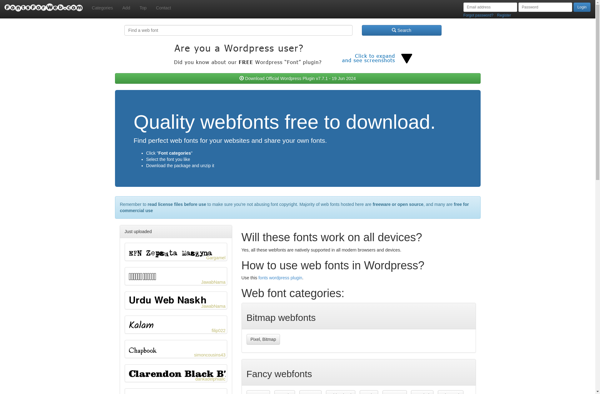
Fonts For Web is a free web font manager developed by Fonts For Web Ltd. It provides an easy way to browse, preview, and use fonts from various sources like Google Fonts and Adobe Fonts on your websites.Key features include:Intuitive interface to search, filter and preview fonts from different sources...
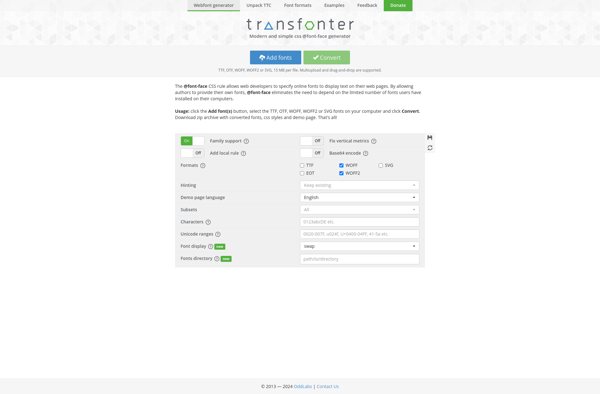
Transfonter is a free and easy to use online font converter that allows you to convert font files between different formats. It supports conversion between the most popular font formats including:OpenType (.otf)TrueType (.ttf)Web Open Font Format (.woff)Web Open Font Format 2 (.woff2)Embedded OpenType (.eot)With Transfonter's intuitive web interface, you can...
@font-face Generator is a handy online tool for web developers and designers who want to embed custom fonts on their websites. It generates the necessary CSS code using the @font-face rule, which allows custom fonts to be loaded from the web instead of being installed on the user's device.Some key...
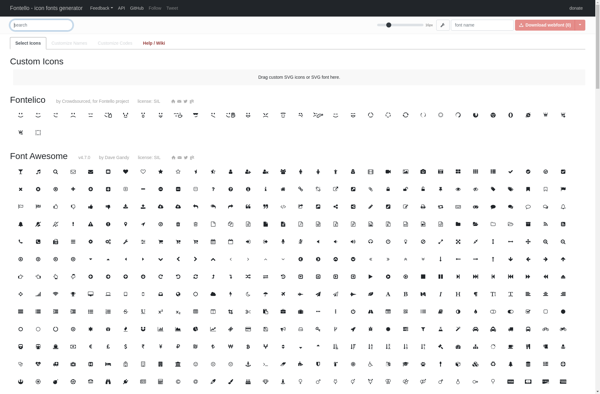
Fontello is a free web-based application for creating custom icon fonts. It allows designers and developers to combine icons from its library of over 600 vector icons to build a custom icon font that can be implemented in websites.Some key features of Fontello:Intuitive drag-and-drop interface to select and customize iconsIcons...
font2web is an open-source web font generator application that allows users to easily convert regular desktop fonts into web fonts that can be used on websites. It supports converting common font formats like TrueType (.ttf), OpenType (.otf) and even PostScript (.ps) fonts into optimized web fonts including WOFF, WOFF2, SVG...
Webfont is a cloud-based font hosting and delivery service optimized for use in websites and web applications. It allows designers and developers to integrate custom fonts into their projects without needing to self-host font files.Some key features and benefits of Webfont include:Cloud font hosting - Upload your font files to...