iMapping is a mind mapping and brainstorming software that allows users to visually organize ideas, concepts, and information. It has an intuitive drag-and-drop interface for building mind maps quickly.
What is IMapping?
iMapping is a feature-rich mind mapping and brainstorming software used for visually organizing ideas, concepts, and information. It has an intuitive drag-and-drop interface that allows users to quickly build mind maps showing the relationships between concepts.
Key features of iMapping include:
A clean and distraction-free interface for focus.
Hundreds of templates, icons, images and colors to visually organize concepts
Real-time collaboration allowing teams to work together on maps.
Presentation mode to showcase ideas to teams and clients.
Importing capabilities from various applications like Excel.
Automatic styling and arrangement of topics to save time.
Powerful search and filtering options to find information quickly.
Export maps to various formats like PDF, Images, HTML and more.
With its versatile features, iMapping is great for various use-cases like brainstorming, project planning, task management, preparation of lively presentations and more. It works on all platforms like Web, Windows, Mac, and has mobile apps available as well.
IMapping Features
Features
Intuitive drag-and-drop interface for building mind maps
Ability to add notes, images, and attachments to mind map nodes
Collaboration features for real-time editing and commenting
Export options to various formats including PDF, image, and HTML
Mobile apps for iOS and Android devices
Templates and themes for creating professional-looking mind maps
Pricing
Freemium
Subscription-Based
Pros
Easy to use and learn
Visually appealing and customizable mind maps
Collaborative features for team brainstorming and project planning
Wide range of export options for sharing and presenting ideas
Cons
Limited free version with fewer features
Subscription-based pricing model may not be suitable for all users
Some users may find the interface or functionality limited compared to other mind mapping tools
Miro is an innovative online collaborative whiteboard platform designed to facilitate creativity, collaboration and visualization for teams. With infinite canvases, teams can brainstorm ideas, map user stories, plan sprints, run design thinking sessions and workshops, sketch ideas and diagrams, and more.Some of Miro's key features include:Infinite canvases for ideation and...
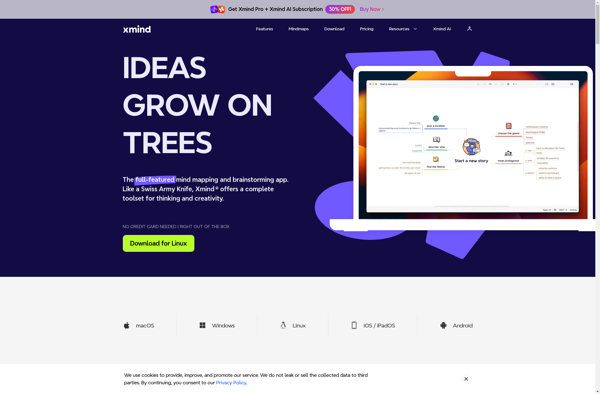
Xmind is a popular and full-featured mind mapping and brainstorming software. It enables users to visually organize ideas, concepts, notes, and information into free-flowing maps. The flexible tree and org chart views along with fishbone diagrams help structure thoughts and connect information.Key features of Xmind include:Intuitive drag-and-drop interface to easily...
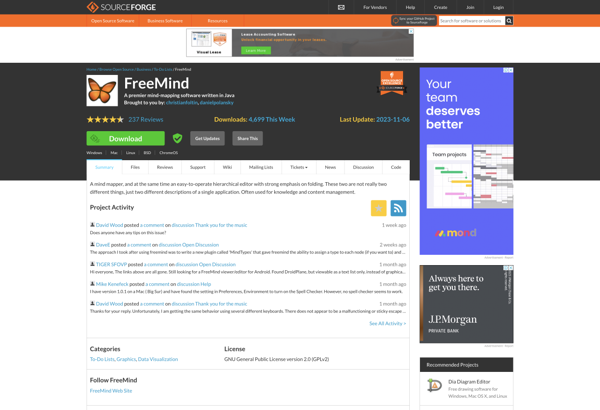
FreeMind is a free, open source mind mapping and knowledge management software. It allows users to visually organize ideas, tasks, concepts, notes, and other pieces of information in a node-based map.Some key features of FreeMind include:Flexible node-based map interface to structure thoughts visuallySupport for links between nodes, attachments, and notesAbility...
MindManager is a popular mind mapping and brainstorming software application developed by Corel. It allows users to visually organize ideas, concepts, notes, files, and information onto a digital canvas using intuitive maps and diagrams.Key features of MindManager include:Brainstorming tools to generate and organize ideasMind maps with branches, connections, icons, and...
MindMeister is a cloud-based mind mapping and brainstorming software. It enables individuals and teams to visually organize ideas, tasks, projects, and information into intuitive mind maps. Key features include:Online access - Log in to MindMeister from any device via a web browserReal-time collaboration - Multiple people can work on and...
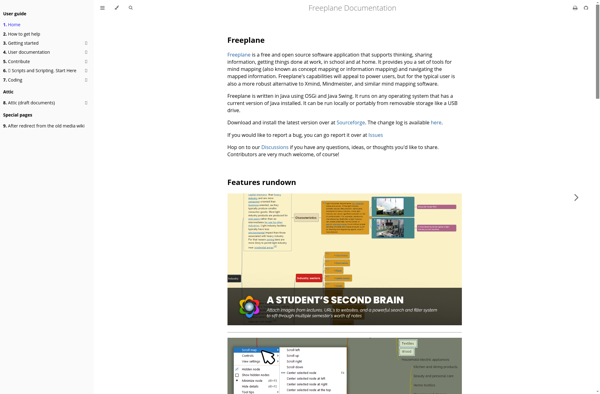
Freeplane is an open source and free mind mapping and knowledge management software. It allows users to visually organize ideas, tasks, projects, and concepts in a node-based map interface. The software aims to help users brainstorm ideas, structure thoughts, and manage information visually.Some key features of Freeplane include:Intuitive drag-and-drop interface...
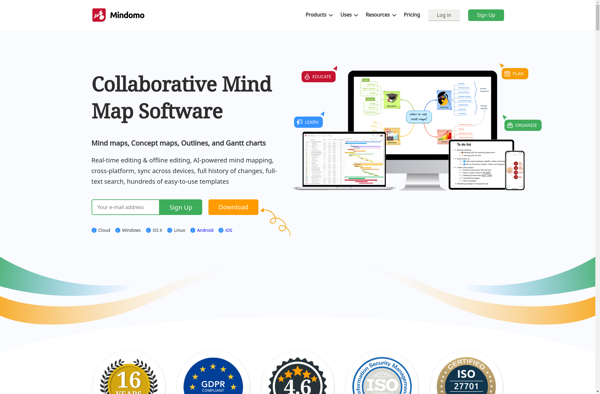
Mindomo is an user-friendly online mind mapping and brainstorming software. It enables individuals and teams to visually organize ideas, concepts, notes, tasks and documents into flexible and customizable mind maps. The interactive maps make it easy to structure information visually for better comprehension and recall.Key features of Mindomo include:Intuitive drag-and-drop...
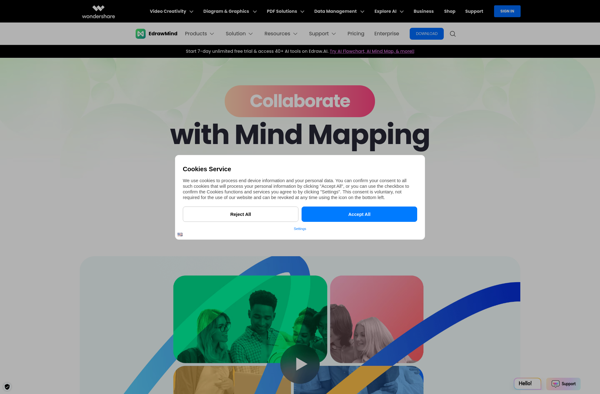
Wondershare EdrawMind is a versatile diagramming and mind mapping application for Windows. It provides an intuitive interface and powerful tools to create a variety of visual representations including flowcharts, organizational charts, mind maps, network diagrams, fashion designs, UML diagrams, publication layouts, and more.Some key features of EdrawMind include:Large collection of...
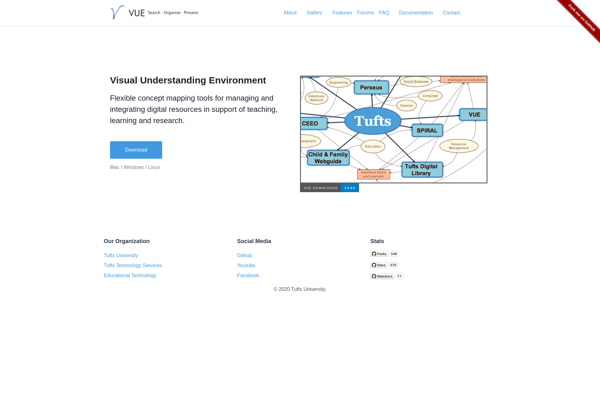
The Visual Understanding Environment (VUE) is an open-source data visualization application developed by the Academic Technology group at Tufts University. VUE provides users with the ability to visualize, analyze, and present complex data in an easy-to-use interface.Some key features of VUE include:Interactive 2D and 3D data visualizationSupport for multiple data...
ThinkComposer is an AI-powered writing assistant designed to help users organize their thoughts and compose high-quality content. It utilizes advanced natural language processing technology to understand text and provide intelligent writing suggestions.Some of the key features of ThinkComposer include:Outlining - It can analyze text and automatically create an outline to...
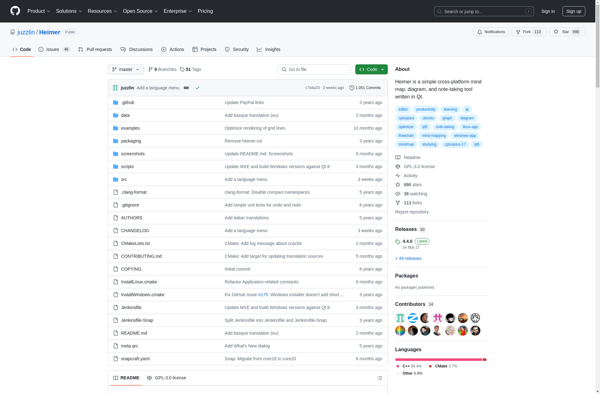
Heimer is a no-code website and application creation platform that empowers anyone to build fully-functional web apps and mobile apps visually, without needing to write any code. It uses a simple drag-and-drop interface along with various pre-built components and templates to put together responsive websites, progressive web apps, and native...