
InfoRapid Search & Replace
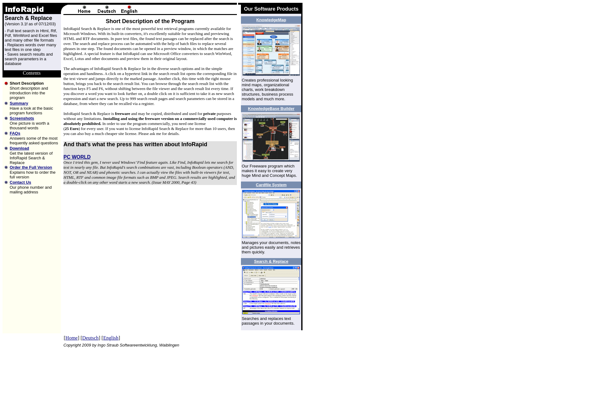
InfoRapid Search & Replace: Efficient Text Processing Tool
InfoRapid Search & Replace is a text processing tool that allows you to efficiently find and replace text across multiple files. It supports regular expressions and is useful for tasks like refactoring code, fixing typos, or updating content.
What is InfoRapid Search & Replace?
InfoRapid Search & Replace is a powerful text processing application designed to help users quickly find and replace text across multiple files and directories. Some key features include:
- Supports searching and replacing using regular expressions for advanced find/replace capabilities
- Processes files extremely quickly using multi-threaded search and replace
- Scans specified folders and sub-folders to process all files in a directory tree
- Provides options for case sensitive/insensitive searching and whole word/partial word matching
- Lets you preview and confirm replacements before committing changes
- Allows filtering by file type and file size
- Works across common file types like code, XML, CSV, JSON, text files, Office docs, and more
InfoRapid is useful for developers needing to refactor codebases, website owners wanting to update content across a site, writers fixing typos and formatting issues in documents, and anyone needing to efficiently find and replace text across multiple files. It can process gigabytes of text data quickly on even low-powered machines.
InfoRapid Search & Replace Features
Features
- Find and replace text across multiple files
- Support for regular expressions
- Batch processing capabilities
- Undo/redo functionality
- Previewing changes before applying them
- Backup and restore functionality
- Filtering and sorting options for search results
Pricing
- One-time Purchase
Pros
Cons
Reviews & Ratings
Login to ReviewNo reviews yet
Be the first to share your experience with InfoRapid Search & Replace!
Login to ReviewThe Best InfoRapid Search & Replace Alternatives
View all InfoRapid Search & Replace alternatives with detailed comparison →
Top Office & Productivity and Text Editors and other similar apps like InfoRapid Search & Replace
No alternatives found for InfoRapid Search & Replace. Why not suggest an alternative?







