InstantShot!

InstantShot!: Lightweight Screenshot Tool for Windows
InstantShot! is a lightweight, easy-to-use screenshot tool for Windows. It allows you to capture full screenshots or select a custom region to snapshot. Key features include image annotations, basic image editing, and sharing screenshots via email or social media.
What is InstantShot!?
InstantShot! is a feature-rich screenshot capture utility for Windows that makes it simple to take screenshots and annotate or edit them.
With InstantShot!, you can capture fullscreen shots of your entire desktop, active windows, or select a custom rectangular region to snapshot. It provides basic image annotation tools to add text boxes, arrows, highlights, and more to your screenshots.
After capturing a screenshot, you can perform basic edits like cropping, resizing, rotating, or adding filters. InstantShot! also makes it easy to share your screenshots via email or social media with just a couple clicks.
Other key features of InstantShot! include:
- Lightweight design that starts up instantly
- Intuitive user interface for fast screenshot capturing
- Support for saving screenshots as JPG, PNG, GIF and more
- Built-in image viewer and editor
- Configurable hotkeys for fast screenshot taking
- Ability to print screenshots directly from the app
Overall, InstantShot! is a reliable, easy-to-use screenshot tool for quickly capturing, annotating, editing and sharing screenshots on Windows.
InstantShot! Features
Features
- Capture full screenshots
- Select custom regions to snapshot
- Annotate images
- Basic image editing
- Share screenshots via email or social media
Pricing
- Freemium
Pros
Cons
Reviews & Ratings
Login to ReviewThe Best InstantShot! Alternatives
View all InstantShot! alternatives with detailed comparison →
Top Productivity and Screen Capture and other similar apps like InstantShot!
Here are some alternatives to InstantShot!:
Suggest an alternative ❐
LightShot

Greenshot

PicPick


Spectacle

FastStone Capture

Gyazo


Puush

Awesome Screenshot

Free Snipping Tool

ScreenCloud


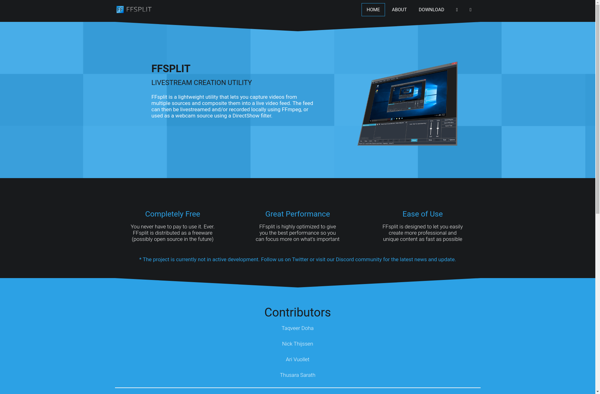
FFsplit

Ybex Clipboard

SnapDraw