
IObit Uninstaller is a free uninstallation tool that helps completely uninstall unwanted programs and browser plugins/extensions to free up disk space. It scans for leftover files and registry entries left by uninstalled programs for a cleaner PC.
What is IObit Uninstaller?
IObit Uninstaller is a free utility program developed by IObit to help users thoroughly uninstall unwanted programs from their Windows computers. It goes beyond the basic Windows uninstaller by removing leftover files, folders and registry entries that may be left behind after a regular uninstall.
Some key features of IObit Uninstaller include:
Force uninstall tools to remove stubborn programs
Deep scan leftovers after uninstall to clean up the registry and hard drives
Detect and uninstall bundled software offers during installations
Multi-lingual support
Monitor installs in real-time to simplify uninstalls
Uninstall browser extensions with one click
Update software with one click
By removing all traces of uninstalled software, IObit Uninstaller aims to free up disk space and eliminate conflicts that may impact computer stability or performance. Regular use can help keep a Windows PC running smoothly. It has customizable scan settings for advanced users.
IObit Uninstaller is free for personal use and receives frequent updates. There is also a Pro version with extras like auto cleanup on uninstall, uninstall Facebook plugins, and uninstall from context menus.
IObit Uninstaller Features
Features
Uninstalls programs, including stubborn ones that cannot be removed through the standard Windows uninstall
Removes browser extensions, plugins and toolbars
Scans for and deletes leftover files and registry entries after program uninstalls
Monitors program installations in real-time to allow easy uninstall later
Ability to uninstall programs in batch
Forced uninstall for removing damaged programs
Startup manager to disable unwanted startup programs
Uninstalls Windows apps and Universal Windows Platform (UWP) apps
Removes malicious and ad-based browser extensions
Shreds files to prevent recovery after deletion
Pricing
Freemium
Pros
Free
Effective at completely removing programs
User-friendly interface
Additional useful utilities beyond uninstalling
Lightweight
Works with most programs
Cons
Contains advertisements
Some advanced features require upgrade to paid version
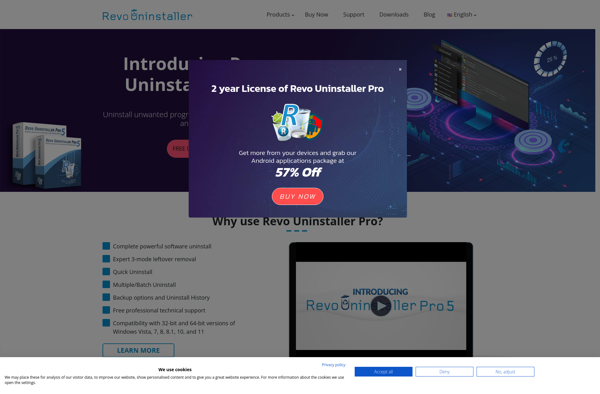
Revo Uninstaller is a popular freeware application for uninstalling programs and removing leftover traces on Windows computers after the regular uninstaller has been run. It provides a more thorough and complete uninstall compared to the basic Windows uninstaller.Some key features of Revo Uninstaller include:Hunter Mode - scans for remnants of...
Glary Utilities is a free all-in-one PC utility software for Windows. It helps clean, optimize, speed up, fix, and protect your PC system.Key features:Cleans disk and registry, fixes Windows errors, manages startup programsBoosts system speed, optimizes internet and privacyScans and removes malware, adware and potentially unwanted programs (PUPs)Manages and uninstall...
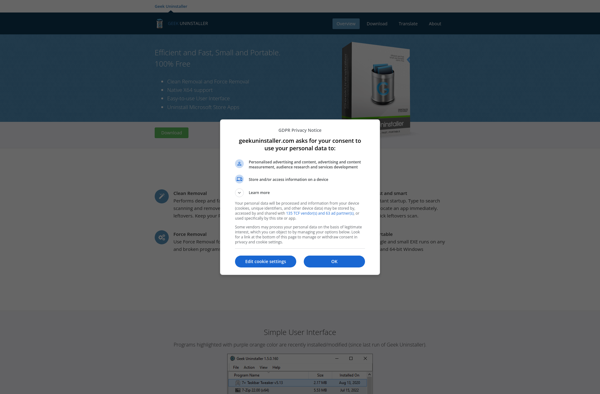
Geek Uninstaller is a powerful yet easy-to-use uninstaller program for Windows. It helps users thoroughly remove unwanted programs from their computers by cleaning up all associated registry entries, files, folders, and shortcuts.Unlike the basic uninstaller that comes with Windows, Geek Uninstaller scans your system after a standard uninstall and searches...
AppCleaner is a free, open-source utility application for macOS that helps completely uninstall unwanted apps from your system. It goes beyond the standard drag-to-Trash uninstall method by finding and removing all associated preference files, caches, libraries, logs, and other hidden support files and folders that many apps leave behind. This...
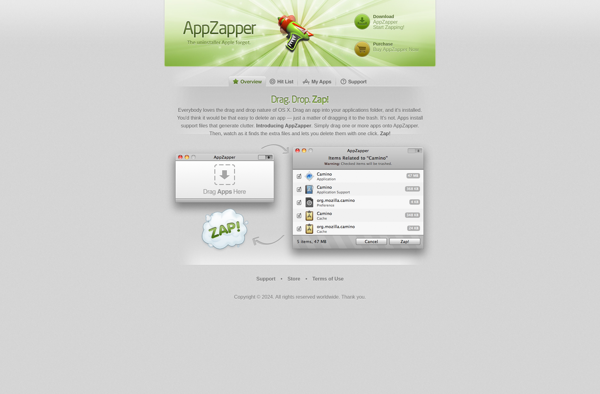
AppZapper is a software utility for Mac that allows users to cleanly uninstall unwanted applications by deleting all associated files and components.With AppZapper, you can deeply remove all files, scripts, plugins, frameworks, receipts, and related folders - even if the program is already removed from the Applications folder. This ensures...
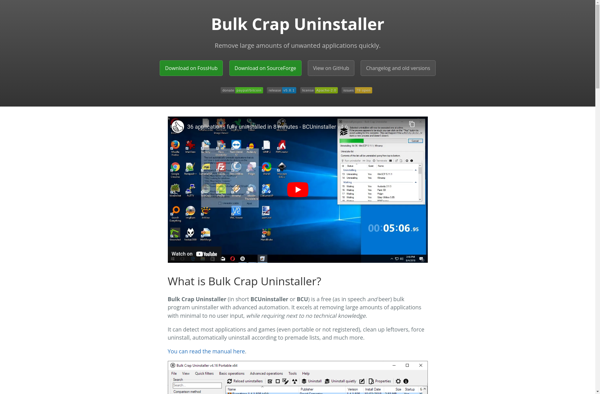
Bulk Crap Uninstaller is a free software uninstallation tool for Windows operating systems. It provides users with an easy way to uninstall multiple unwanted programs at once, instead of having to go through time-consuming individual uninstall wizards.Some key features of Bulk Crap Uninstaller include:Ability to queue up and batch uninstall...
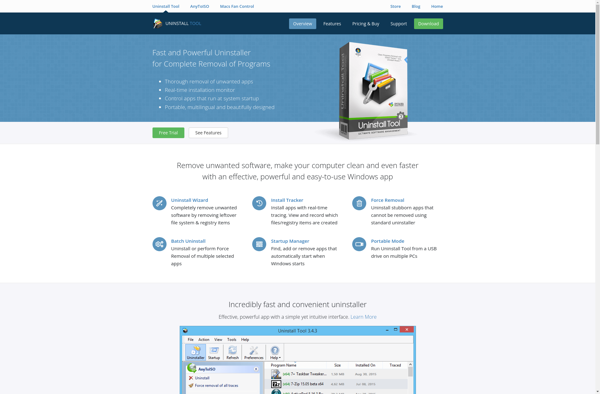
Uninstall Tool is a free utility program for Windows that helps thoroughly uninstall unwanted programs that may be difficult to fully remove using the regular Windows uninstall process. It scans your system for leftovers after an uninstall and allows you to easily delete them.When you uninstall a program using the...
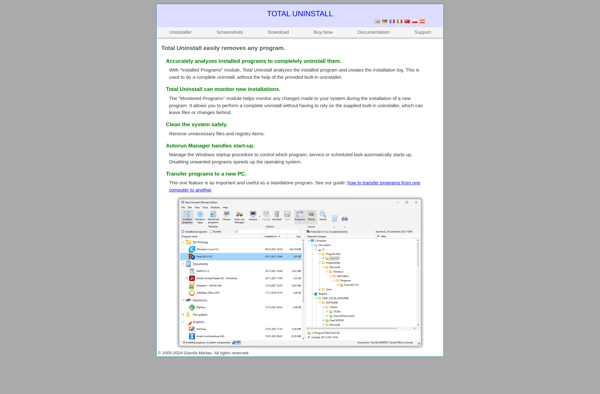
Total Uninstall is a powerful uninstaller and system cleanup utility for Windows. It helps completely remove unwanted programs, even stubborn leftovers that other basic uninstallers often leave behind. Total Uninstall digs deep to remove all traces of a software.Key features include:Complete program uninstallation - removes program files, folders, registry entries,...
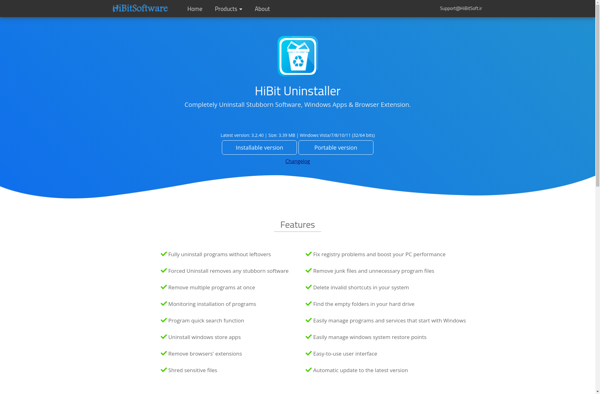
HiBit Uninstaller is a free utility program designed to thoroughly remove unwanted programs from Windows computers. It goes beyond the basic Windows uninstaller by scanning the system for leftovers that regular uninstallers often leave behind.When you uninstall a program the normal way, via Windows Add/Remove Programs or Programs and Features,...
PC Decrapifier is a free portable software for Windows that helps users remove unwanted pre-installed applications, also known as bloatware, from a new computer. It works by detecting common bloatware that comes preloaded on new Windows PCs from manufacturers and creates a custom uninstall list so users can easily and...
Should I Remove It? is a free clean-up tool for Windows that helps analyze programs installed on your computer and determine if any are redundant or unnecessary. It scans your system and builds an inventory of installed software, then compares it against known data to classify each program as either...