Letterpad
Letterpad: Simple Free Word Processors
A lightweight text editor for Windows with basic formatting features like fonts, colors, and paragraph formatting to create documents, letters, notes, and more.
What is Letterpad?
Letterpad is a lightweight and easy-to-use word processor and text editing application for Windows. Developed as an alternative to premium software like Microsoft Word, it aims to provide core text editing and formatting features free of cost.
With Letterpad, users can create various documents such as letters, articles, notes, lists, journals, and more. It comes equipped with fonts like Arial, Times New Roman, Verdana along with options to tune font style (bold, italics, underline), size, color, highlighting, and paragraph formatting (alignment, indentation, spacing).
While it lacks some advanced features of Microsoft Word, Letterpad offers a minimalistic interface allowing users to focus on writing. It supports TXT and RTF formats allowing transfer of contents to other software. Users mention its portable nature and negligible system resource usage as key benefits.
In all, Letterpad makes for the right fit if you need a simple and free alternative to Word for basic typing and formatting tasks. It puts minimal load on system performance which comes handy on old hardware.
Letterpad Features
Features
- Basic word processing
- Text editing
- Font formatting
- Paragraph formatting
- Text alignment
- Text color
- Page margins
- Printing
- Export to PDF
Pricing
- Free
Pros
Cons
Reviews & Ratings
Login to ReviewThe Best Letterpad Alternatives
View all Letterpad alternatives with detailed comparison →
Top Office & Productivity and Word Processors and other similar apps like Letterpad
Here are some alternatives to Letterpad:
Suggest an alternative ❐
Words With Friends


Alphabear


Words of Gold
Word Domination

Wordiamo

Ruzzle Adventure

ReWordz

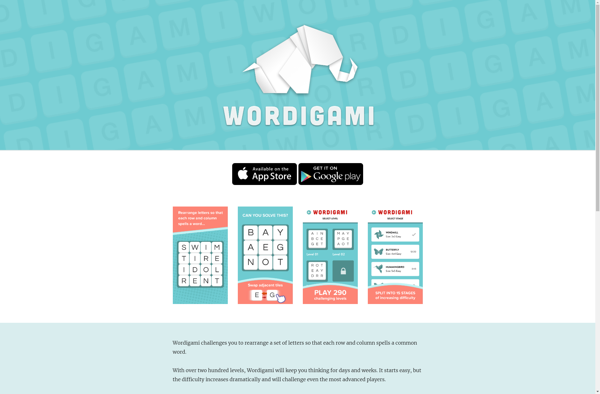
Wordigami
Word Wise

Letters of Gold